
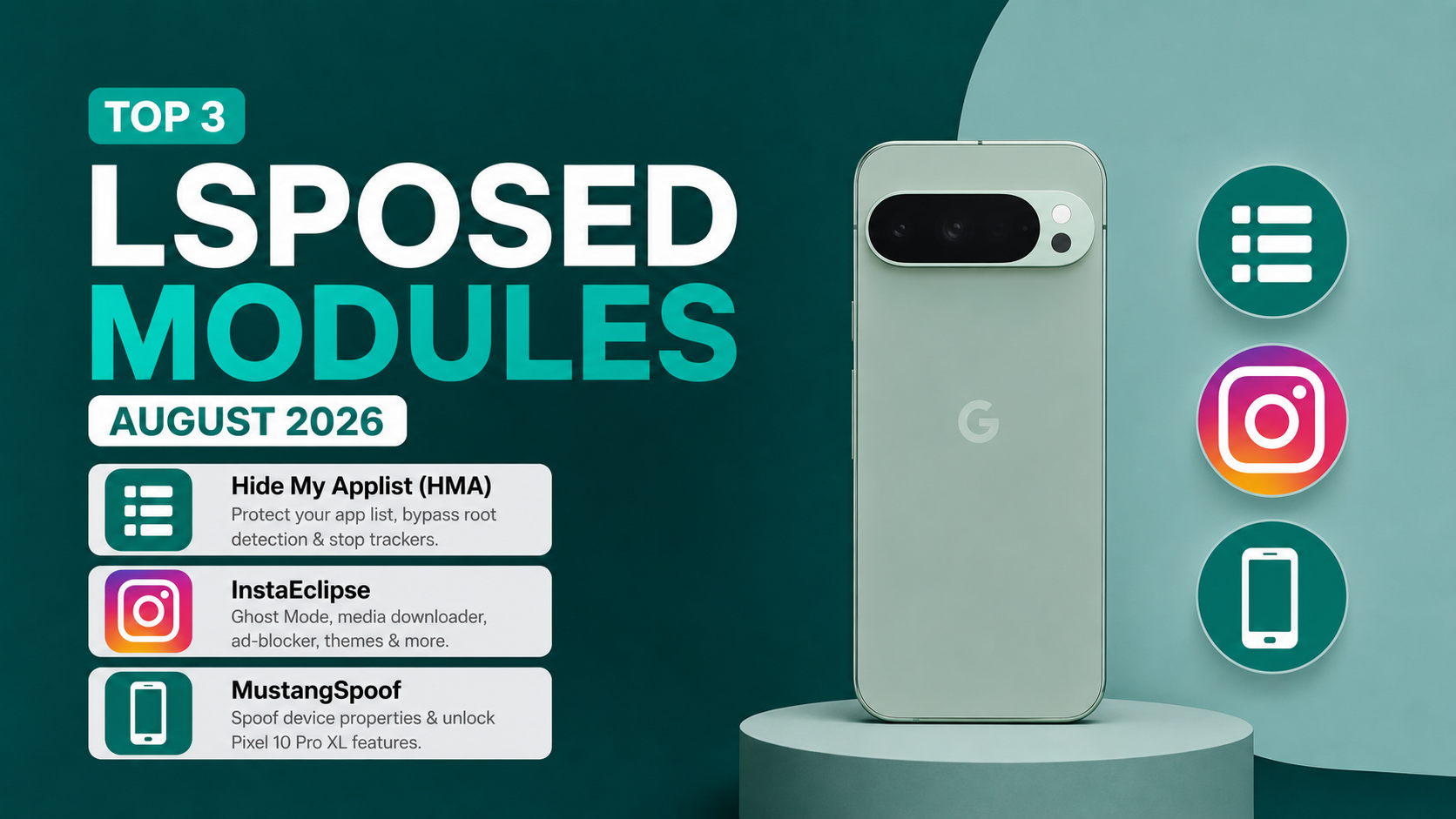
LSPosed is one of those Android tools that can completely change how you use a rooted phone. Instead of installing a separate application for every little modification, compatible LSPosed modules can hook into Android or individual apps and change specific behaviours.
That flexibility is also what makes choosing modules a little difficult. There are hundreds of projects available, and not every module is worth installing.
For this August 2026 roundup, I focused on three modules with very different purposes: Hide My Applist, InstaEclipse, and MustangSpoof.
I tried them on a Google Pixel 6 running Android 17 QPR1 Beta 9. Since this is a beta Android build, keep in mind that module compatibility can change as Google updates the operating system.
The three modules aren't really competitors. One deals with application visibility, another changes Instagram's behaviour, and the third is aimed at device-property spoofing. That makes them interesting for completely different reasons.
Hide My Applist: More Control Over Application Visibility
The first one is Hide My Applist, or HMA.
The problem it tries to solve is fairly specific. Some applications can query information about the applications installed on your phone. That can become relevant when you're running root-related tools, privacy utilities, fake-location applications or other software that an app might consider suspicious.
HMA works as an Xposed module that can intercept application-list detection and either hide selected applications or reject app-list requests. The project also provides ways to test whether the hiding configuration is actually working.
That last part is useful because hiding an application isn't particularly helpful if you have no way to check whether the target application can still see it.
How I would use HMA
The important thing with HMA is selective configuration.
You don't necessarily want every application to see exactly the same thing, and you also shouldn't assume that hiding every installed package is the best approach.
You can create rules for specific target applications and control what they are allowed to discover.
There is another important distinction here: HMA is primarily concerned with application-list detection. It isn't a universal root-hiding solution.
If an application detects root through another method, such as checking system properties, files, services or other signals, simply hiding the application list won't necessarily solve that problem.
The project's documentation itself makes this distinction, which is worth remembering before expecting HMA to fix every root-detection issue.
The current project is maintained on GitHub by Dr-TSNG. The current release history also shows ongoing releases, including v3.6.1.
InstaEclipse: A Different Kind of LSPosed Module
The second module is much more focused: InstaEclipse.
Instead of changing Android globally, InstaEclipse hooks into Instagram and adds controls that aren't normally available in the official app.
The project describes itself as an Instagram Xposed module with features including Ghost Mode, ad-free browsing, distraction-free controls, developer options and other customization features.
Some of the privacy-related options are particularly interesting.
Depending on the supported Instagram version, InstaEclipse provides controls for hiding DM seen status, hiding the typing indicator, hiding story views, hiding live presence and bypassing certain screenshot restrictions.
There are also interface and media-related features, including custom themes, Reels quality controls, a downloader and other Instagram-specific modifications.
Instagram compatibility is the catch
This is where I would be slightly more cautious.
Instagram changes frequently. A modification that hooks into Instagram's internal code can stop working after an Instagram update, even if Android itself hasn't changed.
The InstaEclipse project uses DexKit for dynamic class and method detection to help with compatibility, but the project still acknowledges that individual features can become unstable on particular Instagram versions.
There has also been a change in the project's development direction. The official repository says InstaEclipse is being succeeded by Purrfect, while development continues during the transition. The release page currently lists v0.6.0 as the latest release.
So if you're installing InstaEclipse today, I would check the latest GitHub release rather than simply downloading an old APK from a third-party website.
The official project is available at ReSo7200/InstaEclipse on GitHub.
Full YouTube Video
A Quick Note About Privacy
Some InstaEclipse features are designed specifically to change how your activity appears to other Instagram users.
That means you should understand exactly what a particular feature does before enabling it. Instagram can also change its behaviour server-side, so a feature working today isn't necessarily guaranteed to work after a future update.
I would also avoid downloading modified Instagram APKs from random websites. The project's own installation documentation specifies supported installation methods and provides release information.
MustangSpoof: Experimenting With Device Properties
The third module, MustangSpoof, takes yet another approach.
Instead of hiding applications or modifying Instagram, its purpose is to change the device information presented to selected applications.
The idea is useful because some Android applications enable or disable features based on the device model or software properties they detect.
The video demonstrates MustangSpoof being used to target applications individually and present Pixel-related device properties.
This is where it is important to understand what property spoofing can and cannot do.
Changing a device property can potentially influence software decisions. It cannot physically add hardware that your phone doesn't have.
For example, if an application checks whether you're using a particular device before exposing a software feature, spoofing may be relevant. But if that feature depends on a specific camera sensor, GPU capability or other physical component, changing the reported model won't magically provide it.
That's why I would treat MustangSpoof primarily as a compatibility and experimentation tool, rather than a guaranteed method for unlocking every device-exclusive feature.
Why Per-App Spoofing Is Interesting
Changing device properties globally can have side effects because every application sees the modified information.
Per-app spoofing is more controlled.
If you only need a particular application to see different properties, limiting the modification to that application reduces the number of other apps affected by the change.
It doesn't eliminate compatibility problems, but it gives you a cleaner way to experiment.
This is especially useful for Android enthusiasts who like testing how applications respond to different device configurations.
How These Three Modules Fit Together
What I like about this particular combination is that each module solves a different problem.
Hide My Applist: is about controlling application visibility.
InstaEclipse: is about changing the behaviour and interface of Instagram.
MustangSpoof: is about changing device information presented to selected applications.
So I wouldn't recommend installing all three just because they're on a "top modules" list.
If you don't use Instagram, InstaEclipse probably isn't useful to you. If you never encounter application-list detection, HMA may not solve a problem you actually have. And if you don't need application-specific property testing, MustangSpoof may simply add unnecessary complexity.
That's a better way to approach LSPosed in general: install a module because it solves a problem, not because it exists.
Tested on Pixel 6 and Android 17 QPR1 Beta 9
For this particular test, I used my Google Pixel 6 running Android 17 QPR1 Beta 9.
That detail matters more than it might initially seem.
LSPosed modules often depend on Android internals or the internal structure of individual applications. A beta Android build can change those internals, while an Instagram update can change the application's own code.
So compatibility should always be checked against the specific Android and application versions you're running.
I also wouldn't treat the results from my Pixel 6 as proof that the same configuration will work identically on another phone.
A Few Things I'd Do Before Installing Any LSPosed Module
First, make sure your LSPosed installation itself is working correctly.
Then install one module at a time.
This makes troubleshooting much easier. If something starts crashing immediately after installing three modules simultaneously, figuring out which one caused the problem becomes unnecessarily difficult.
Also check the module's official repository before installing it. Look at the latest release, supported Android versions, known issues and recent activity.
And most importantly, keep a way to disable the module if something goes wrong.
Final Thoughts
These three modules represent three very different sides of Android customization.
Hide My Applist is probably the most practical if your problem involves application-list visibility. InstaEclipse is aimed at people who want significantly more control over Instagram, although its compatibility will always be tied closely to Instagram's updates. MustangSpoof is more experimental and interesting for people who want to see how applications respond to different device properties.
I tested them on a Google Pixel 6 running Android 17 QPR1 Beta 9, but I'd still recommend checking the current project information before installing them on another Android version.
And that's probably the biggest lesson with LSPosed: don't chase a list of "must-have" modules.
Find the limitation you actually want to change, understand what the module is doing, and then decide whether the additional functionality is worth the extra complexity.
For rooted Android users, that's where LSPosed really shines—it gives you the ability to make targeted changes instead of modifying everything on the phone at once.
Official Sources
- Hide My Applist: Official GitHub
- InstaEclipse: Official GitHub
- LSPosed: Official GitHub
Test device: Google Pixel 6 Android: 17 QPR1 Beta 9
Downloads:
Discussion (0)
Post a Comment
No comments yet. Be the first to share your thoughts!