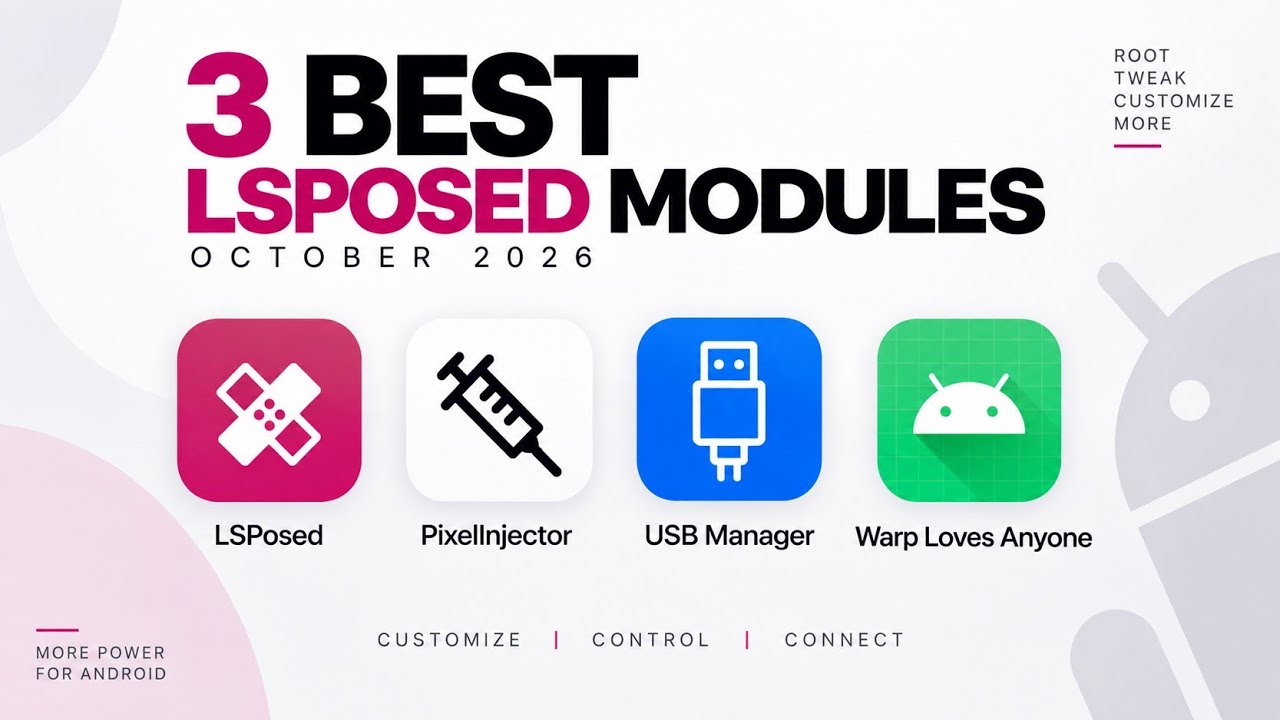
Android customization enthusiasts often install separate modules for interface changes, USB controls, and network behavior. This October 2026 roundup covers three tools featured in the video: Pixel Injector, USB Manager, and Wrap Loves Anyone.
Pixel Injector groups Pixel-focused tweaks in one interface, USB Manager makes USB mode selection easier, and Wrap Loves Anyone can route selected app traffic through Cloudflare WARP while making Cloudflare apps follow system dark mode.
Requirements
The demonstration states that all three modules are activated through LSPosed. Your device must already be rooted and running a working LSPosed framework. These modules are not a substitute for setting up root and LSPosed.
Compatibility may vary by Android version, device, framework, and module release. Back up important data and check each project's notes before installing.
1. Pixel Injector
Pixel Injector bundles Pixel-focused system, UI, launcher, and device tweaks into one package.
The video presents it as a way to adjust supported status-bar icons, launcher settings, system aesthetics, and device-specific behavior without installing many separate modules. This consolidated approach may suit Pixel owners who want to manage related tweaks from one interface.
The exact options depend on the device and software version, so review the project details before installing.
2. USB Manager
USB Manager focuses on the options available when an Android phone is connected to a computer by USB.
According to the demonstration, it displays a popup when the cable connects. Users can select File Transfer, Tethering, or MIDI, and the video also highlights controls for enabling or disabling ADB debugging.
This can save time if you frequently transfer files, use tethering, or work with Android debugging tools. ADB debugging is powerful: keep it disabled when not needed and authorize only computers you trust.
3. Wrap Loves Anyone
Wrap Loves Anyone is described as a module built using libxposed API 102.
The video says it can force traffic from selected apps through Cloudflare WARP and make Cloudflare apps respect the system dark-mode theme. This may be useful for users who want selected-app routing rather than applying the same choice to every app.
WARP should not be treated as a guarantee of anonymity. Review the apps selected for routing and check that important services work as expected.
Watch the Full Video
How to Install and Activate the Modules
Step 1: Prepare the Device
Confirm that the phone is rooted and LSPosed is installed and working. Rooting and installing LSPosed are outside the scope of this guide.
Step 2: Download the APKs
Use the individual links below and review each module's source and release notes.
Step 3: Install
Install each APK using Android's package installer. Keep copies of the APKs if you want to retain the versions used in your setup.
Step 4: Open LSPosed Manager
Launch LSPosed Manager and navigate to the Modules section.
Step 5: Enable Modules and Configure Scopes
Enable Pixel Injector, USB Manager, and Wrap Loves Anyone. Configure scopes according to each module's instructions. Incorrect scopes can prevent a module from working or affect apps you did not intend to modify.
Step 6: Reboot if Required
Follow activation or reboot instructions provided by LSPosed or each module.
Step 7: Test One at a Time
Review Pixel Injector's tweaks, connect a USB cable to test USB Manager, and configure selected-app routing for Wrap Loves Anyone. Testing one module at a time makes troubleshooting easier.
Safety and Troubleshooting
LSPosed modules can change system or app behavior. If you experience crashes, unexpected UI changes, or connectivity problems, disable the most recently enabled module and test again. Keep a recovery path available before making system-level changes.
Do not enable ADB debugging unnecessarily, and authorize only trusted computers. Network-routing modules can affect access to services, so test them with non-critical apps first.
Final Thoughts
These modules serve different customization needs. Pixel Injector groups Pixel-focused tweaks, USB Manager simplifies USB connection controls, and Wrap Loves Anyone offers selected-app routing through Cloudflare WARP plus dark-mode behavior for Cloudflare apps.
All three require a rooted device with a working LSPosed framework in the demonstrated setup. Check compatibility and source information before installing.
Discussion (0)
Post a Comment
No comments yet. Be the first to share your thoughts!