
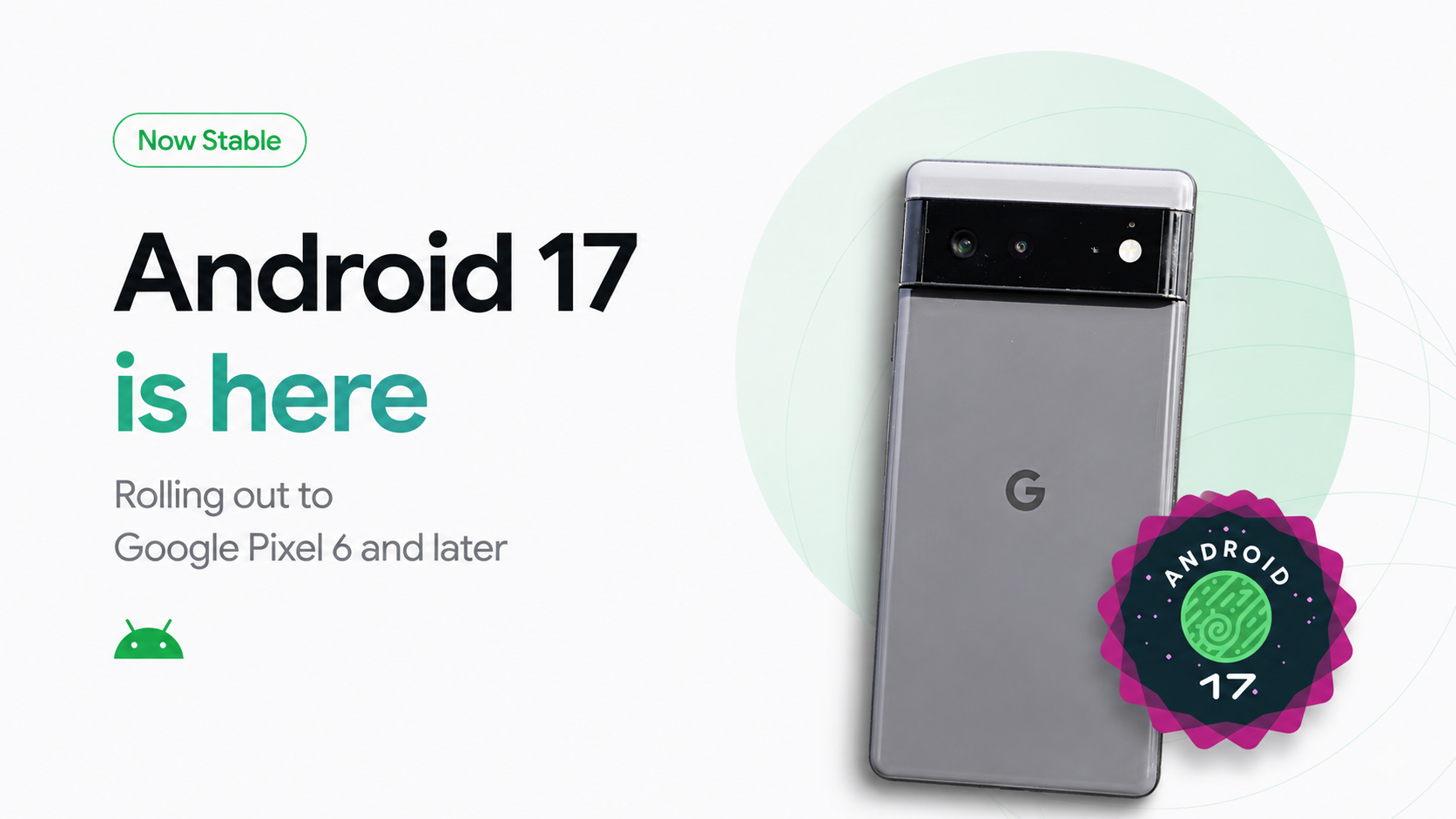
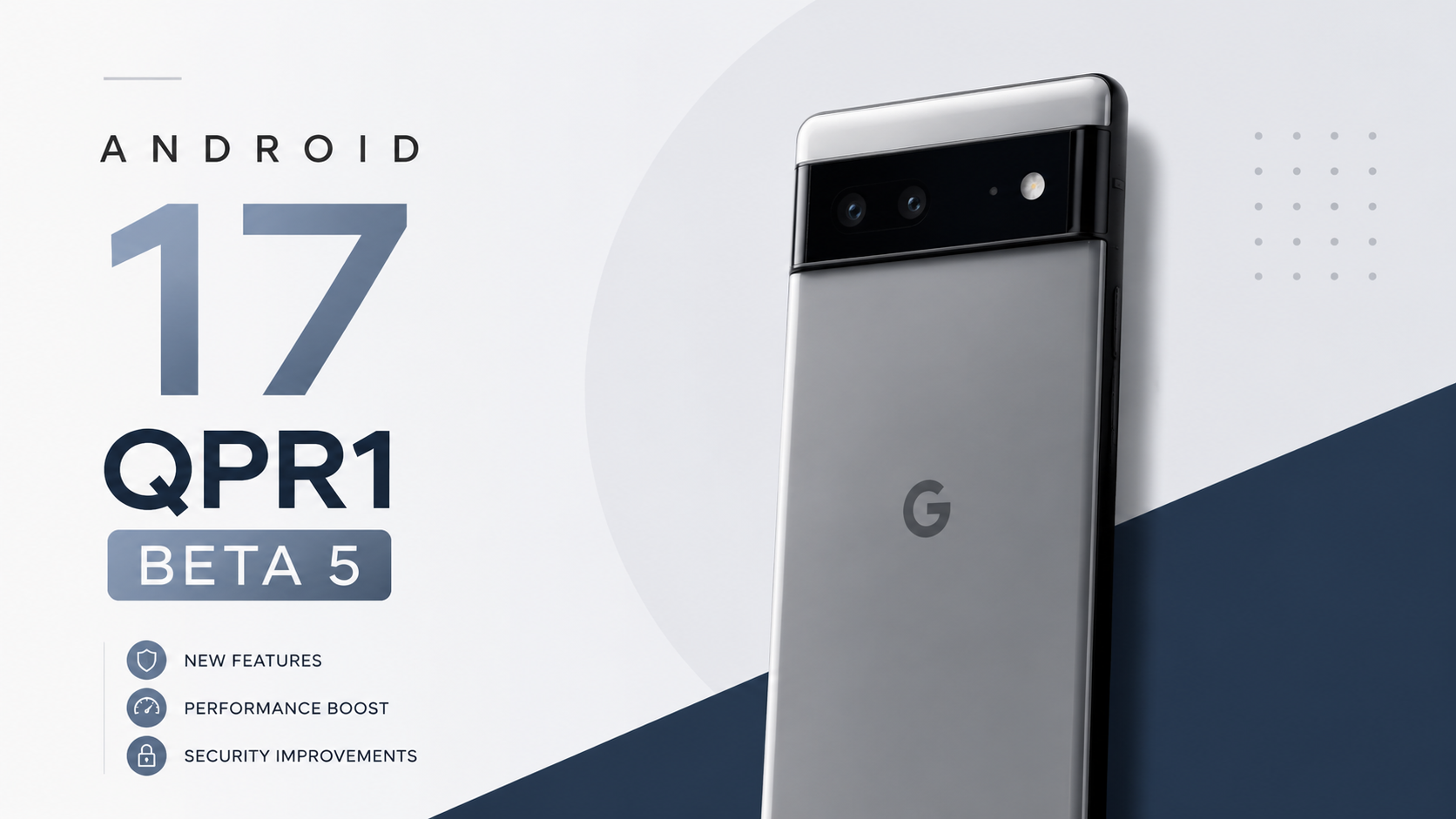
Welcome back to Techynoob! If you are rocking a Google Pixel 6 or any of the newer models all the way up to the shiny new Pixel 10 series you are in for a major treat. Google has officially started rolling out the Android 17 stable update as part of the massive June 2026 Pixel Feature Drop.
For months, we have been testing the developer and beta builds, and now that the stable version is finally here, I have had the chance to thoroughly test it on my daily driver. In this post, I am going to break down everything you need to know about the Android 17 update, including the exciting new features, how it impacts battery life, and the annoying bugs that you need to watch out for before you hit that download button. Let's dive right in!
What’s New in Android 17?
Android 17 isn't just a minor visual tweak; it brings some hefty productivity and security enhancements that genuinely change how you use your Pixel device. Here are some of the biggest highlights:
- App Bubbles & Bubble Bar: Android 17 takes multitasking to the next level. You can now long-press any app icon and turn it into a floating, interactive bubble. If you are using a larger device like the Pixel Fold or a tablet, there is a new dedicated Bubble Bar at the bottom of the screen to organize these windows seamlessly.
- Screen Reactions: For content creators, this is massive. The built-in Screen Recorder now supports the front-facing camera. You can record your screen and capture your own face and reactions simultaneously—no third-party apps or green screens required.
- Enhanced Security & Privacy: Google introduced biometric authentication for the "Mark as Lost" feature in the Find Hub. Even if a thief has your PIN, they cannot disable tracking without your fingerprint or face scan. You can also now grant temporary, one-time precise location access to apps.
- Gemini Omni: Google’s next-generation AI experience expands its capabilities across the Pixel, making tasks like voice translation, message summarization, and photo editing much more intuitive and deeply integrated into the OS.
Why I Use This As A Daily Driver
Whenever a new Android version drops, there are always features that sound great on paper but never get used in the real world. However, with Android 17, there are a couple of additions that have instantly become part of my routine.
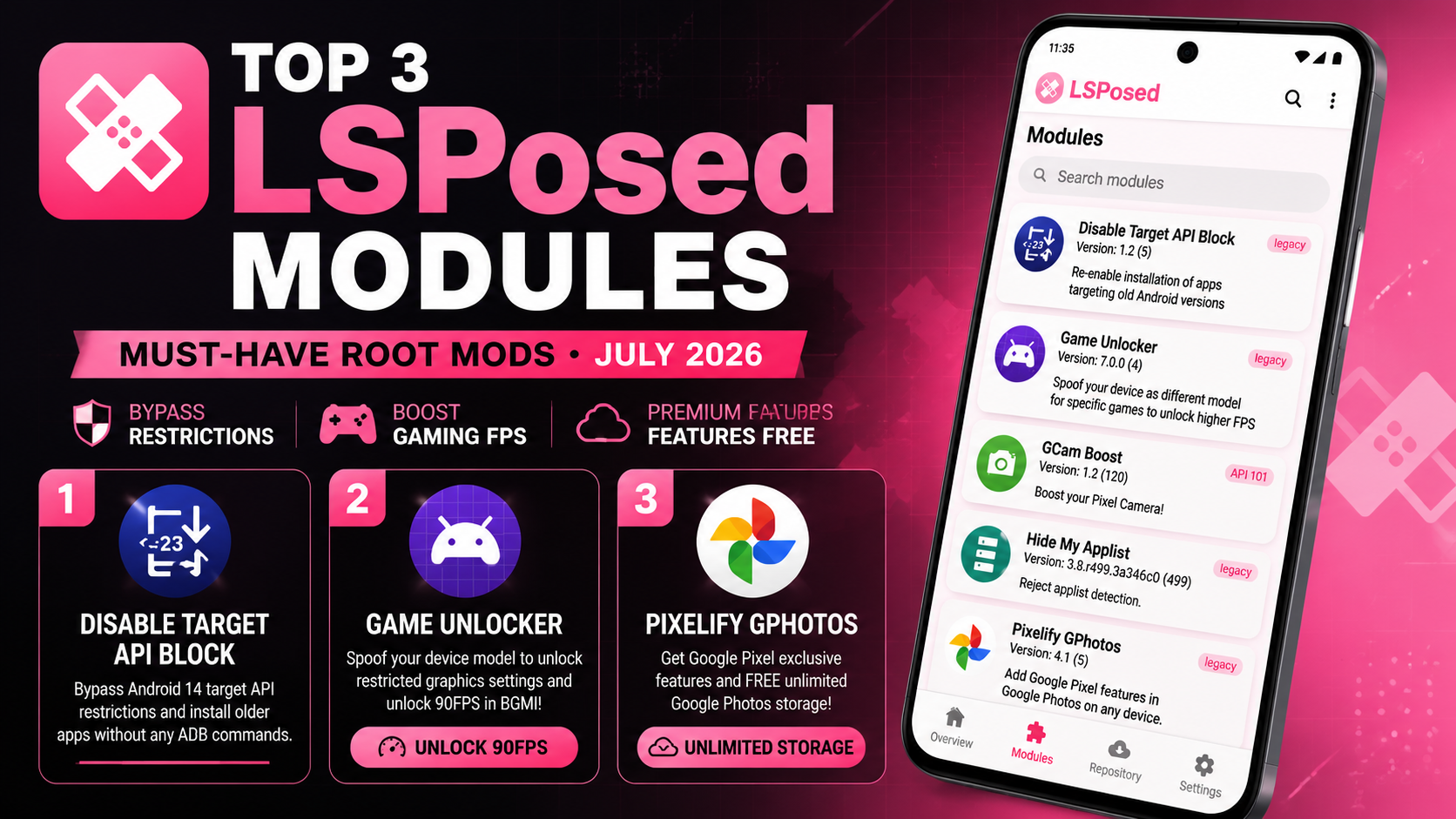
First off, App Bubbles. "Why I use this module daily" is a statement I find myself repeating a lot when I show off my new home screen setup on the Techynoob channel. Having my notes app or a calculator floating in a compact bubble while I browse the web or read an email saves me so much time. I no longer have to constantly swipe back and forth between full-screen apps to copy and paste information.
Secondly, the Screen Reactions feature is an absolute godsend for my workflow. Whether I am making a quick tutorial on how to navigate a hidden Android setting or just showing a gameplay clip, being able to overlay my face using the selfie camera directly from the native screen recorder is incredibly convenient. It saves me from transferring files to my PC just to sync up separate audio and video tracks.
Battery Impact and Performance Analysis
Let’s talk about the performance and battery life. Major Android updates can sometimes be a mixed bag right out of the gate.
From my testing, Android 17 brings a much-needed under-the-hood optimization: strict app memory limits. Google implemented this to aggressively manage background processes and cure UI stutters. And honestly? It works remarkably well. Navigating through the user interface, opening the camera, and switching between heavy applications feels noticeably snappier compared to the later builds of Android 16.
As for the battery impact, it is mostly positive. The aggressive memory management means rogue background apps aren't silently draining your juice. My standby time overnight has improved by a solid 3% to 4%. During heavy usage—like utilizing Gemini Omni or running high-refresh-rate apps—the battery drain is consistent with what I experienced previously. It hasn't drastically extended my overall screen-on time, but the thermal management feels slightly better; my Pixel doesn't get uncomfortably warm during long browsing sessions anymore.
Android 17 Bugs Users Are Reporting
No software launch is perfect, and Android 17 stable has unfortunately brought its own set of gremlins. If you check the Pixel Community forums and Reddit, users across the Pixel 6 to Pixel 10 series are reporting some frustrating issues:
- The Touch Input Bug: This is the most widely reported issue right now. Users are experiencing erratic touchscreen behavior. Sometimes, it’s gesture inversion you swipe down to scroll, and the screen scrolls up. Other times, the screen becomes temporarily unresponsive to all touch inputs for a few seconds.
- Disappearing Widgets: Many users, especially those using Work Profiles, are noticing that their home screen widgets simply vanish. Worse, they sometimes disappear from the widget drawer entirely, making it impossible to add them back.
- Wi-Fi Connectivity Drops: Some devices are experiencing Wi-Fi drops when using specific applications like TikTok or certain Google apps. The phone shows it is connected to the router, but no data loads.
- eSIM Disconnections: A severe bug for some users is their eSIM turning off randomly. Attempting to re-enable it results in an error message, leaving them entirely without cellular service.
- GPU Performance Drops in Gaming: Despite the UI optimizations, some gamers on newer devices have reported strange frame drops and stutters in titles that previously ran perfectly smooth.
Potential Bugs and How I Fixed Them on My Device
I have been running Android 17 for a while now, and I didn't escape completely unscathed. Let's talk about the potential bugs and how I fixed them on my device.
The most annoying issue I encountered was the widget bug. My calendar and weather widgets completely vanished from my home screen one morning. To fix this, I went into my settings and cleared the cache of the "Pixel Launcher" app (Settings > Apps > Pixel Launcher > Storage & cache > Clear Cache), followed by giving my phone a hard reboot. When it turned back on, the system refreshed, and I was able to re-add the widgets from the drawer. They haven't disappeared since.
I also experienced a mild version of the touch input bug, where my screen ignored my swipes for about five seconds right after unlocking the phone. Since this seems to be a system UI glitch rather than a hardware failure, I found that quickly locking the device with the power button and unlocking it again immediately restored normal touch functionality. It's a temporary band-aid, but it keeps you from getting stuck.
For the Wi-Fi stalling issue, I noticed my connection hanging while watching videos. I went into my home router settings and temporarily disabled IPv6, forcing the network to only use IPv4. This completely stabilized the connection on my Pixel, and I plan to leave it this way until Google pushes out an official network patch.
Final Verdict: Should You Update?
Android 17 brings some fantastic productivity tools and essential security upgrades. The addition of App Bubbles and Screen Reactions makes the Pixel experience feel much more modern, capable, and tailored for power users. The day-to-day performance is smooth, and the battery life remains stable.
However, if you rely heavily on an eSIM for work or get easily frustrated by minor touchscreen glitches, you might want to hold off for a week or two. Google has already acknowledged several of these issues on their official community channels, and a hotfix update is likely right around the corner.
Are you going to install the Android 17 update on your Pixel today, or are you waiting for the first bug-fix patch? Let me know your thoughts in the comments below, and don't forget to check out the Techynoob YouTube channel for more Android tips, tricks, and tech reviews!
Subscribe to our YouTube channel for daily Android tips, tricks, and tutorials: TechyNoob
Discussion (0)
Post a Comment
No comments yet. Be the first to share your thoughts!