
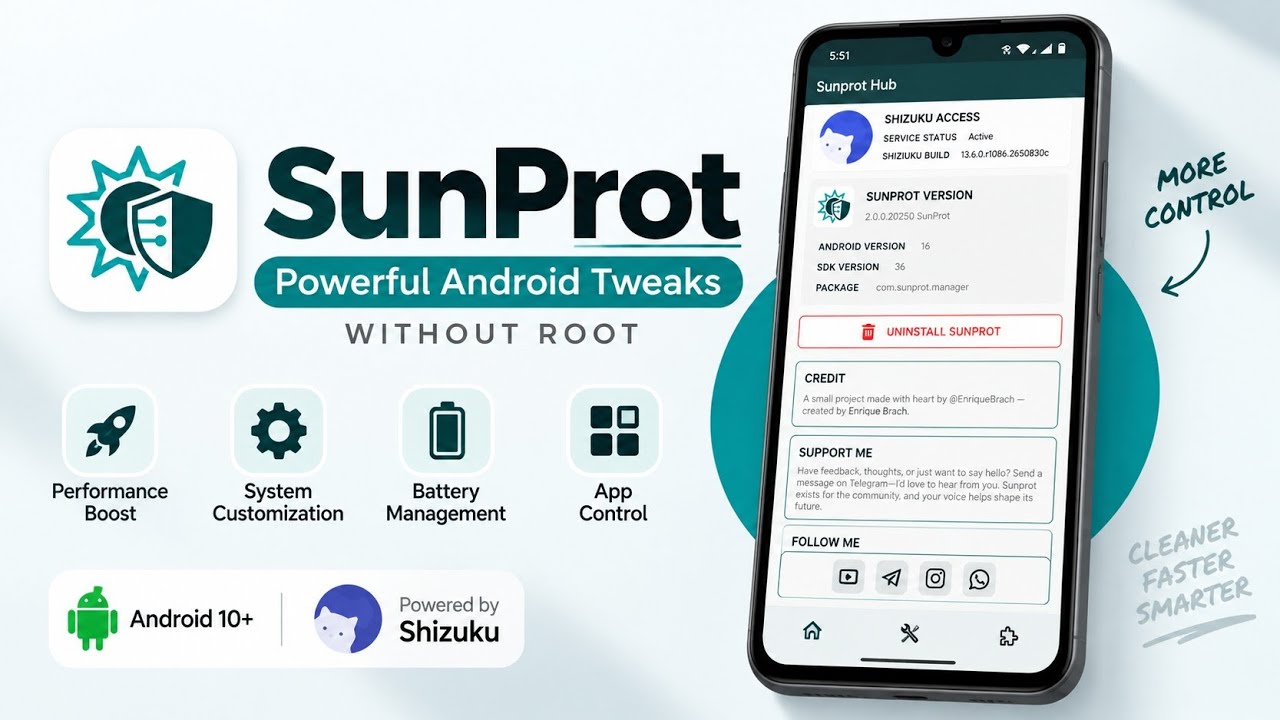
Want more control over Android settings without rooting your phone? SunProt is presented as a system utility that offers additional device-management and customization options on non-rooted Android devices. The demonstration uses Shizuku to provide the permissions needed by its full-featured variant.
SunProt is credited to Enrique Brach. The video recommends Android 10 or newer and shows the app being installed from an APK before Shizuku is connected.
What Is SunProt?
SunProt focuses on system management and customization. According to the demonstration, it uses Shizuku to access supported system functions without requiring a fully rooted device. Shizuku is a separate service that must be configured and authorized.
Available options may depend on Android version, manufacturer restrictions, Shizuku status, and app version.
Features Shown
Performance and Memory Controls
The video demonstrates options for adjusting background behavior and memory-related settings. Aggressive changes may affect app reliability, background activity, or battery life, so change one setting at a time.
System UI Customization
SunProt presents controls for status-bar behavior, animations, and display configurations. Availability can vary between devices and Android builds.
Battery and Application Management
The demonstration includes battery-related utilities and application controls, including an option to freeze apps considered unnecessary. Freezing system packages can break functions you rely on, so verify the target app before applying changes.
Permission Management and Diagnostics
The video describes granular app permission controls and device diagnostics. Review each control and verify its impact instead of assuming every option behaves the same on every phone.
Shizuku-Based Access
The full-featured variant shown requires Shizuku. This can allow supported apps to use elevated permissions without root, but it does not remove Android security boundaries or guarantee that every feature works on every device.
Requirements
- Android 10 or newer is recommended in the demonstration.
- SunProt APK from a trusted source.
- Shizuku installed and running.
- Required authorization granted to SunProt.
The Shizuku startup method depends on Android version and device. Follow Shizuku's official instructions for your setup.
Watch the Full Video
How to Install and Set Up SunProt
Step 1: Download SunProt
Use the supplied download link below. The video describes this as the full-featured version from Enrique Brach's repository. Verify the source before installing.
Step 2: Install the APK
Open the APK from Downloads and follow Android's prompts. The demonstration taps Done after installation and launches the app from the app drawer afterward.
Step 3: Install and Start Shizuku
If needed, obtain Shizuku from its official project source and follow its setup guide. Start it using a method supported by your device and Android version.
Step 4: Open SunProt
Launch SunProt. The initial screen shown in the video indicates that Shizuku is required.
Step 5: Authorize SunProt
In Shizuku's authorized-apps section, grant access to SunProt when prompted. Return to SunProt and check that the dashboard is available.
Step 6: Explore Carefully
Start with settings you understand. Change one option at a time and verify the result. Avoid freezing system apps or modifying critical behaviors unless you know how to reverse the change.
Safety Notes
Even without root, advanced system access can cause unwanted behavior. Shizuku does not make every operation safe, and manufacturers may restrict functions. Keep a note of changes and avoid disabling packages essential to calls, connectivity, authentication, or updates.
If a feature is unavailable, it may simply be unsupported on your device or Android build.
Final Thoughts
SunProt offers system-management and customization controls for users who want to explore beyond standard Android Settings. Root is not required for the demonstrated setup, but Shizuku must be running and authorized. Install from a trusted source, check compatibility, and make changes carefully.
Discussion (0)
Post a Comment
No comments yet. Be the first to share your thoughts!