
In our hyper-connected digital landscape, smartphones have evolved into highly secure personal vaults. They hold everything from sensitive financial details and confidential work documents to private conversations with loved ones. With so much critical data stored right in our pockets, maintaining strict digital privacy is no longer just an option; it is an absolute necessity.
One of the most frequently overlooked vulnerabilities on modern mobile devices is the potential for unauthorized screenshots or screen recordings. Whether it is an intrusive background application requesting excessive permissions, or simply the anxiety of lending your unlocked phone to a friend, ensuring your on-screen data remains private is paramount. Enter SecureScreen, a highly effective and lightweight utility application designed to put you back in complete control of your display privacy. Let us explore how this remarkable tool can fortify your digital life.
The Core Mission of SecureScreen
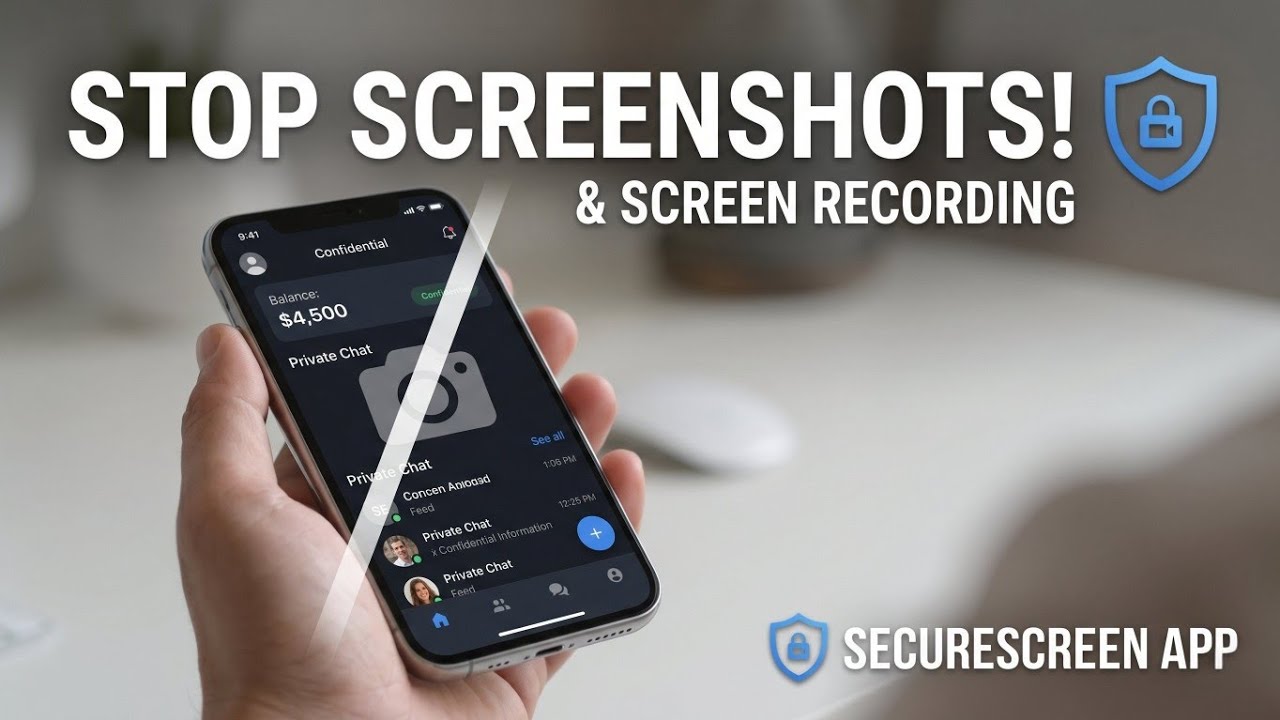
What exactly does this application do? At its foundation, SecureScreen is a privacy-focused utility built specifically to safeguard your Android device. Its primary objective is to actively prevent sensitive application content from being captured via native screenshots or recorded by third-party screen recording software.
Think about the last time you opened your mobile banking portal, a secure password manager, or a confidential email thread. While a handful of high-security financial apps have built-in screenshot-blocking technology, the vast majority of everyday applications do not offer this level of defense. SecureScreen seamlessly bridges this security gap, allowing you to manually apply robust screen protection to any app of your choosing. It ensures that your private moments and sensitive information are shielded from prying eyes and unauthorized data collection.
Watch the full tutorial here on my Youtube channel:
Flexible Protection Modes
Every user has different privacy needs, and SecureScreen addresses this by offering highly customizable protection modes. The core functionality is divided into two distinct operating styles, giving you the exact level of security required for your lifestyle.
- App-Wise Protection: This targeted mode is perfect for users who want to secure specific, high-risk applications without affecting the rest of their device. If you only want to block screenshots when opening your banking app, cryptocurrency wallet, or private messaging platforms, you can simply select them from the list. To make configuration effortless, the app includes a smart search and filter system. You can quickly sift through your entire installed app library by name or package to enable protection exactly where it is needed.
- System-Wide Protection: For moments when absolute, uncompromising security is required, the system-wide toggle acts as a universal shield. When activated, this mode completely disables screenshot and screen recording capabilities across the entire operating system. This is exceptionally useful for business professionals handling sensitive client data or anyone operating in a highly confidential environment.
Enhancing the User Experience
Security tools are only effective if they are easy to use. SecureScreen boasts a clean, intuitive, and modern interface that eliminates the learning curve. Beyond its core blocking capabilities, it is packed with user-centric features designed to streamline your daily routine.
Instead of forcing you to open the application every time you want to toggle your privacy settings, SecureScreen integrates a quick-action control right into your device’s persistent notification tray. This allows you to enable or disable your screen protection on the fly with a single tap.
Furthermore, for those who prefer an extra layer of visual security, the application offers an optional watermark overlay. When enabled, this feature places a subtle protective watermark over the screen, providing a visual deterrent against physical shoulder-surfing. You also have the convenience of an auto-start option, which guarantees that your preferred privacy settings automatically resume protecting your device immediately after a phone reboot.
Understanding Permissions and Local Privacy
When installing any utility that manages system-level behaviors, it is crucial to understand how it handles your data. SecureScreen is designed with a strict "privacy-first" architecture, meaning it operates entirely on your local device.
The permissions requested by the application are minimal and completely transparent. It requires Usage Access purely to detect which specific app is running in the foreground; this is how it knows exactly when to trigger your custom blocking rules. The Notification Permission is necessary to maintain the foreground service, keeping the app active in the background while providing you with those convenient quick-toggle controls. Finally, the Overlay Permission is only requested if you actively choose to use the optional visual watermark feature. Best of all, all data processing happens locally on your smartphone, ensuring your usage habits never leave your device.
Final Thoughts
Taking proactive steps to secure your personal data is a crucial part of modern smartphone ownership. SecureScreen delivers a powerful, user-friendly, and highly effective solution for keeping your on-screen information strictly confidential. By offering customizable app-specific blocking, system-wide lockdowns, and entirely offline operation, it stands out as an essential utility for anyone serious about their digital security. If you are looking to upgrade your mobile privacy toolkit, this application is undoubtedly worth adding to your device.
Subscribe to my Youtube channel for daily android tips tricks and tutorials: TechyNoob
Discussion (0)
Post a Comment
No comments yet. Be the first to share your thoughts!