
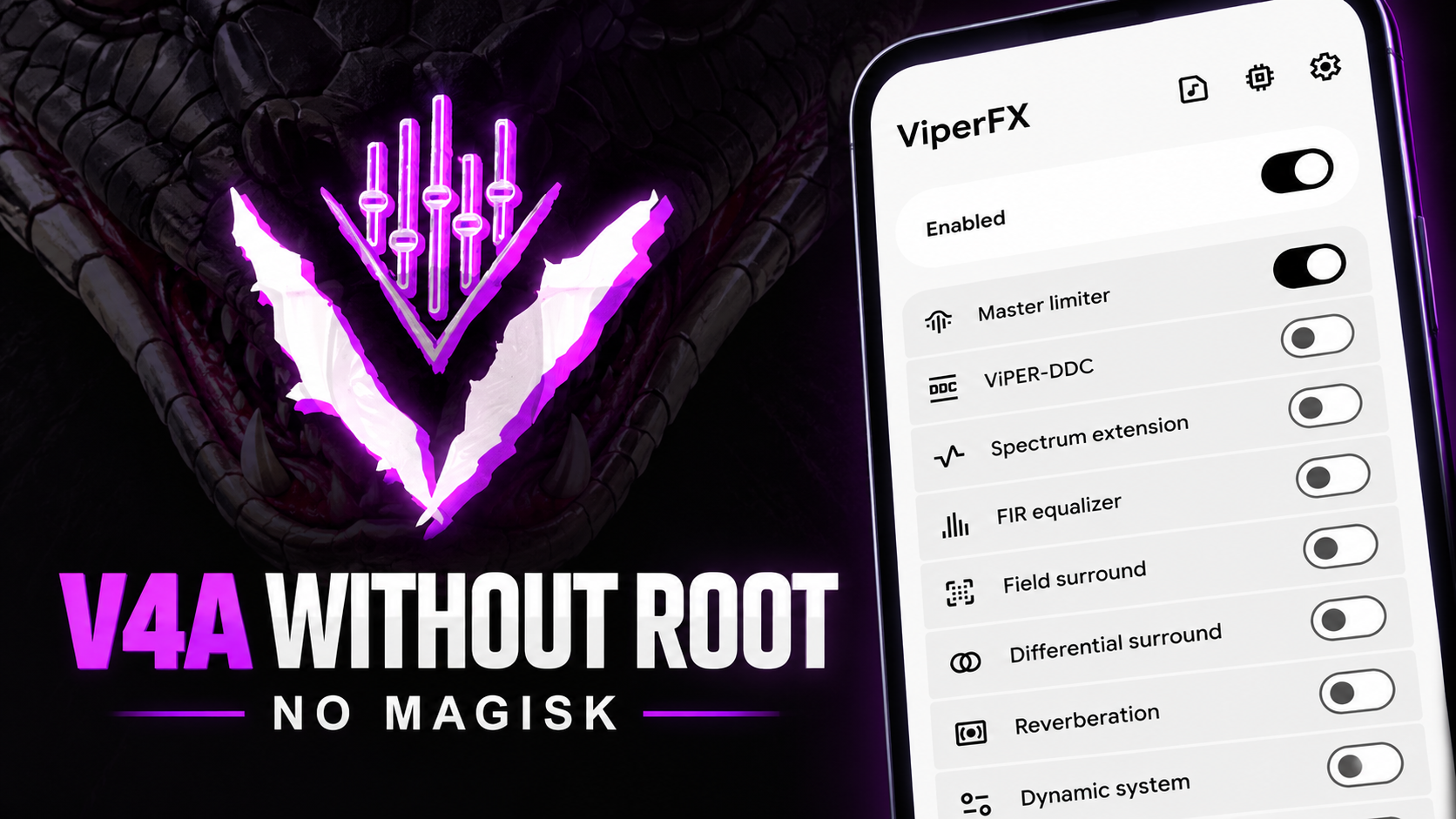
Rootless ViPER4Android, also called RV4A, brings a collection of ViPER-style audio effects to Android without requiring root, Magisk, or a custom ROM. The walkthrough describes an implementation combining the open-source JamesDSP engine with native re-implementations of classic ViPER4Android effects.
The app is intended for people who want more control over equalization, bass, clarity, surround effects, and headphone correction. Setup involves installing the APK, reviewing the limitations, and granting permissions, including Shizuku access for the system-wide functionality described in the video.
Audio effects highlighted
- FET Compressor: Compression for a more controlled, punchy sound.
- ViPER-DDC: Includes 446 bundled headphone correction profiles, according to the video.
- Spectrum extension: Intended to restore perceived sparkle and high-frequency detail.
- FIR equalizer: Detailed frequency adjustment.
- Convolver: Convolution-based audio processing.
- Field surround: A wider stereo presentation.
- Headphone surround+: Simulates a speaker-in-a-room listening effect.
- Dynamic system / ViPER Dynamic Bass: Includes 19 device presets, as stated in the walkthrough.
- Tube simulator: Adds a warmer, analog-style character.
- ViPER bass: Emphasizes low frequencies.
- ViPER clarity: Enhances treble detail.
- Auditory system protection: Intended to help reduce listening fatigue during long sessions.
Results depend on headphones, source audio, device behavior, and how each app handles audio sessions. Use moderate volume levels when testing sound enhancements.
Requirements
Prepare an Android device compatible with the RV4A APK, the downloaded APK, Shizuku configured and running for the demonstrated system-wide setup, and permission to install APKs from your chosen source. Allow time to review the in-app limitations before proceeding.
The walkthrough mentions possible audio-session detection delays and increased latency in some apps.
Step-by-step installation
1. Download the APK
Download the RV4A APK from the link below. The script identifies the project's GitHub repository as the source for releases. Save the file to your phone's internal storage or Downloads folder.
2. Install the app
Open your file manager, locate the APK, and tap it. Follow Android's installation prompts. If Android asks to allow installation from that source, review the request and enable it for the file manager or browser you used.
3. Review the welcome and limitations screens
Open RootlessViPER4Android and tap Next on the welcome screen. Read the limitations page, including possible audio-session detection delays and increased latency in certain apps. Continue only after reviewing those trade-offs.
4. Grant permissions
Follow the setup prompts for Shizuku access and other requested permissions. The video mentions audio recording, notification, and cast/recording permissions. Review each Android prompt and grant the access needed for the intended features.
Shizuku must be properly configured for the system-wide access described in the walkthrough. If access fails, consult the current app and Shizuku documentation.
5. Explore and tune the effects
After setup, explore the effect suite. Start with small changes to the FIR equalizer, bass, clarity, or headphone correction settings, and listen to familiar tracks at a safe volume. Change one setting at a time to understand its effect.
For headphone correction, select a profile that matches your headphones when possible. A profile intended for another model may not improve the sound.
Limitations and troubleshooting
- No effect in a particular app: Audio-session detection may vary. Check the app's limitations and setup guidance.
- Higher latency: Some apps may experience increased latency, which can matter for gaming or live monitoring.
- Shizuku access fails: Confirm Shizuku is running and that RV4A has been granted the requested access.
- Sound becomes harsh or distorted: Reduce gain, bass, or treble and return to a more neutral profile.
- Different results across headphones: Effects and correction profiles depend on the listening hardware and source.
The rootless approach removes the need for root and Magisk, but it does not guarantee every effect will work identically in every app or on every device.
Watch the Full Video
Download
Credits / Official Developer
Final thoughts
Rootless ViPER4Android gives Android users a way to explore extensive audio customization without rooting the device or installing Magisk. It includes effects for equalization, bass, clarity, surround sound, and headphone correction, with Shizuku used for the access described in the walkthrough. Review the limitations, grant permissions carefully, and make gradual adjustments to find a profile that works for your hardware.



Discussion (0)
Post a Comment
No comments yet. Be the first to share your thoughts!