
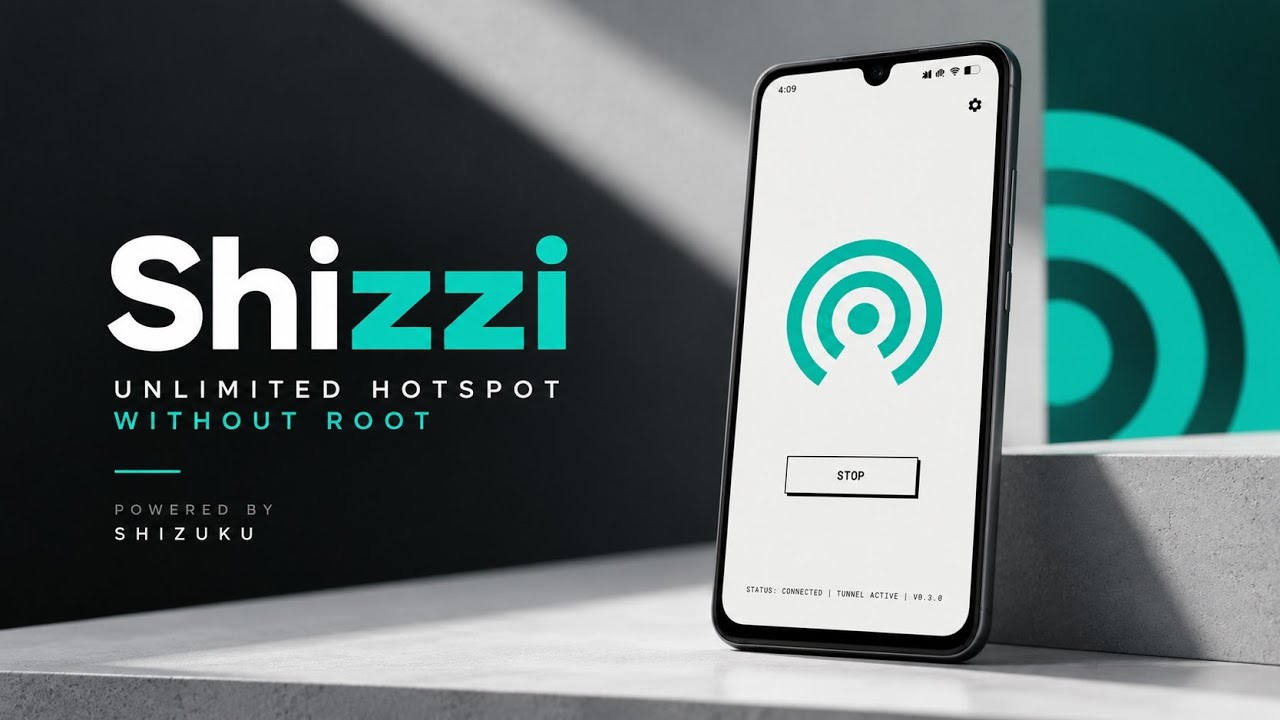
Android's built-in hotspot feature is useful for sharing a mobile internet connection with other devices. However, users who want more control over how tethered traffic is routed may find the standard hotspot settings limiting.
Shizzi is an open-source Android networking utility designed to provide advanced Wi-Fi tethering through a Shizuku-privileged test network.
Instead of relying on traditional root access through Magisk or KernelSU, Shizzi uses Shizuku to obtain the system privileges it needs. It creates a dedicated TUN network interface and routes hotspot traffic through a Go-based packet-forwarding system.
The project also supports both IPv4 and IPv6, making it an interesting option for users who want more flexibility in their tethering setup.
Watch the Full Video
Watch the complete Shizzi installation and tethering walkthrough:
Download Shizzi
Credits / Official Developer
Developer: Carl Elieser
Official GitHub / Developer Source
What Is Shizzi?
Shizzi is an Android networking tool that enables Wi-Fi tethering through a privileged test network.
The application creates a dedicated TUN interface and configures Android's routing system to use that interface as the preferred upstream for tethered clients.
A custom Go-based datapath then handles packet forwarding.
The project is designed to support both IPv4 and IPv6, providing dual-stack networking capabilities for compatible setups.
One of its main advantages is that it uses Shizuku rather than requiring conventional root access.
Requirements Before Installation
Before installing Shizzi, make sure you have:
- A compatible Android device
- The Shizzi APK
- Shizuku installed and running
- A supported method for starting Shizuku, such as Wireless Debugging
Shizuku provides elevated privileges to supported applications through Android's debugging and privileged-service mechanisms.
Although Shizzi doesn't require traditional root access, it still depends on Shizuku being properly configured and available.
Install Shizzi
Start by downloading the Shizzi APK.
Open your file manager and navigate to the Downloads folder.
Locate the APK and tap it to open Android's package installer.
Grant the standard installation permission if requested, then tap Install.
Wait for Android to finish installing the application.
Once the installation is complete, open Shizzi from your app drawer.
Set Up Shizuku
Before using Shizzi's networking features, make sure Shizuku is running.
If you're using Wireless Debugging, follow the pairing and startup procedure provided by Shizuku.
Once the service is active, Shizzi can request the elevated privileges needed to configure the test network and routing behavior.
Review the permission request and grant access if you want to proceed.
Shizzi relies on these privileges to interact with Android's networking components without requiring a conventional root manager.
Explore the Interface
Shizzi uses a clean and straightforward interface.
The essential controls are kept accessible without requiring users to navigate through complicated menus.
The main purpose of the interface is to let you activate the service and manage the tethering functionality.
Because the tool focuses on networking performance, its interface is designed around the core controls rather than a large collection of unrelated features.
How Shizzi Routes Hotspot Traffic
The underlying networking process is what makes Shizzi different from a conventional hotspot utility.
When the service is activated, Shizzi creates a dedicated test TUN network interface.
It then configures Android's routing engine to prioritize this interface as the upstream gateway for connected hotspot clients.
A custom Go-based datapath handles the actual packet forwarding.
This architecture is designed to deliver efficient traffic handling with low overhead while supporting both IPv4 and IPv6 connections.
The exact performance will depend on the device, network conditions, and the tethered clients using the hotspot.
Start Wi-Fi Tethering
Once Shizuku is running and Shizzi has the required privileges, you can activate the service through the application's interface.
The service establishes the test network and prepares the routing configuration for tethered devices.
After the network is configured, connected clients can use the phone's hotspot through the selected upstream interface.
However, the initial activation may not always succeed on the first attempt.
Troubleshooting: Hotspot Fails to Activate
One issue highlighted in the walkthrough is that the first attempt to activate the hotspot may fail.
This can happen because of how Android handles transitions involving privileged test networks.
If the hotspot fails to activate or disconnects immediately, try toggling the service off and on again.
A second attempt may allow the network hooks and upstream routing configuration to initialize correctly.
If the problem continues, check that Shizuku is still running and that Shizzi has the necessary permissions.
Also confirm that your Android build supports the required networking behavior.
Compatibility and Limitations
Shizzi's operation depends on Android's networking implementation and Shizuku's ability to provide the required privileges.
The tool is not a universal replacement for every manufacturer's hotspot implementation.
Some devices or Android builds may handle test network interfaces differently, which can affect activation and routing.
It is also important to distinguish between the application's intended networking architecture and real-world performance. Throughput and stability depend on the phone's hardware, cellular connection, Wi-Fi capabilities, and connected devices.
Final Thoughts
Shizzi is an interesting networking utility for Android users who want more control over Wi-Fi tethering without relying on traditional root access.
Its Shizuku-based privilege model, dedicated TUN interface, Go-based packet forwarding, and IPv4/IPv6 support make it different from a conventional hotspot application.
The setup requires Shizuku to be running, and the first activation may occasionally need a second attempt.
If you're interested in experimenting with advanced Android networking and tethering, Shizzi is a project worth exploring.



Discussion (0)
Post a Comment
No comments yet. Be the first to share your thoughts!