
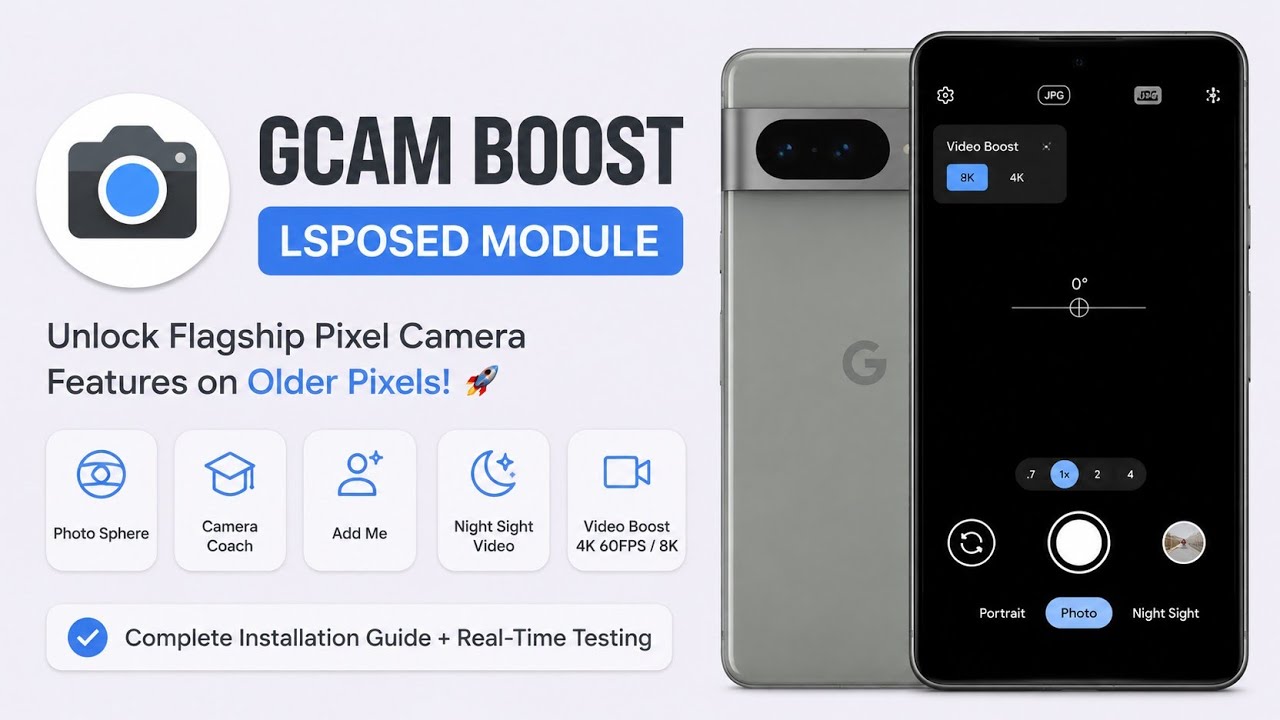
Google Pixel phones are known for their camera software and computational photography features. Some camera functionality is closely tied to Google's software stack, device configuration or Pixel-specific components.
This video looks at a way to experiment with additional Pixel camera functionality through a GCam Boost setup.
For this particular test, I used a Google Pixel 6 running Android 17 QPR1 Beta 1.
That testing environment is different from the other videos in this series and should be considered when interpreting compatibility.
Watch the Video
Why Camera Features Can Differ Between Pixels
Pixel camera functionality isn't determined solely by the camera sensor.
Google's camera processing pipeline combines hardware, software algorithms and device-specific configuration.
As a result, two Pixel phones can have similar camera hardware but still expose different features.
Third-party GCam modifications and configuration projects attempt to make additional functionality available, but compatibility depends heavily on the Android build and device.
My Testing Setup
Device: Google Pixel 6
Android: Android 17 QPR1 Beta 1
This was the only video in the series tested on the Pixel 6.
Because Android 17 QPR1 Beta 1 is beta software, compatibility can change between builds.
Installation and Download
The download used for this video is:
Developer credit:klab7 on GitHub
Before installing modified camera software, create a backup and keep the original camera application available.
Why Use GCam Modifications?
GCam modifications can expose configuration options and processing features that aren't always visible in a standard camera installation.
For photography enthusiasts, this can provide more control over image processing and camera behaviour.
However, modified camera applications are not guaranteed to outperform Google's official camera on every scene.
Computational photography is highly dependent on configuration.
Android Beta Considerations
Android 17 QPR1 Beta 1 is development software.
That means applications and system components can behave differently compared with stable Android releases.
A camera modification that works correctly on one beta build may stop working after an update.
For that reason, users running beta software should expect occasional compatibility problems.
Privacy and Security
Camera applications naturally have access to the camera and potentially microphone and storage.
Only install modified APKs from sources you trust.
Because modified applications aren't necessarily distributed through Google Play, users should pay particular attention to where the APK originates.
Don't assume that a camera modification is safe simply because it is popular.
My Experience
Testing the setup on the Pixel 6 with Android 17 QPR1 Beta 1 provided a useful example of how software-level camera modifications can change the available experience.
However, I wouldn't describe the result as universally compatible.
Camera modifications are among the most device-specific Android modifications because they interact with hardware-specific camera libraries and Google's image-processing stack.
Final Verdict
If you're using a Pixel device and enjoy experimenting with computational photography, GCam modifications can be interesting.
The setup demonstrated in this video was tested specifically on a Google Pixel 6 running Android 17 QPR1 Beta 1, so users on different Pixel models or Android builds should not assume identical results.
Download:Download
Developer credit:klab7
Discussion (0)
Post a Comment
No comments yet. Be the first to share your thoughts!