
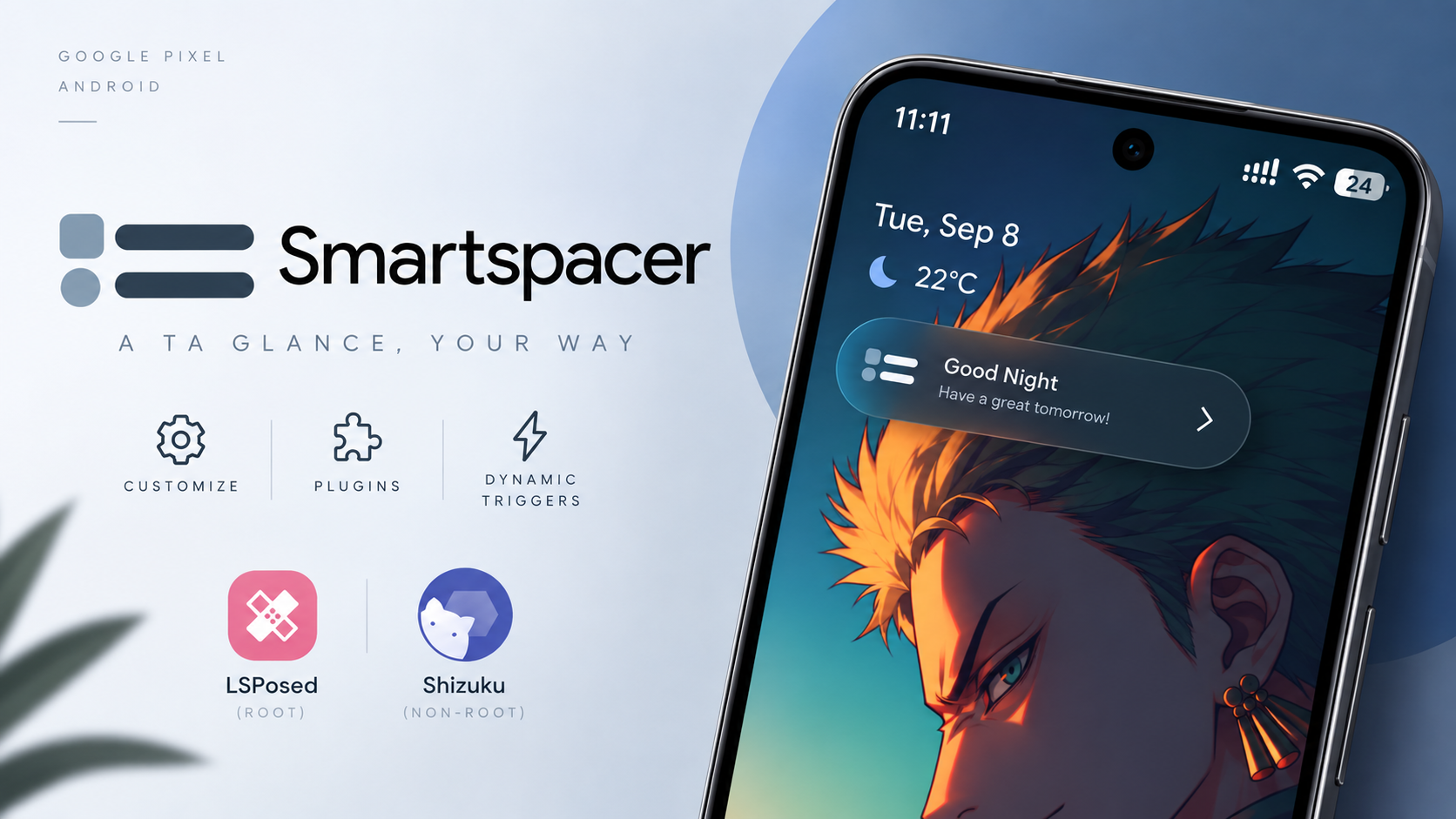
Google Pixel’s At a Glance feature provides useful contextual information directly on the home screen and lock screen, but the standard implementation doesn’t offer unlimited customization.
That’s where Smartspacer comes in.
Smartspacer is a customizable Android widget and Smartspace platform that can upgrade the built-in Pixel At a Glance experience while also working with third-party launchers. One of its biggest advantages is that you don’t necessarily need root to use it.
On rooted devices, Smartspacer can integrate through LSPosed, while users without root can use Shizuku over Wireless Debugging.
Watch the Full Video
Watch the complete Smartspacer installation and feature walkthrough:
Download Smartspacer
The official GitHub releases page provides the available builds.
Credits / Official Developer
Official GitHub – KieronQuinn/Smartspacer
Install Smartspacer
Start by downloading the Smartspacer APK and placing it in your Downloads folder.
Open your file manager and locate the APK.
Tap the file, confirm the Android installation prompt, and wait for the installation to finish.
Once Smartspacer is installed, you can configure its system integration.
LSPosed or Shizuku Integration
If your device is rooted, open LSPosed Manager and navigate to the Modules section.
Find Smartspacer and enable it.
However, root isn’t mandatory.
If you don’t have root access, Smartspacer can use Shizuku through Wireless Debugging instead. This makes the application considerably more accessible for users who don’t want to modify their system.
After enabling your preferred integration method, open Smartspacer and begin the initial configuration.
During setup, grant the permissions requested by the application.
These can include Accessibility, Notification Access, and overlay permissions. Smartspacer uses these permissions to process contextual information and display relevant content on the lock screen and home screen.
Replace and Upgrade At a Glance
The main attraction of Smartspacer is its ability to function as a drop-in replacement for At a Glance while retaining the core functionality users already expect.
On compatible Pixel devices, it can upgrade the native At a Glance experience on both the home screen and lock screen.
But Smartspacer isn’t restricted to Pixel Launcher.
If you use a third-party launcher such as Nova Launcher or Lawnchair, you can use the standalone Smartspacer widget to display your At a Glance content there as well.
That means switching launchers doesn’t necessarily mean giving up the contextual information you use every day.
Smartspacer Plugin System
One of Smartspacer’s most powerful features is its plugin system.
The application includes a built-in Plugin Repository, allowing you to browse and download plugins directly.
These plugins can pull live information from different applications.
Smartspacer also includes a contextual requirement system that determines when particular information should appear.
For example, you could configure it to show a gym pass when you arrive at the gym. When you reach a grocery store, it could surface a loyalty card or shopping list.
This makes the widget behave more like a contextual assistant rather than a static information panel.
Expanded Smartspace
Smartspacer also includes Expanded Smartspace, which provides a full-screen view containing dynamic widgets and shortcuts.
Instead of limiting your information to the small At a Glance area, Expanded Smartspace lets you access a much larger collection of contextual content in one place.
On compatible launchers, it can even be used as a Google Discover replacement.
Smartspacer additionally provides OEM Smartspace support for devices that still use legacy Smartspace implementations.
Why Smartspacer Is Different
The biggest difference between Smartspacer and a conventional widget is how it handles context.
Traditional widgets generally display the same information until you manually change them.
Smartspacer can use plugins and requirements to determine which information is relevant at a particular time or location.
Combined with third-party launcher support, expanded Smartspace, and Pixel At a Glance integration, this creates a much more flexible Smartspace experience.
Final Thoughts
Smartspacer is an excellent option for Android users who want more from At a Glance and Smartspace.
Pixel users can upgrade the native experience, while people using launchers such as Nova Launcher or Lawnchair can use the standalone widget.
The plugin repository adds another layer of customization, while the contextual requirement system allows information to appear based on your situation.
Best of all, root isn’t mandatory. Rooted users can use LSPosed, while non-root users can use Shizuku through Wireless Debugging.
If you’re looking for a more customizable and contextual alternative to the standard Android At a Glance experience, Smartspacer is one of the most interesting tools to try.

Discussion (0)
Post a Comment
No comments yet. Be the first to share your thoughts!