
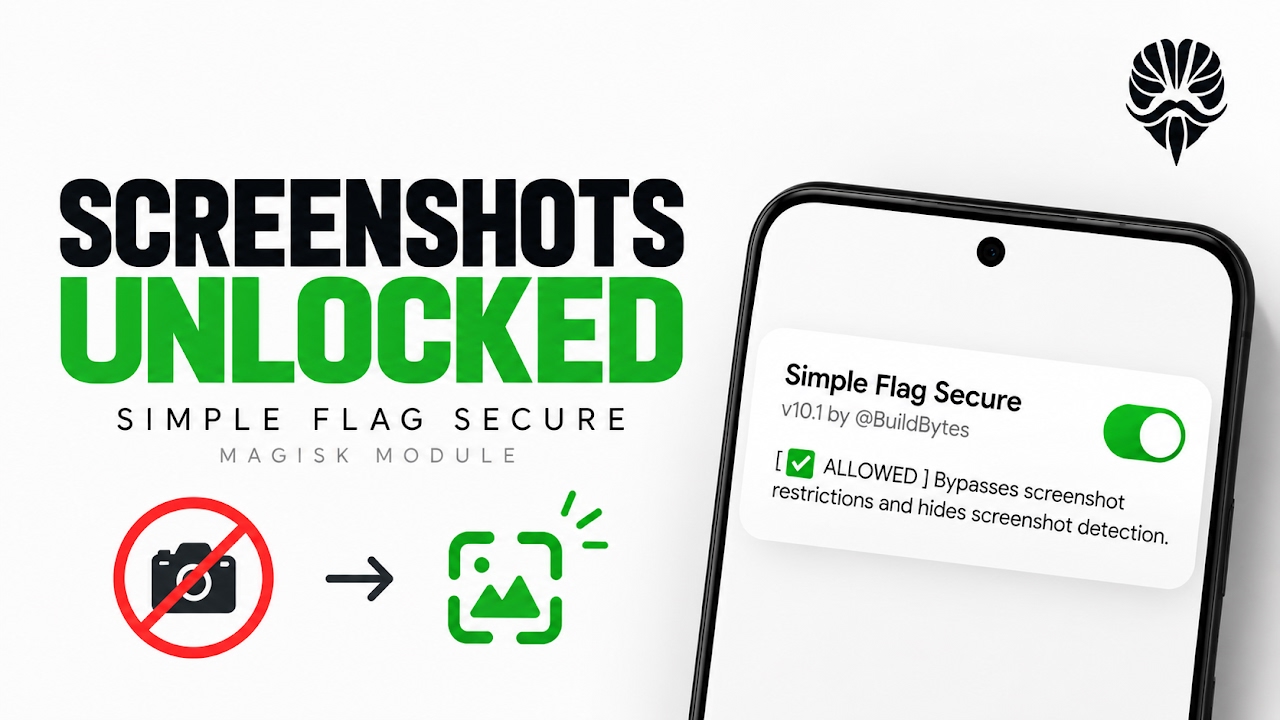
Understanding the FLAG_SECURE Restriction in Android
The Android operating system implements various security protocols to protect sensitive user data from being exposed to unauthorized third-party applications or malicious actors. One of the most prominent mechanisms is the FLAG_SECURE window parameter. When an application developer applies this specific flag to a screen or activity, the Android WindowManager is instructed to treat the content as strictly confidential. This universally blocks the system's ability to take screenshots, prevents the content from being recorded by screen recording utilities, and even stops the display from being mirrored to external monitors or televisions. While this is incredibly useful for protecting sensitive banking information, passwords, or DRM-protected media, it often creates massive friction for end-users. People frequently need to capture transaction receipts in financial apps, save information from incognito browser tabs, or retain view-once media on messaging platforms. When the operating system blocks these legitimate user actions with a frustrating security policy warning, power users must seek out root-level solutions to regain control over their own device displays.
The Architecture of Simple Flag Secure
To circumvent these rigid system-level restrictions, developers within the Android aftermarket community have created various bypass methods over the years. However, many of these older solutions require massive, overarching frameworks that consume significant system resources. Simple Flag Secure represents a massive leap forward in efficiency and design philosophy. It is an incredibly lightweight modification engineered to completely disable the FLAG_SECURE restriction across the entire Android ecosystem globally. What makes this specific tool highly remarkable is its standalone nature. Unlike competing modules that force users to install heavy intermediary environments like Zygisk or the LSPosed framework, this standalone Magisk flashable zip operates entirely independently. This streamlined architectural approach guarantees that the module works right out of the box with zero background daemons running in memory. Consequently, it introduces absolutely zero battery drain and causes no performance degradation, making it perfect for both older, resource-constrained hardware and modern flagship smartphones alike.
Extensive Compatibility and Stealth Capabilities
Compatibility is often a major hurdle when dealing with root-level system modifications, as different smartphone manufacturers heavily modify their specific builds of Android. Simple Flag Secure is meticulously coded to be entirely OEM agnostic, meaning it functions flawlessly across virtually any manufacturer's operating system, whether it is Samsung's One UI, Xiaomi's HyperOS, or Google's stock Pixel interface. Furthermore, it boasts an incredibly wide support range, actively covering Android versions starting from Android 8 all the way up through the latest Android 16 developer previews. Beyond simply allowing screenshots, the module packs advanced stealth capabilities designed for modern iterations of Android. On newer firmware versions, the operating system attempts to display prominent screen share warnings or persistent status bar indicators when recording is active. This module successfully suppresses those irritating warnings, allowing for truly silent captures. Furthermore, it actively blocks the outgoing chat notifications that are typically triggered when a user captures restricted, view-once media on popular messaging platforms, ensuring total privacy during the capture process.
Video Demonstration
Interactive Privacy Mode and Hardware Controls
While having unrestricted access to screenshots is incredibly useful, there are specific scenarios where a user might want to temporarily reinstate the system's default security behavior without going through the hassle of completely uninstalling the modification. Recognizing this need, the developers have integrated a highly intelligent, interactive privacy mode directly into the module's core logic. This feature allows users to temporarily disable the bypass mechanism on the fly by utilizing the physical hardware volume keys on the side of the smartphone. This on-demand toggling system requires absolutely no secondary applications, graphical interfaces, or system reboots to function. It provides an immediate, hardware-level failsafe, ensuring that users can quickly re-secure their display if they are handing their unlocked device to another person or interacting with a highly sensitive enterprise application that mandates strict compliance.
Installation Process via Magisk Manager
Because this tool relies on modifying core system behaviors, it must be flashed through a capable root manager. For this installation, the standalone Magisk flashable zip is utilized. Users must first download the module file directly from the official developer repository to ensure they are receiving the untampered, latest version. The file itself is remarkably compact, weighing in at roughly one hundred and seventy-two kilobytes, meaning it will download instantly and take up practically zero space on the internal storage partition. Once downloaded, users should open their Magisk Manager application and navigate to the dedicated Modules section located at the bottom of the navigation bar. Selecting the 'Install from storage' option allows the user to browse their downloads directory and select the Simple Flag Secure zip archive. The internal flashing process is incredibly fast, typically completing in just a couple of seconds. Once the terminal output confirms the installation is done, tapping the reboot button will restart the device and permanently apply the system-wide changes. Upon the next boot, a silent system shell notification will confirm that the bypass is allowed and fully active.
Final Verdict
Simple Flag Secure is an absolute must-have utility for any power user who refuses to be locked out of their own device's display by arbitrary application restrictions. By offering a lightweight, standalone architecture that requires no heavy frameworks, it provides a seamless, battery-friendly solution to a highly frustrating problem. Its broad compatibility range, advanced stealth capabilities for messaging applications, and interactive volume-key privacy mode elevate it far above older, obsolete bypass methods. It safely and effectively returns complete control of the screen back to the user.
Discussion (0)
Post a Comment
No comments yet. Be the first to share your thoughts!