
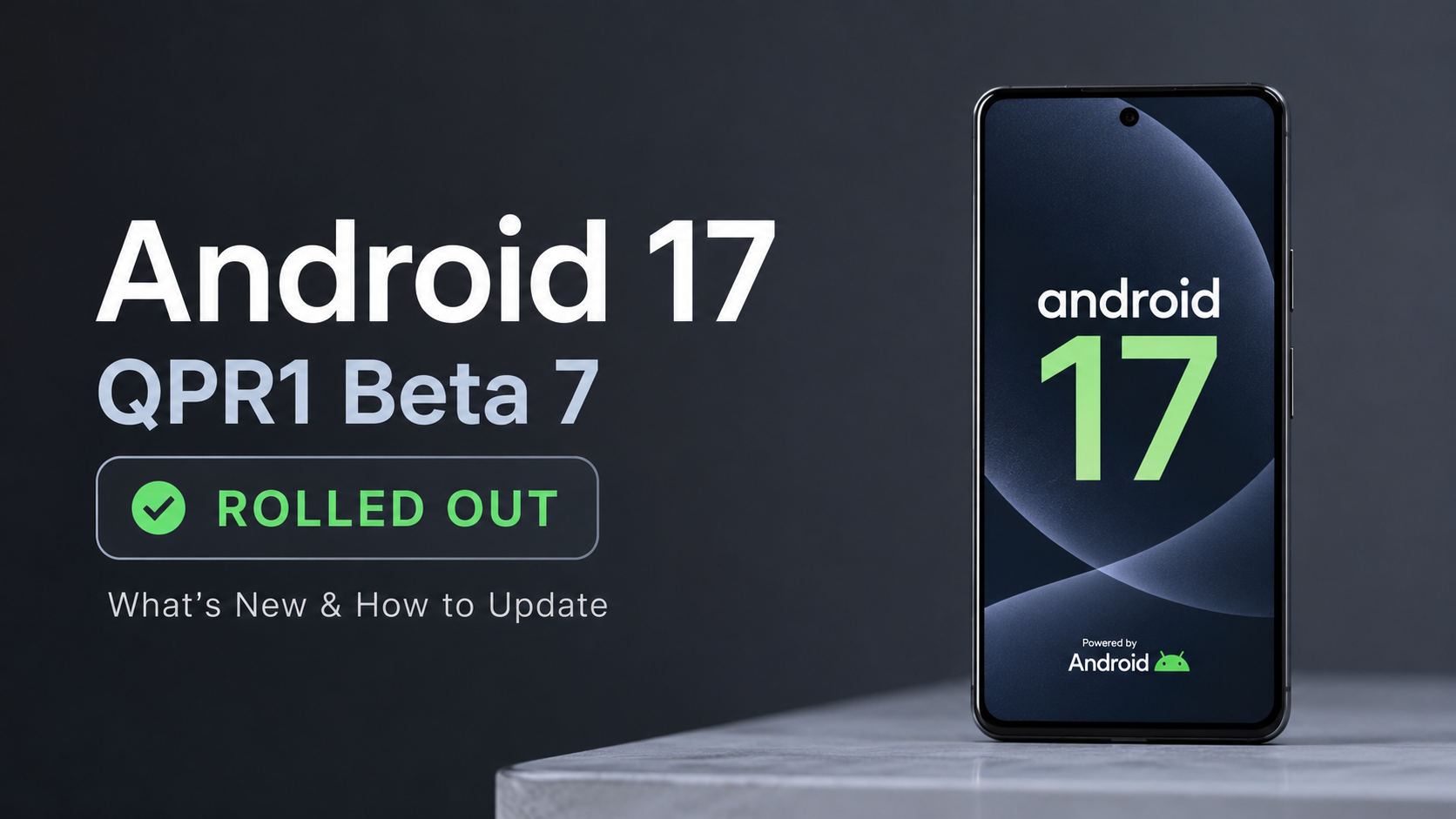
Hello tech enthusiasts! Welcome back to Techynoob. If you are running the Android beta on your daily driver, I have some great news for you. Google has officially started rolling out the Android 17 QPR1 Beta 7 update for eligible Pixel devices. With the final stable release just around the corner, this latest build (CP31.260623.005) focuses heavily on polishing the user experience, squashing frustrating bugs, and ensuring platform stability.
Let's dive into what this update brings to the table and why it is a particularly special release for older Pixel owners.
The Surprising Return of the Pixel 6 Series
One of the biggest surprises of the Android 17 QPR1 Beta 7 rollout is the triumphant return of the Google Pixel 6 and Pixel 6 Pro. If you have been following the beta cycle, you might remember that these devices were inexplicably dropped from the beta program starting with Beta 4. Many users assumed their beta testing days were officially over.
However, Google has brought them back into the active roster for this update. This is fantastic news for Pixel 6 owners, as it shows Google is committed to delivering a highly optimized and stable software experience before the devices reach their official end of guaranteed major OS updates later this year.
Key Bug Fixes and UI Polish
Since Android 17 QPR1 hit platform stability a couple of weeks ago, Beta 7 is not about flashy new features. Instead, it is a crucial housekeeping update that targets everyday usability, particularly within the Quick Settings panel. Here are the major fixes you can expect:
- Battery Share Restored: Previously, trying to use the reverse wireless charging feature from the Quick Settings menu would either fail entirely or get stuck in an endless charging animation loop. Beta 7 completely resolves this underlying power management issue, making accessory charging reliable again.
- Visual Glitches Patched: A minor but annoying visual bug that left an awkward, empty gap between the battery and mobile data icons when turning off Wi-Fi has been fixed.
- Font Controller Crash: If your phone was crashing while trying to adjust the text size directly from the quick access panel, this update patches the responsible font controller bug.
- Taskbar Alignment: For those who utilize desktop mode or connect their device to an external display, you will be happy to know that the taskbar icons have returned to their proper, center-aligned layout after a previous bug shifted them to the left.
Eligible Devices and How to Install
The Android 17 QPR1 Beta 7 update is bundled with the July 2026 security patch and is available for a wide range of devices. The eligibility list includes:
- Pixel 6, 6 Pro, and 6a
- Pixel 7, 7 Pro, and 7a
- Pixel 8, 8 Pro, and 8a
- Pixel 9, 9 Pro, 9 Pro XL, 9 Pro Fold, and 9a
- Pixel 10, 10 Pro, 10 Pro XL, 10 Pro Fold, and 10a
- Pixel Fold and Pixel Tablet
If your device is already enrolled in the Android Beta Program, you should receive an Over-The-Air (OTA) notification to install the update automatically. To check manually, head over to Settings > System > Software updates > System update and tap Check for update.
For those who prefer a clean slate, factory images and OTA files are also available on the Android Developer portal for manual flashing.
Are you excited about these final refinements? Let me know your thoughts in the comments section below, and stay tuned to Techynoob for all the latest Android news and updates!
Subscribe to our YouTube channel for daily Android tips, tricks, and tutorials: TechyNoob
Discussion (0)
Post a Comment
No comments yet. Be the first to share your thoughts!