
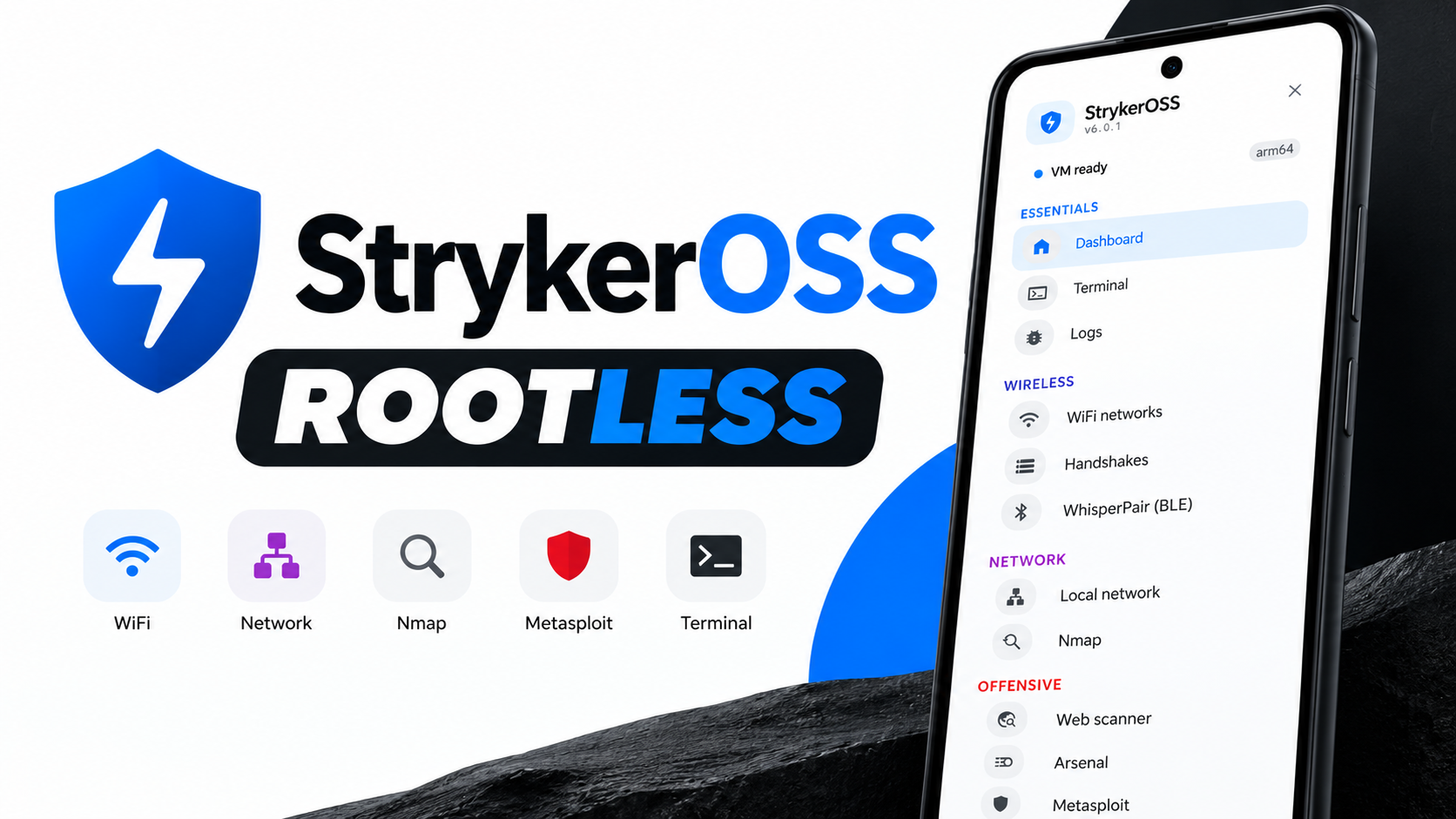
StrykerOSS provides a collection of security and network utilities through an Android interface. Its Rootless version is designed for users who want to explore the toolkit without rooting their phone. The walkthrough covers the rootless engine setup and dashboard tools for network discovery, scanning, logs, package management, and more.
Important: Use security tools only on networks and devices you own or have explicit permission to test. The video describes a demonstration on the creator's own home network; it does not grant permission to test other networks.
Features covered
- Stryker terminal: Run supported commands through a command-line interface.
- Logs: Review background processes, scan output, and troubleshooting information.
- Handshake: Capture and manage Wi-Fi handshakes for later analysis.
- WhisperPair: Scan for Bluetooth pairing vulnerabilities.
- Local network: Discover connected devices and inspect information such as open ports.
- Nmap: Network discovery and security auditing.
- Nuclei: Template-based vulnerability scanning; additional files may be needed on first use.
- Arsenal: Manage payloads, scripts, and testing resources.
- Metasploit: Requires the framework to be installed before use.
- Geo MAC: Look up manufacturer or geographic information associated with MAC addresses.
- VNC desktop: A graphical desktop option that needs additional components.
- Core manager: View, update, and install supported packages.
Available functions depend on the rootless environment, hardware, and extra components installed.
Requirements
You need an Android device, the Stryker app, an active internet connection, and sufficient free storage for the rootless engine and additional tools. If you want to use the wireless auditing features described in the video, you may also need a compatible external Wi-Fi adapter and USB OTG connection.
The creator demonstrates a TP-Link 725N adapter. Compatibility can vary by hardware revision, chipset, Android device, and software support, so verify compatibility before purchasing an adapter.
Step-by-step installation
1. Download and open Stryker
Download the app package from the link below, install it using Android's APK installer, and open the app.
2. Start installation
On the welcome screen, tap Start Installation. The app offers a root version and a Rootless version. Select Rootless if your phone does not have root access.
3. Grant permissions
Review the three permission prompts shown in the walkthrough and grant the permissions needed for the app to operate. Then tap Grant Access. The exact prompts may vary by app version and Android release.
4. Install the rootless engine
Tap Install on the Rootless Engine screen. The app downloads and configures required files, so an active internet connection is necessary. Installation time depends on network speed and storage performance. Wait until the process reaches 100% and avoid interrupting it.
5. Launch the dashboard
When setup completes, tap Launch Stryker. You can then explore the terminal, logs, network tools, scanners, Arsenal, Metasploit, VNC desktop, and Core Manager. Some features require additional packages or data before first use.
External Wi-Fi adapter limitation
The video explains that the Rootless version runs inside a virtual machine environment. In this setup, the phone's internal Wi-Fi chip cannot be used for monitor mode or packet injection. The creator connects a compatible external Wi-Fi adapter through OTG instead.
The demonstrated adapter is a TP-Link 725N, but not every adapter or hardware revision is guaranteed to work. Check the project's documentation for compatibility information.
Responsible testing and troubleshooting
- Test only on networks you own or are explicitly authorized to assess.
- If engine installation stalls, check internet access, free storage, and the project's current instructions.
- If a tool is unavailable, check whether it needs additional packages or data.
- If an external adapter is not detected, verify OTG support, power requirements, adapter revision, and compatibility.
- Review logs and documentation when commands fail.
Watch the Full Video
Download
Credits / Official Developer
Final thoughts
StrykerOSS Rootless brings a broad set of mobile security and network tools to Android without requiring root on the phone. The setup needs internet access, and some tools require extra components. For the wireless auditing workflow shown, a compatible external Wi-Fi adapter may be required because the internal Wi-Fi chipset is unavailable for monitor mode or packet injection in the demonstrated rootless environment.

Discussion (0)
Post a Comment
No comments yet. Be the first to share your thoughts!