
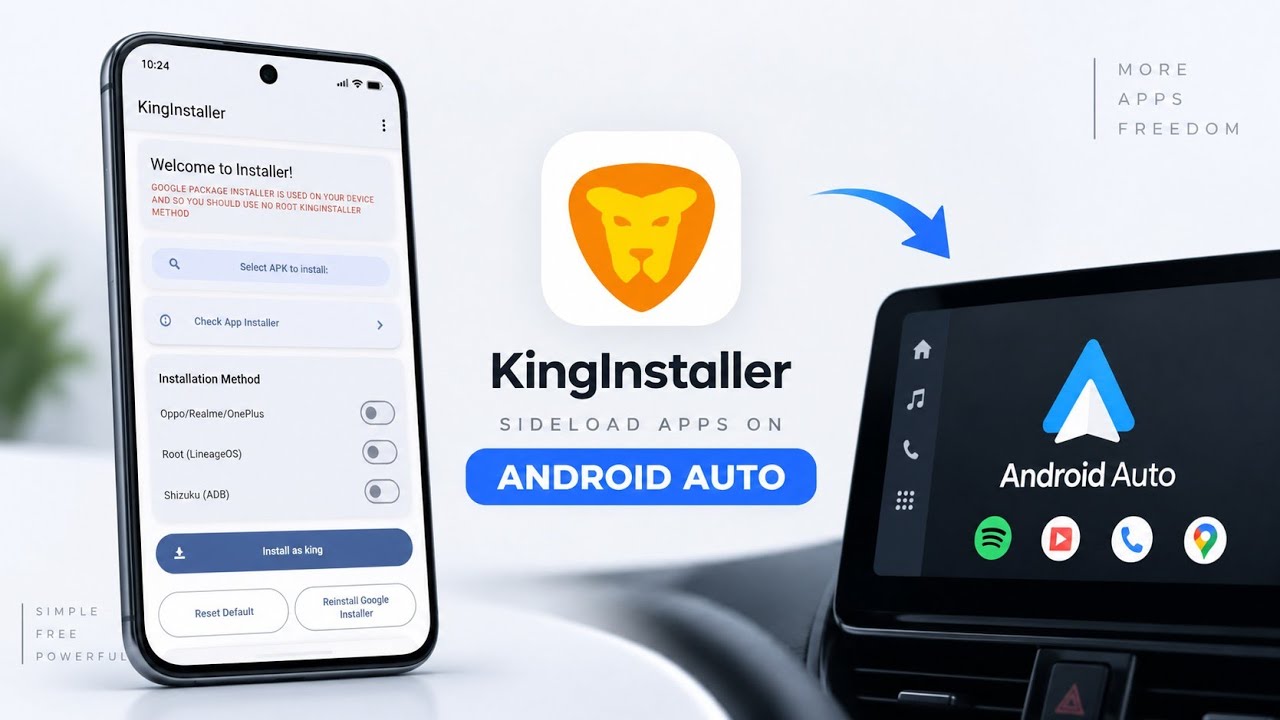
Android Auto provides a convenient way to access supported applications through a car's infotainment display. However, not every application installed on an Android phone is allowed to appear in Android Auto.
This can be frustrating when you're trying to test your own Android Auto application or use a compatible third-party app that isn't distributed through Google Play.
KingInstaller is an open-source Android utility designed to install APK files using a Google Play Store installer identity. This can help certain applications satisfy installation-source checks that affect their visibility in Android Auto.
In this guide, we'll explore what KingInstaller does, how to install it, and how to use its interface to install an APK.
Watch the Full Video
Watch the complete KingInstaller installation and demonstration:
Download KingInstaller
Download KingInstaller
The APK used in the walkthrough was obtained from the developer's official GitHub repository.
Credits / Official Developer
Developer: fcaronte
Official GitHub / Developer Source
What Is KingInstaller?
KingInstaller is an open-source utility designed to install downloaded APK files while supplying a Google Play Store installer package identity.
Android Auto restricts which applications can be presented through its interface. One factor that can affect certain applications is how they were installed.
KingInstaller aims to help with this installation-source restriction by using Android's package installation mechanism while identifying the installer as Google Play.
This can be useful for developers testing their own Android Auto applications or users experimenting with compatible third-party applications.
However, changing the installer identity does not make every application compatible with Android Auto, and it does not remove all of Google's application eligibility or safety requirements.
Install KingInstaller
First, download the KingInstaller APK from the developer's official repository.
Open your file manager and navigate to the Downloads folder.
Locate the KingInstaller APK and tap it.
When Android's package installer appears, tap Install and wait for the application to finish installing.
Once the installation is complete, open KingInstaller from your app drawer.
Grant File Access
When you launch KingInstaller for the first time, it requests file access permissions.
This is necessary because the application needs to locate and read APK files stored on your device.
Grant the requested file access permission after reviewing the prompt.
Once you reach the main screen, you'll find a straightforward interface designed around selecting an APK and installing it.
Install an APK as Google Play Store
The main workflow is simple.
First, tap the button to select an application file.
Android's file picker will open.
Navigate to the location where you saved the third-party APK you want to install.
Select the APK and return to KingInstaller.
You'll see the option to Install as Google Play Store.
Tap that option to begin the installation process.
KingInstaller uses Android's standard package installer while supplying a Google Play Store installer package name.
This is intended to address installation-source checks that may affect whether certain applications are recognized by Android Auto.
Why This Can Help With Android Auto
Some applications may not appear in Android Auto because they are not installed through an accepted distribution channel or do not meet the platform's eligibility requirements.
KingInstaller focuses on the installer identity aspect of this process.
For example, developers may use it to test their own Android Auto applications outside a conventional Play Store installation workflow.
Users may also experiment with compatible third-party media applications or other supported tools.
However, KingInstaller does not guarantee that an application will appear in Android Auto.
The application still needs to meet Android Auto's compatibility and safety requirements. Changing the installer identity does not automatically grant Android Auto permissions, remove restrictions, or make unsupported features available.
Important Compatibility and Safety Notes
Only install APKs from sources you trust.
An APK installed through KingInstaller is still an application running on your Android device, and its behavior depends on the code it contains.
Be especially careful with applications that request access to notifications, files, contacts, or other sensitive information.
Also, avoid using the tool to bypass safety restrictions in ways that could distract you while driving. Use Android Auto features responsibly and configure applications while the vehicle is safely parked.
Who Should Use KingInstaller?
KingInstaller may be useful for:
- Android Auto application developers testing APK builds
- Users experimenting with compatible third-party applications
- Android enthusiasts who understand APK installation and package identity
- People troubleshooting installation-source-related application visibility issues
It is not a universal Android Auto unlocker, and it should not be treated as a replacement for official application compatibility requirements.
Final Thoughts
KingInstaller is a compact open-source utility that provides an alternative installation workflow for Android APK files.
Its main feature is the ability to install an APK using a Google Play Store installer identity, which may help with certain installation-source restrictions affecting Android Auto.
The process is straightforward: install KingInstaller, grant file access, select the APK, and use the Install as Google Play Store option.
If you're testing your own Android Auto applications or experimenting with compatible third-party apps, KingInstaller may be useful. Just remember that installer identity alone cannot guarantee Android Auto compatibility.
Discussion (0)
Post a Comment
No comments yet. Be the first to share your thoughts!