
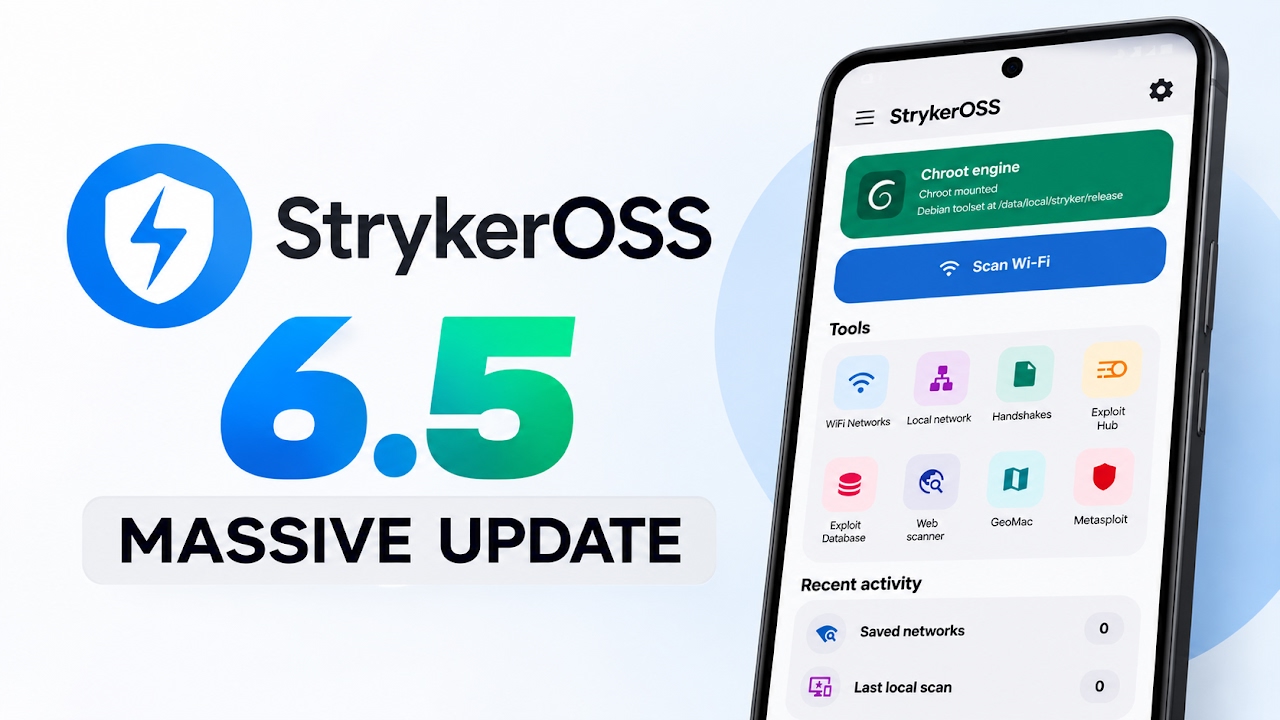
StrykerOSS has received a substantial update for penetration testers and security enthusiasts. It adds a second Linux engine, expanded Wi-Fi adapter handling, wordlist management, a hash-cracking utility, live activity monitoring, USB diagnostics and a more reliable communication layer.
Major New Features
- UML Linux engine: a lighter alternative to the traditional virtual-machine engine, with faster startup. The app can select an appropriate engine automatically.
- Wi-Fi inside Linux: useful when Android lacks a native driver for a particular adapter. Compatibility still depends on hardware, chipset, drivers, kernel and permissions.
- Wordlists: a dedicated screen for downloading, creating, cleaning and reading wordlists.
- Hash cracker: select a hash and wordlist to begin an authorized password-auditing test.
- Live activity screen: displays operation steps and numerical information in real time.
- USB diagnostics: shows where an adapter is recognized and indicates which driver may be needed.
- SSH communication: the app now communicates with Linux over SSH, described as faster and more reliable.
- Kernel base: the update mentions an updated 7.2 kernel base.
How to Update
- Open StrykerOSS and check for the in-app update prompt.
- Review the changelog and confirm the update is suitable for your device.
- Tap Update and let the app download and install the package. Keep the network connection stable.
- Reopen the app and allow any environment migration to finish. The process may remove the older Linux image and install a new chroot environment.
- Wait for the setup screen to confirm completion, then open the dashboard and review the updated settings.
Watch Full Video
Root, Wi-Fi and Storage Notes
The update was tested on a rooted Google Pixel 6. In that setup, internal Wi-Fi functionality worked inside the app despite Android not natively reporting monitor-mode support. This is a device-specific result, not a guarantee for every phone or adapter. The update also describes automatic virtual-machine disk growth when space runs out, with unused space returned to phone storage.
Dashboard and Troubleshooting
- The refreshed dashboard and settings menus let users choose which tools appear on the dashboard.
- If an adapter is missing, check the USB screen to see how it is enumerated and which driver is indicated.
- If Wi-Fi functionality is unavailable, verify chipset support, drivers, root access where required, and the selected Linux engine.
- Keep enough free storage available for the Linux image or virtual disk. Avoid interrupting environment migration.
- Features demonstrated on one rooted Pixel do not necessarily behave identically on other devices.
Responsible Use
Wireless testing, monitoring and password auditing should be performed only on systems and networks you own or have explicit permission to assess. Do not access other people's networks, accounts, devices or data without authorization.
Useful Links
- Download StrykerOSS: https://devuploads.com/vpt37vhft4s6
- Official GitHub project and credits: https://github.com/zalexdev/strykerapp

Discussion (0)
Post a Comment
No comments yet. Be the first to share your thoughts!