
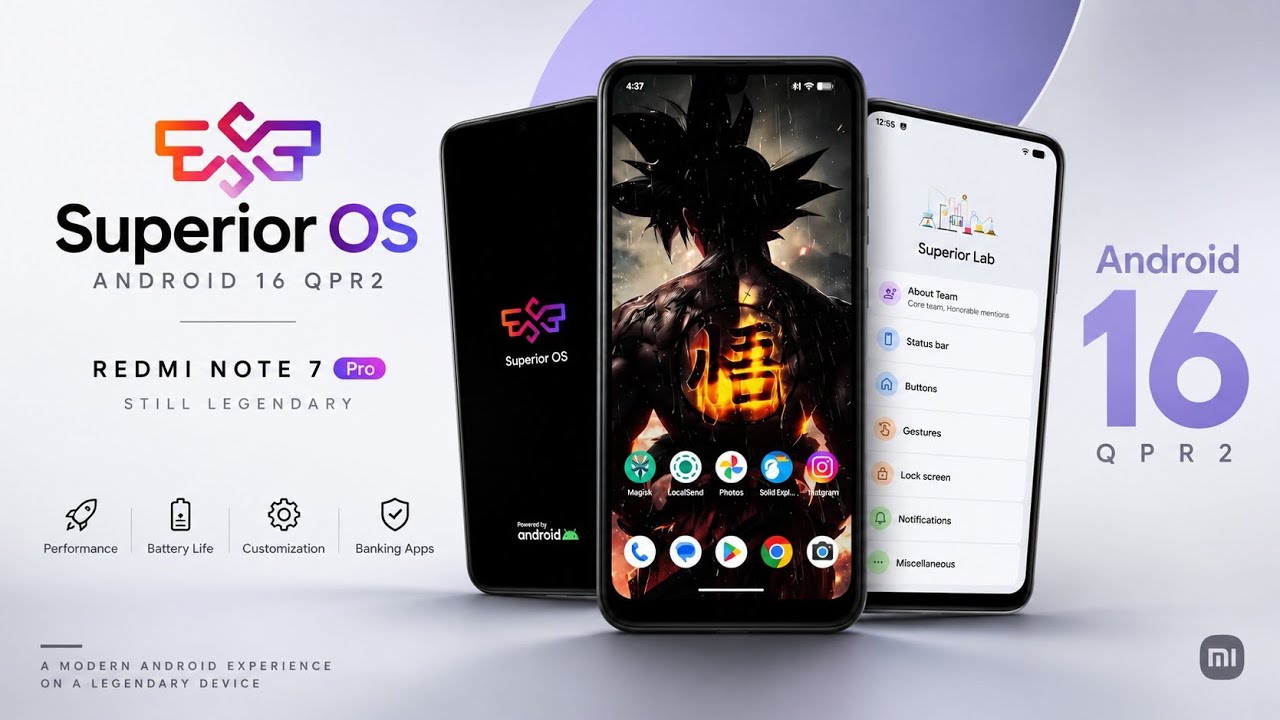
The Redmi Note 7 Pro is an older Android smartphone, but the custom ROM community continues to explore ways to keep it running newer versions of Android.
One of the ROMs available for this device is Superior OS Android 16 QPR2, a build based heavily on LineageOS.
The ROM focuses on a clean Android experience, smooth everyday navigation, and essential functionality rather than offering a large collection of customization features.
This review covers its interface, Android version, network settings, display options, battery experience, security features, benchmark results, and limitations observed during testing.
Watch the Full Video
Watch the complete Superior OS Android 16 QPR2 review:
Download Superior OS
Download Superior OS Android 16 QPR2
Make sure the build is specifically intended for the Redmi Note 7 Pro before flashing it.
Device and Software Overview
The review focuses on the Redmi Note 7 Pro running Superior OS based on Android 16 QPR2.
The first thing noticeable after booting is the clean interface.
The launcher feels smooth and responsive, and the system follows a stock Android design without a large collection of preinstalled applications.
This minimalist approach is consistent with the ROM's LineageOS-based foundation.
Android 16 QPR2 Interface
To verify the installed software, open Settings and navigate to the About Phone section.
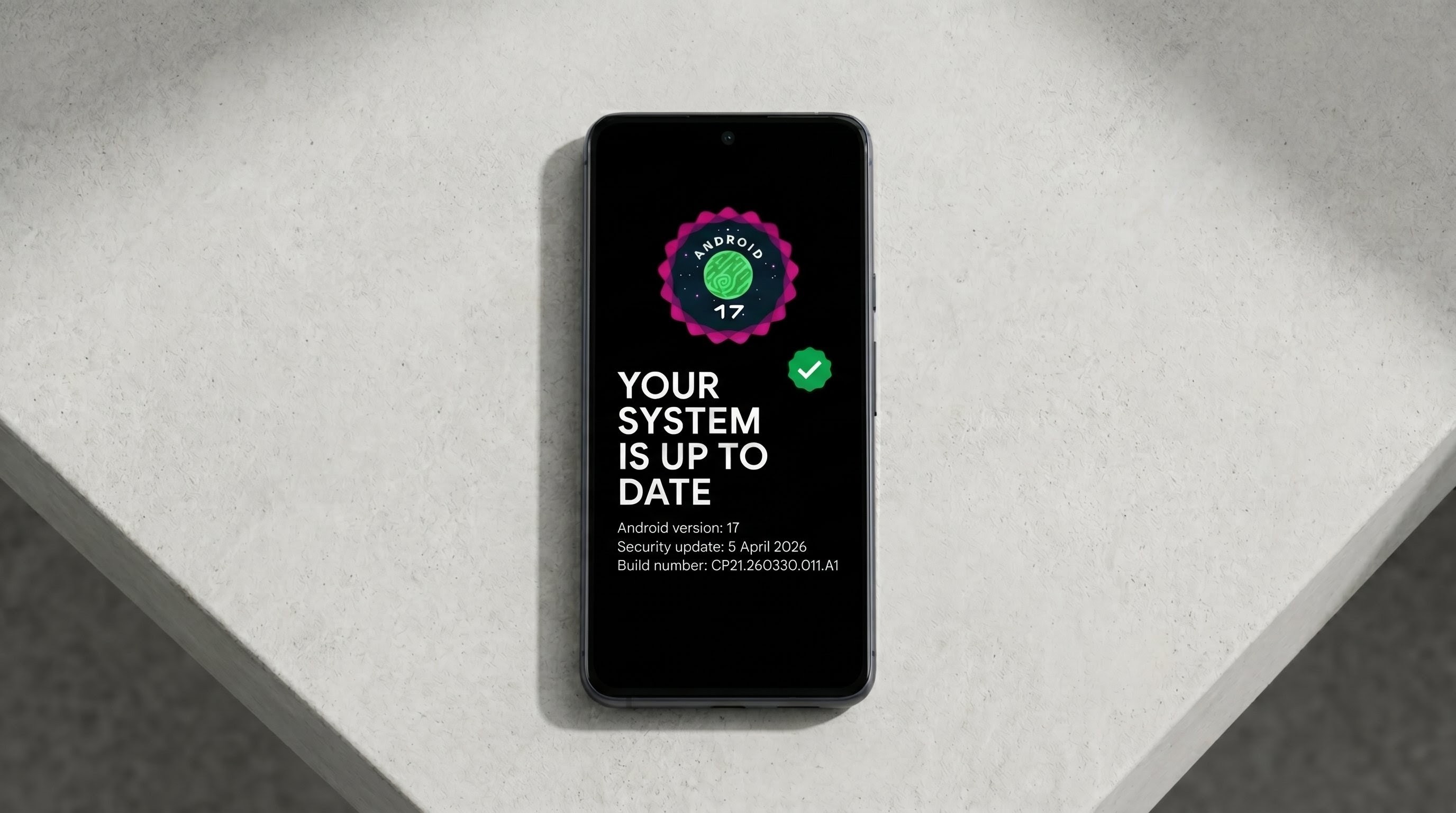
Under Software Information, the device identifies the installed operating system as Android 16 with the QPR2 build.
Tapping the Android version multiple times opens the Android 16 Easter egg, providing the familiar interactive feature included with the operating system.
The interface remains relatively close to the standard Android experience rather than introducing a heavily customized visual design.
Superior Lab and Customization
Superior OS includes a section called Superior Lab, where customization options are normally located.
However, this particular build is based heavily on LineageOS, so the available customization options are limited.
You won't find an extensive collection of advanced interface tweaks or visual effects.
Instead, the ROM prioritizes a relatively clean and minimalist experience.
If you prefer a stock Android interface and don't need dozens of customization toggles, this approach may suit your preferences.
Users who want extensive theming and advanced system controls may find the available options restrictive.
Camera and Google Photos Limitations
There are two important omissions to understand before installing this ROM.
First, MIUI Camera is not included.
If you want to use the Redmi Note 7 Pro's camera hardware, you'll need to rely on a standard camera application or find a compatible Google Camera port.
Second, the ROM does not include Google Photos unlimited storage spoofing.
Photos and videos uploaded through a Google account will use the account's normal storage allowance.
This is important for users who take a large number of photographs or record videos regularly.
Network and Private DNS
The Network and Internet settings provide the usual Android connectivity controls.
One useful addition is the Private DNS section, which comes with Cloudflare DNS preconfigured.
Private DNS can help encrypt DNS queries when the selected DNS provider supports it, improving privacy for that part of the connection.
However, Private DNS does not make all internet traffic anonymous or replace a VPN.
Apps and Security Features
The Apps settings do not include a native app-lock feature.
This is another example of the ROM's minimalist approach.
For device security, the ROM includes both face unlock and fingerprint authentication.
During testing, both methods worked without noticeable lag or recognition issues.
These options provide convenient ways to unlock the device while retaining the familiar Android security experience.
Display and Wallpaper Customization
The Display settings include essential options such as:
- Double tap to wake
- Double tap to sleep
These controls are useful for waking or turning off the screen without always using the physical power button.
The Wallpaper and Styles section is much simpler.
It provides standard Android Material You color selection and basic layout choices, but there are no extensive additional theming options.
This is consistent with the ROM's stock-oriented design.
Battery Life
During normal daily usage, including browsing, social media, and watching videos, the Redmi Note 7 Pro delivered approximately seven hours of screen-on time.
The testing did not include heavy gaming.
Battery life can vary depending on battery health, screen brightness, network conditions, installed applications, and individual usage patterns.
The reported result should therefore be treated as an observation from this particular device rather than a guaranteed result for every installation.
Geekbench 7 Performance
The Redmi Note 7 Pro was also tested using Geekbench 7.
The recorded results were:
- Single-core score: 614
- Multi-core score: 1,759
These figures provide a reference point for the tested device and software build.
Benchmark scores can vary with temperature, background activity, kernel configuration, and the exact version of the benchmark application.
SafetyNet and Banking Applications
The review also examined banking application compatibility.
On a rooted installation, the SafetyNet check fails by default in the tested configuration.
The walkthrough mentions that a separate module is needed to attempt to pass the check, with a dedicated tutorial available for that process.
On the non-rooted installation, the banking applications tested during the review worked without reported issues.
However, banking compatibility can change with application updates, server-side checks, and device integrity requirements. No custom ROM can guarantee that every banking application will continue to work.
Final Thoughts
Superior OS Android 16 QPR2 provides the Redmi Note 7 Pro with a clean Android experience and a relatively minimal interface.
The ROM offers smooth navigation, essential display controls, Private DNS with Cloudflare preconfigured, face unlock, fingerprint authentication, and a reasonable battery experience in the tested setup.
Its limitations are equally important: no MIUI Camera, no Google Photos unlimited storage spoofing, no native app lock, and relatively few customization options.
For users who prefer a stock-style Android experience on the Redmi Note 7 Pro, Superior OS is an option to investigate, provided they are comfortable with its limitations and understand the risks of flashing a custom ROM.
Discussion (0)
Post a Comment
No comments yet. Be the first to share your thoughts!