Introduction and Overview
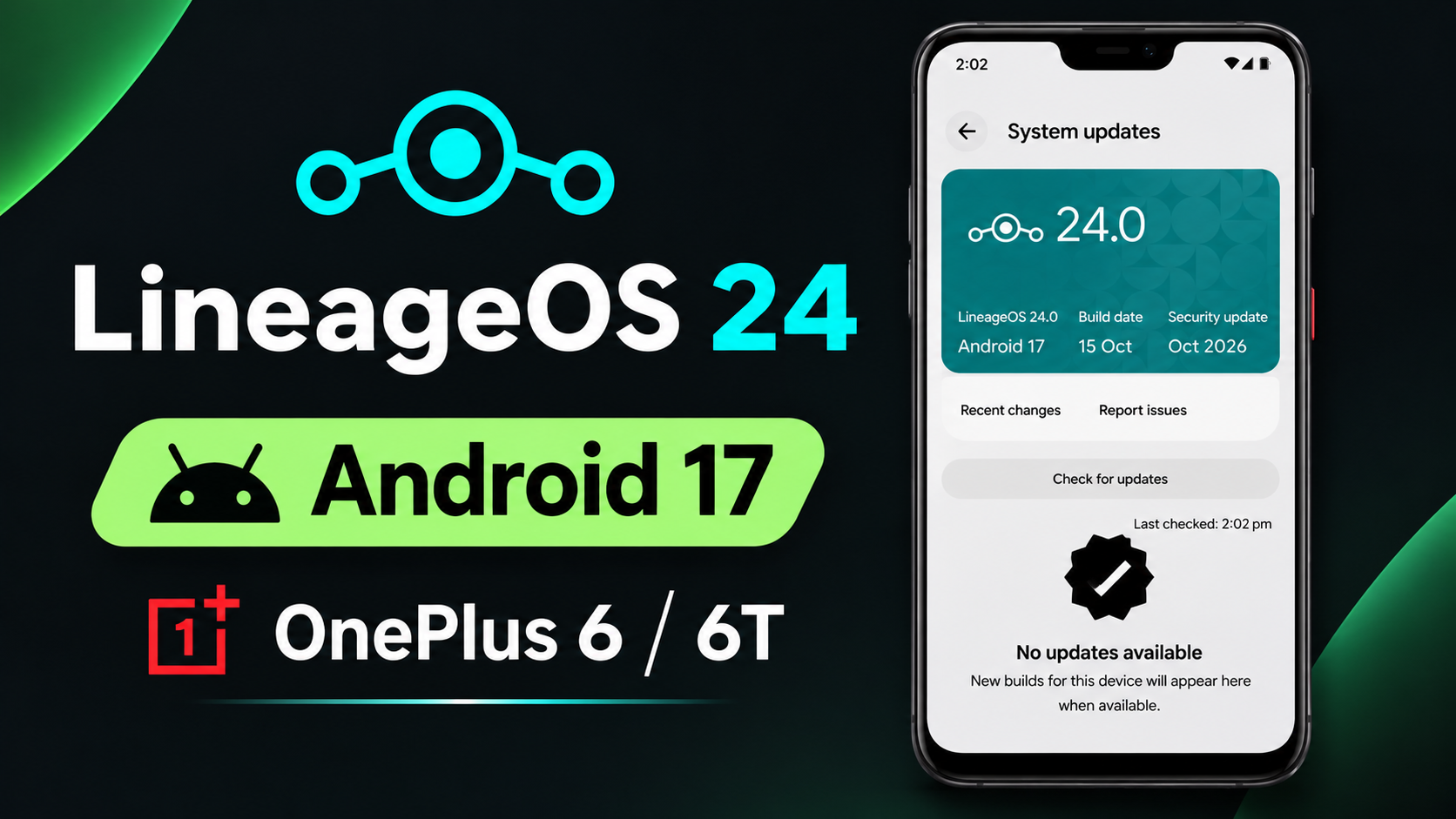
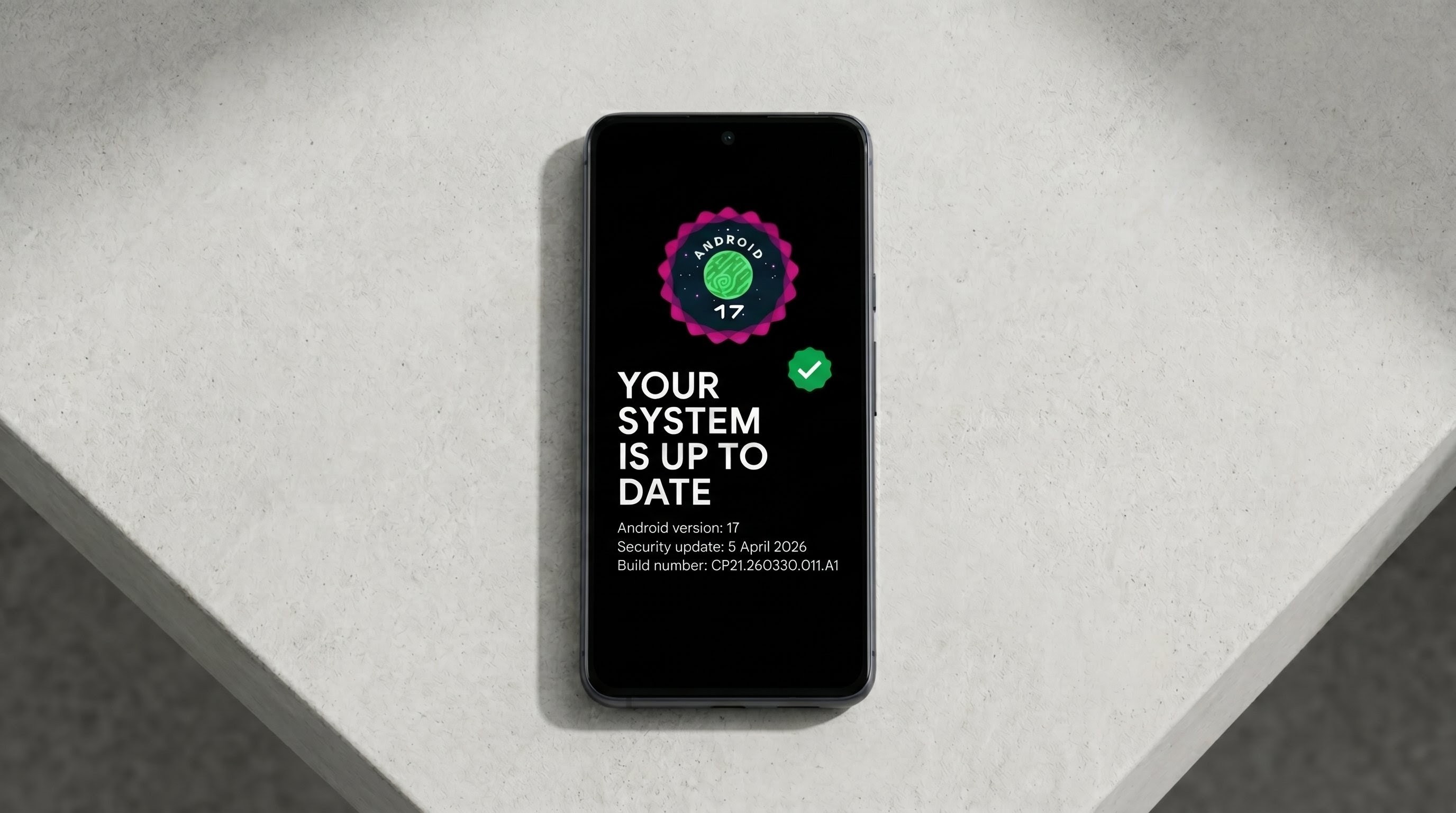
The unofficial LineageOS 24 build brings the highly anticipated Android 17 operating system directly to the legacy OnePlus 6 and 6T hardware. This breathes incredible new life into the aging architecture.
The world of Android customization is vast and dynamic, offering users unparalleled control over their devices. Unlike locked-down operating systems, Android allows enthusiasts to dive deep into the core framework. By leveraging tools like custom ROMs, kernels, and systemless modules, users can bypass manufacturer restrictions, remove aggressive bloatware, and unlock features that were previously hidden or disabled. This level of freedom is what makes the Android ecosystem so incredibly appealing to power users who want to extract every ounce of performance and utility from their hardware.
Core Features and Architecture
Powered by a custom 4.19 kernel, this build ensures maximum compatibility with modern Android 17 demands. It features advanced display calibration like DCI-P3 and sRGB, alongside handy double-tap gestures.
One of the most significant advantages of modifying an Android device is the ability to extend its lifespan. Smartphone manufacturers often drop official software support for older devices after just a few years, leaving them vulnerable to security threats and unable to run the latest applications. The aftermarket development community steps in to fill this gap, providing unofficial updates, security patches, and entirely new operating systems for legacy hardware. This not only saves users money by delaying the need for an upgrade but also helps reduce electronic waste by keeping perfectly capable smartphones out of landfills.
Video Demonstration
Installation and Setup Process
Installation requires an unlocked bootloader and a compatible custom recovery. Once flashed, the system operates incredibly smoothly, achieving impressive Geekbench 7 scores of 552 single-core and 2191 multi-core.
When engaging in these advanced modifications, safety and proper file management are absolutely paramount. Users must always ensure they are downloading their tools, custom ROMs, and Magisk modules from verified, reputable sources to avoid malicious software. Furthermore, creating comprehensive backups of all vital personal data—including photographs, contacts, and application data—before initiating any flashing sequence is a mandatory practice. Utilizing custom recoveries like TWRP or specialized environments like AxManager allows users to apply these changes securely, providing a safety net in case a specific modification causes unexpected system instability or boot loops.
Advanced Capabilities and Modifications
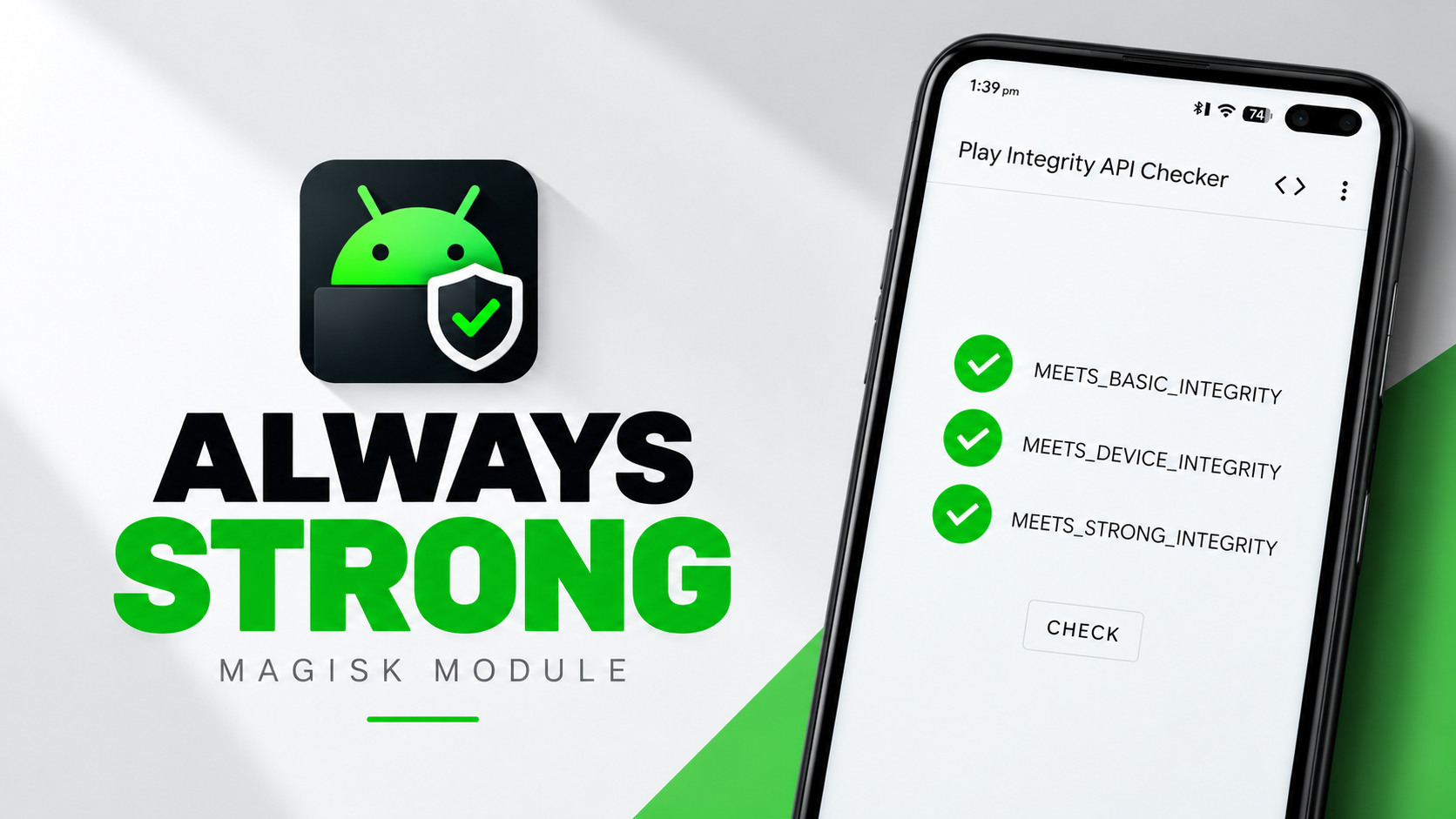
While the ROM lacks native face unlock, it supports physical fingerprint security and private DNS routing. Users will need to flash Play Integrity fix modules via Magisk to pass strict SafetyNet checks.
The transition to systemless modifications via the Magisk framework has revolutionized how we interact with root access. In the past, achieving superuser privileges required permanently altering the device's system partition, which often broke over-the-air updates and triggered strict security checks from banking and enterprise applications. Systemless root, on the other hand, leaves the core partitions completely untouched. Instead, it injects modifications into the boot image, allowing users to pass SafetyNet and Play Integrity checks while still enjoying the immense benefits of deep system customization, ad blocking, and advanced performance tuning.
System Maintenance and Tuning
Looking towards the future, the continued development of non-root solutions like Shizuku, Wireless ADB, and independent optimization modules proves that the community is constantly innovating. Users no longer need to void their warranties or risk catastrophic device failure to achieve flagship-level performance or granular privacy controls. By utilizing these intelligent, streamlined applications, anyone can tailor their smartphone experience to perfectly match their unique daily workflow, proving that the spirit of open-source development remains the driving force behind the most exciting advancements in mobile technology today.
Final Verdict
Overall, LineageOS 24 on Android 17 is a monumental achievement for the OnePlus 6 series, delivering a highly refined, stable, and incredibly fast daily driver experience.
Ultimately, the decision to modify a smartphone rests on the user's desire for freedom and personalization. The stock Android experience, while polished, is built for the masses and often restricts power users from truly owning their hardware. By taking the time to understand device partitions, flashing mechanics, and module architecture, users transform a standard consumer electronic device into a highly specialized tool. This continuous cycle of learning, testing, and optimizing represents the core essence of the Android community, ensuring that open-source development will thrive for many generations to come.
Download
Discussion (0)
Post a Comment
No comments yet. Be the first to share your thoughts!