
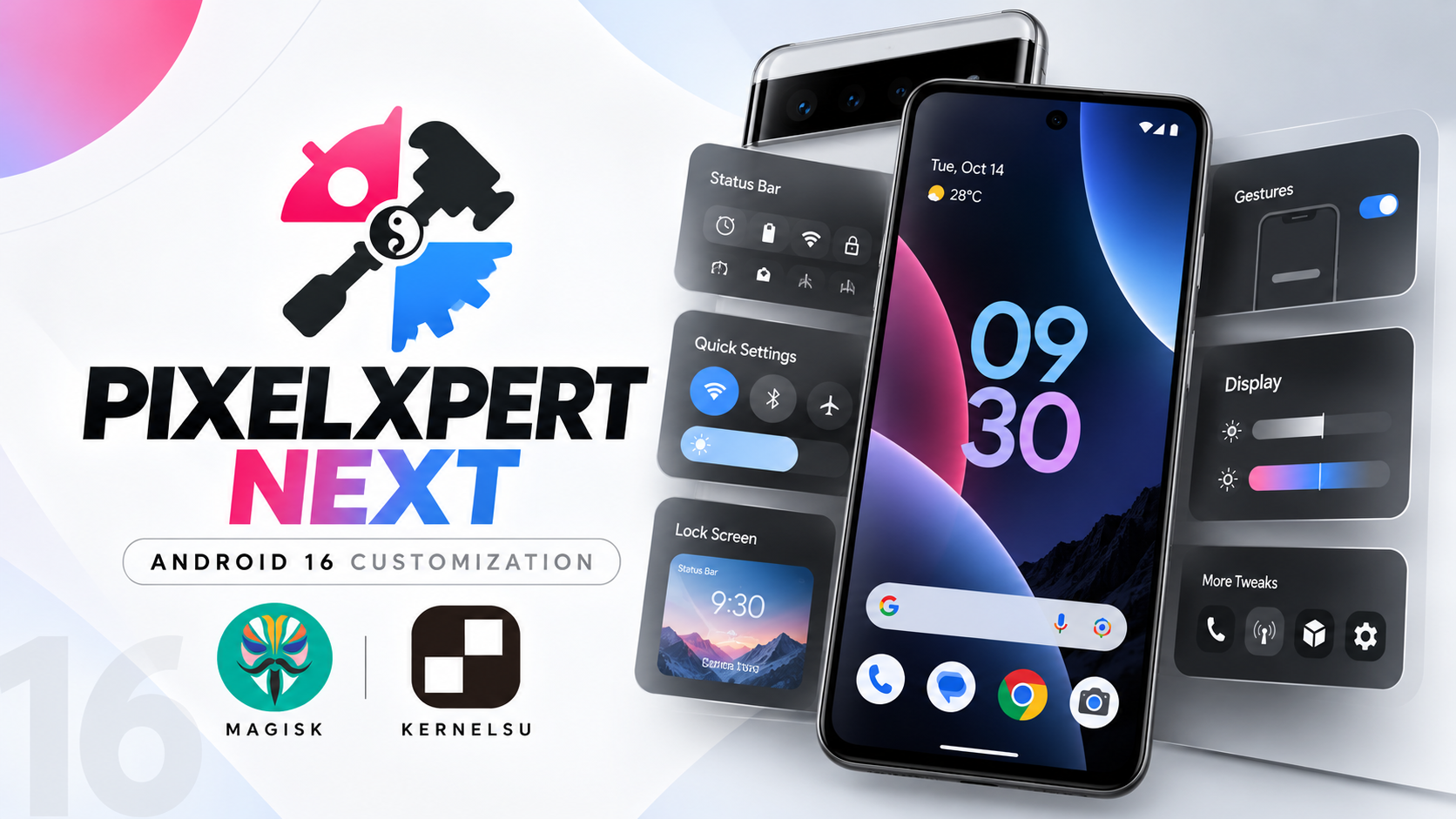
PixelXpert Next is a fork intended to continue development of the original PixelXpert project and maintain compatibility with newer Android builds. It is a hybrid Xposed and Magisk or KernelSU module that adds deep customization options to supported Google Pixel devices running official stock firmware.
The walkthrough demonstrates setup on a Google Pixel 6 running an Android QPR1 beta with KernelSU. The process is similar with Magisk, but KernelSU users have an additional prerequisite.
Compatibility note: The supplied script says PixelXpert Next is designed for official stock firmware on Google Pixel hardware. Custom ROMs and third-party skins such as Samsung One UI and Xiaomi MIUI are not supported. Root modules can cause boot issues, so verify the release and keep a recovery plan.
Requirements
- A supported Google Pixel device running official stock firmware.
- Root access through KernelSU or Magisk.
- The PixelXpert Next ZIP matching your current Android version.
- KernelSU users must install and activate Mountify beforehand; Magisk users can skip this prerequisite.
- A backup and a way to recover if the module causes problems.
Step-by-Step Installation
1. Download the correct ZIP
Download the latest PixelXpert Next ZIP from the supplied download link or the project's GitHub repository. Confirm that the release matches your Android version. An incompatible package may cause boot issues or a soft brick.
2. Check your root-manager setup
If you use KernelSU, install and activate Mountify before flashing, as specified in the tutorial. If you use Magisk, the video says you can skip Mountify because Magisk handles mounts automatically.
3. Flash the module
Open KernelSU or Magisk and go to Modules. Choose install from storage and select the PixelXpert Next ZIP. The installer may ask you to make selections or confirm steps using the physical volume buttons. Follow the on-screen prompts.
4. Reboot and grant root access
After the installer reports success, reboot the phone. Open PixelXpert after startup. If no superuser prompt appears, open your root manager, locate PixelXpert in the Superuser permissions section, and grant root access. Return to the app and allow the dashboard to initialize.
Customization Features
- Depth wallpaper effect that places parts of the clock behind the wallpaper subject.
- Status bar controls for clock alignment, date format, battery icons, network traffic indicators, and icon spacing.
- Quick Settings layout options for tile rows and columns, brightness slider placement, blur, and transparency.
- Lock-screen carrier text, shortcuts, and ambient display customization.
- Notification controls for heads-up banners, snoozing, and layout adjustments.
- Gesture navigation settings, including hiding the gesture pill and adjusting back-swipe sensitivity.
- Phone and dialer adjustments, call recording controls, and hotspot-related options.
- Package manager tweaks, including signature-check bypasses and app downgrades without data loss, as described in the tutorial.
- Display settings for refresh rates, peak-brightness behavior, and saturation profiles.
Troubleshooting and Safety
If installation fails, recheck device and Android-version compatibility, the ZIP download, and release notes. KernelSU users should verify Mountify is active. If PixelXpert cannot access system functions, check its root permission. Avoid changing many system-level options at once while troubleshooting.
Watch the Full Video
Download
Credits / Official Developer
PixelXpert Next GitHub repository
Final Thoughts
PixelXpert Next offers deep customization for supported stock Google Pixel devices. Confirm compatibility before flashing, follow the correct steps for your root manager, and grant root access only after installing a release from a source you trust.

Discussion (0)
Post a Comment
No comments yet. Be the first to share your thoughts!