
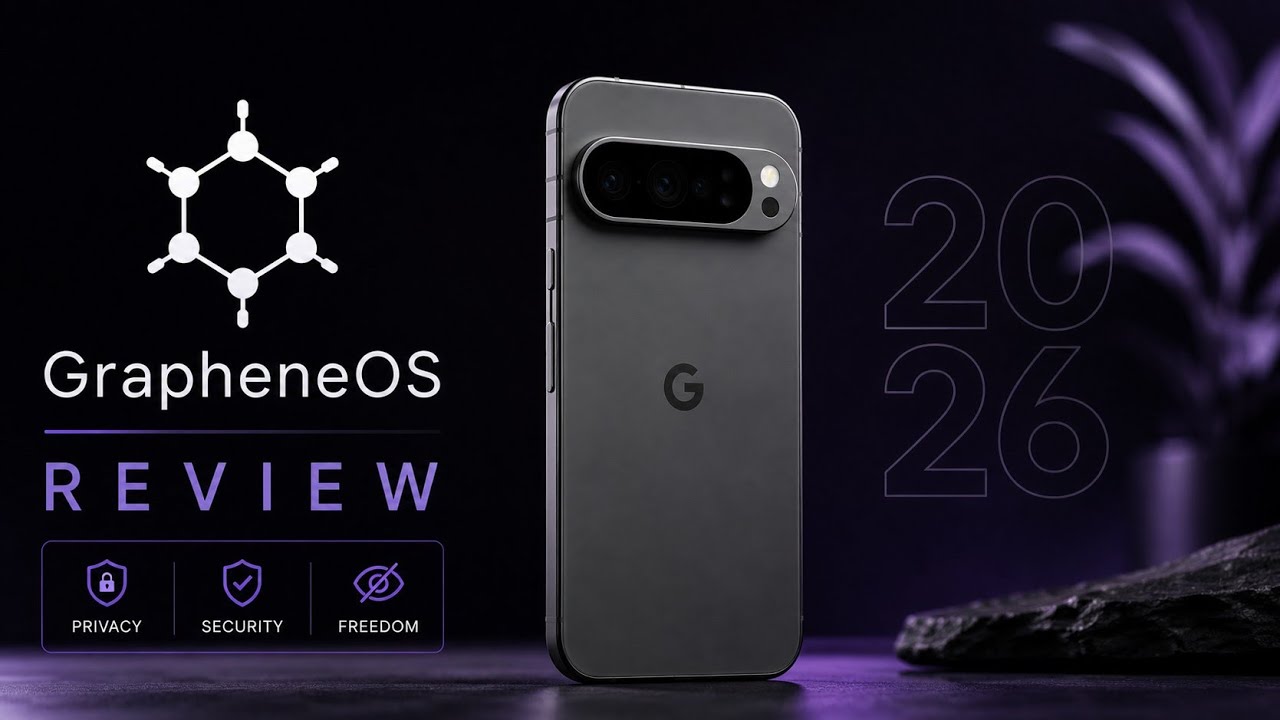
GrapheneOS isn’t trying to be Android for everyone.
That’s probably the first thing I would say after spending time with it.
If your priority is having every proprietary application work exactly as it does on a stock Pixel, with no additional configuration, GrapheneOS may not be the obvious choice.
But if your priority is privacy, security, application permissions and control over what the operating system is doing, the Pixel 6 running GrapheneOS remains a very interesting combination.
For this review, I used a Google Pixel 6 and looked through the system’s settings, privacy controls, networking options, built-in applications and security features.
The First Impression
GrapheneOS feels familiar because the underlying experience is still recognizably Android.
You aren’t learning an entirely alien mobile operating system.
The difference becomes more obvious once you start opening the settings.
Instead of treating privacy as something you configure through a collection of third-party applications, GrapheneOS puts a considerable amount of control directly into the operating system.
That’s the part that stood out to me most.
Network Controls Are Surprisingly Detailed
One of the first areas I explored was Network & internet.
GrapheneOS provides control over connectivity checks, including options involving GrapheneOS servers, standard Google connectivity-check servers or disabling the checks.
The system also allows network and localhost access to be controlled for individual applications.
That level of control is useful because you don’t necessarily have to make a binary decision between “privacy phone” and “normal phone.”
You can decide what individual applications are allowed to access.
The Wi-Fi configuration also provides randomized MAC-address options, including the ability to use a randomized address per network.
For someone who pays attention to network privacy, these aren’t flashy features, but they’re the sort of controls that become useful over time.
Video:
Connected Devices and Radio Controls
Bluetooth, casting, printing and other connected-device options remain familiar.
Where GrapheneOS adds another layer is in its security-focused controls.
The review demonstrates options for automatically shutting down certain radios after they have been disconnected or idle for a configured period.
The idea is straightforward: if you aren’t using a particular wireless interface, you can reduce the amount of time it remains active.
It’s another example of GrapheneOS approaching privacy and security at the operating-system level rather than relying entirely on individual applications.
App Permissions Are a Big Part of the Experience
The application-management section is probably one of the places where GrapheneOS makes its philosophy most obvious.
You can manage default applications, background execution and special access permissions.
Notifications can also be configured in detail, including sensitive lock-screen content and notification channels.
This isn’t necessarily revolutionary if you’ve used recent versions of Android, but GrapheneOS puts considerable emphasis on giving the user control.
For someone who installs a lot of applications, that can make a meaningful difference.
Security Features
This is where GrapheneOS gets particularly interesting.
The review covers several security-oriented options, including a scrambled PIN layout that changes the keypad arrangement.
The purpose is to make it harder for someone watching you enter your PIN to infer it from your finger movements.
There’s also Auto Reboot, which can automatically restart the phone after a configured period of inactivity.
After rebooting, the device returns to the secure state before the first unlock, where the encryption keys remain protected until the user authenticates.
The review also covers USB-C lockdown, which restricts USB data access while the phone is locked.
These are the sorts of features that make GrapheneOS feel different from simply installing a privacy-focused application on stock Android.
What About Google Play?
This is one of the biggest misconceptions about GrapheneOS.
You don’t have to choose between GrapheneOS and every Google application.
GrapheneOS provides an Apps repository through which users can install sandboxed Google Play components if they need them.
The important distinction is how those services are integrated.
Rather than receiving the same privileged system position they have on conventional Android installations, sandboxed Google Play operates within the GrapheneOS security model.
That gives users the option of using applications that depend on Google services without necessarily giving those services unrestricted system privileges.
Built-In Applications
GrapheneOS keeps the default software selection relatively minimal.
The review covers its file manager, gallery, launcher, camera and Vanadium browser.
Vanadium is the Chromium-based browser developed for GrapheneOS with additional security hardening and exploit mitigations.
The general experience is intentionally uncomplicated.
There aren’t pages of carrier applications or manufacturer services that you need to disable before the phone feels clean.
You start with a relatively minimal environment and add what you actually need.
The Camera Experience
The built-in camera application also follows the project’s privacy-focused approach.
The review notes its handling of permissions and location metadata, along with the broader privacy model surrounding camera access.
This doesn’t mean that GrapheneOS magically turns the Pixel camera into something completely different.
The Pixel 6’s underlying camera hardware remains the same.
The difference is more about how the operating system handles the surrounding privacy and permission model.
Is It Good for Gaming?
This is where I would avoid overselling GrapheneOS.
The operating system is primarily designed around privacy and security, not gaming-first optimization.
If your main requirement is maximum compatibility with every DRM-dependent game and proprietary service, you should investigate the specific applications you use before switching.
That’s actually one of the reasons I wouldn’t recommend GrapheneOS blindly.
It has a particular philosophy.
If that philosophy matches what you want from a smartphone, the compromises can make sense.
If it doesn’t, you may find stock Android more convenient.
The Overall User Experience
After going through the system, what I appreciate most is the consistency.
Privacy isn’t confined to one menu.
It’s visible in networking, application permissions, hardware controls, security settings, updates and the included applications.
The system updater provides verified over-the-air updates, while the About Phone section confirms the installed Android and GrapheneOS build.
The Quick Settings panel also includes privacy-related indicators and hardware controls.
None of these individual features necessarily makes GrapheneOS revolutionary.
Together, however, they create a noticeably different approach to Android.
So, Is GrapheneOS Worth It in 2026?
For the right person, absolutely.
If you’re looking for an operating system where privacy and security are fundamental design goals rather than settings you have to bolt on later, GrapheneOS is one of the strongest options available for supported Pixel hardware.
But I wouldn’t recommend it simply because someone says it’s “the most private Android ROM.”
Think about your own requirements.
Do your banking applications work?
Do your streaming services work?
Do the games you play depend on specific DRM or integrity checks?
Do you need Google’s ecosystem?
Are you comfortable configuring applications and permissions yourself?
Those questions matter more than a generic recommendation.
Final Thoughts
After exploring GrapheneOS on the Pixel 6, I think its biggest strength is control.
You can decide how applications interact with the network, which permissions they receive, how wireless interfaces behave, how USB access is handled while locked, when the device automatically reboots and whether Google services are installed at all.
At the same time, that control comes with a little more responsibility.
GrapheneOS isn’t trying to hide its philosophy: it prioritizes privacy and security.
If those are your priorities, the Pixel 6 remains a very capable platform for experiencing that approach.
And perhaps that’s the fairest way to describe GrapheneOS in 2026:
It isn’t Android with privacy sprinkled on top. It’s an Android experience built around giving the user more control over privacy and security from the beginning.
Device Used: Google Pixel 6
Official resource: GrapheneOS official website and documentation.
Download: GrapheneOS

Discussion (0)
Post a Comment
No comments yet. Be the first to share your thoughts!