
Introduction to Bootloader Restrictions and DFRoot
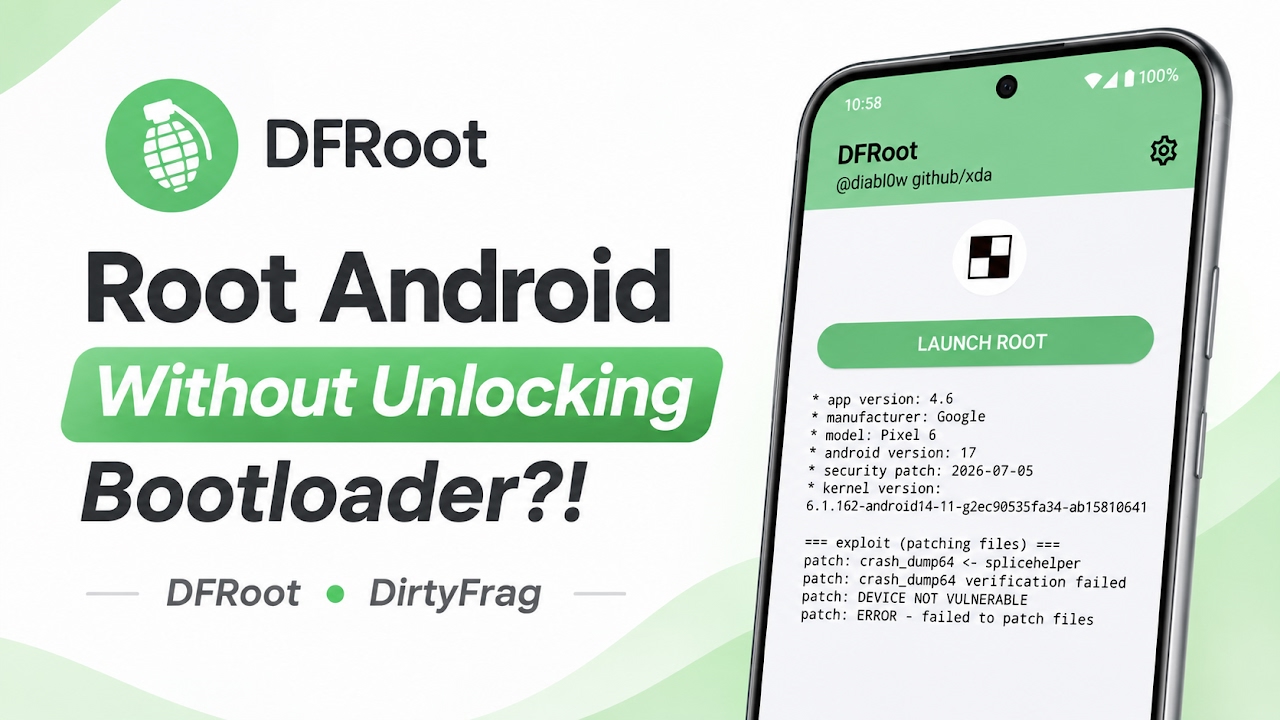
Gaining superuser privileges on an Android device has traditionally required a sequential and often restrictive process, primarily dependent on the user's ability to unlock the device's bootloader. For many users, carrier restrictions or strict manufacturer policies make bootloader unlocking completely impossible, effectively locking them out of the extensive customization and administrative control that rooting provides. DFRoot emerges as an exciting and highly specialized Android rooting application designed specifically to bypass this limitation. By leveraging an advanced system vulnerability rather than traditional flashing methods, this tool offers a unique pathway to root access without requiring an unlocked bootloader. The core mechanism of the DFRoot application relies entirely on the DirtyFrag vulnerability, which is officially tracked and identified within the cybersecurity community as CVE-2026-43284.
Understanding the CVE-2026-43284 Vulnerability
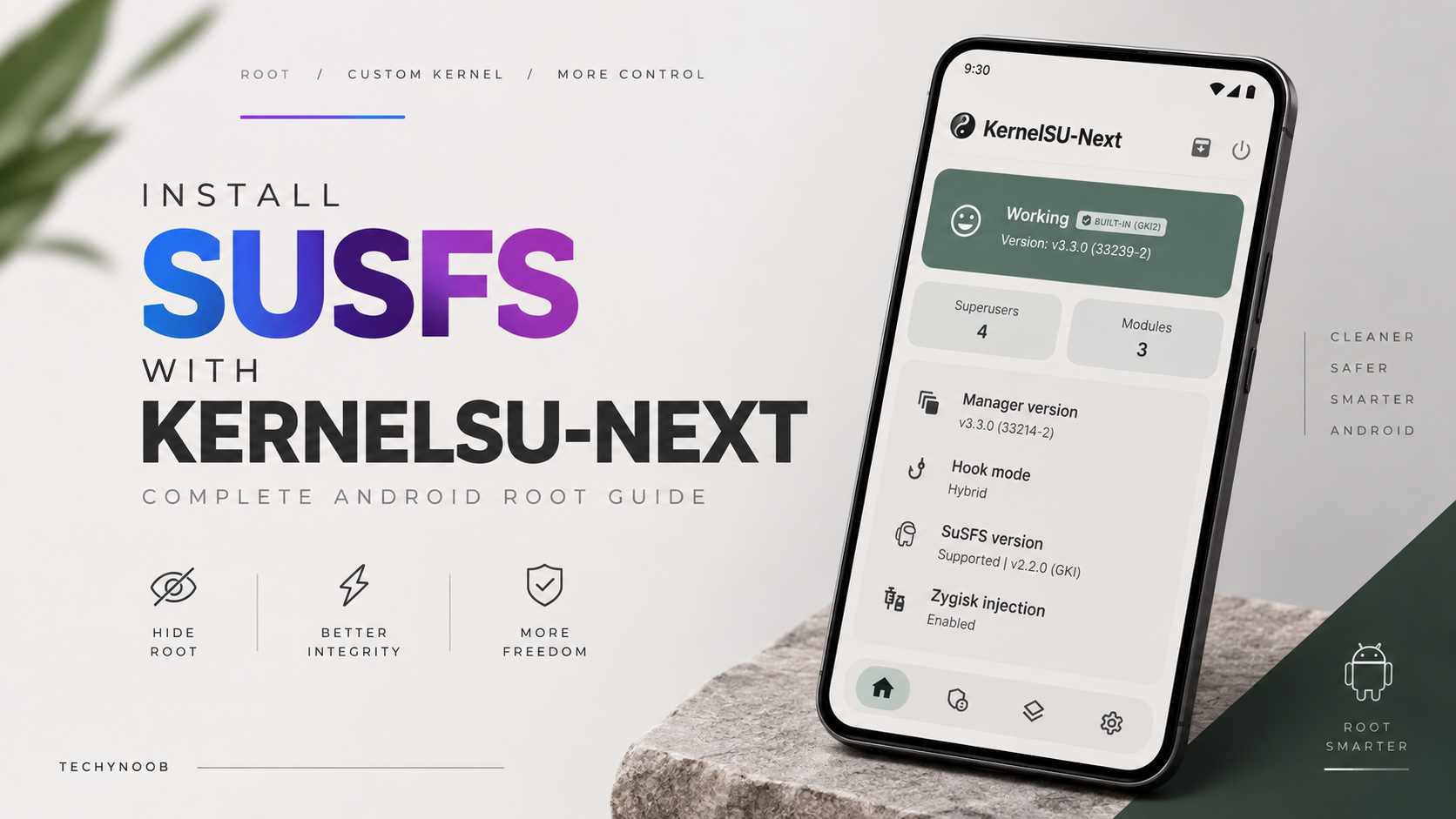
Understanding how this application achieves system-level access requires a closer look at the underlying exploit mechanism. The DFRoot application utilizes a kernel page cache write primitive, which is a highly sophisticated method of interacting with the device's core memory management system. Through this specific vulnerability, the application is capable of loading a custom kernel module directly into the operating system. Because the exploit operates at the kernel memory level, it completely bypasses the standard verification checks that would normally block unauthorized modifications. Furthermore, the developers have intentionally engineered this tool to be entirely superuser manager agnostic. This means the exploit itself does not force the user into using a specific proprietary root management ecosystem. Instead, it is built to function seamlessly alongside any KernelSU-compatible superuser manager, providing maximum flexibility for power users.
Key Features and Interface Functionality
Upon launching the application, users are presented with a streamlined interface that prioritizes functional recovery and system stability options over unnecessary visual flair. Navigating to the settings menu reveals several critical features designed to manage the lifecycle of the root environment. The Start at Boot toggle allows the system to automatically initialize the exploit and apply the superuser environment during the standard device startup sequence. Additionally, an Auto Soft Reboot feature is available to handle the internal system refreshes necessary for applying specific kernel modifications. One of the most vital inclusions in the settings menu is the Disable KSU Modules toggle. This acts as a crucial safety net for users who frequently experiment with various system modifications, allowing them to prevent module-induced system crashes by temporarily disabling all active modules.
Video Demonstration
System Requirements and Kernel Compatibility
Despite its impressive capabilities, the application is bound by strict hardware and software compatibility requirements that users must verify before installation. The exploit is specifically tailored for modern Android architectures and exclusively supports the KernelSU, KernelSU-Next, and KowSU environments. The primary limiting factor for most users will be the device's specific kernel architecture. The application strictly requires a device running a Generic Kernel Image, commonly known as GKI. If a device lacks this GKI support, it falls entirely outside the compatibility range of this exploit. For instance, older devices running on the 4.14 kernel architecture, such as the Poco X2, are entirely incompatible; running the app on such hardware results in an inability to select a root manager or view any exploit logs. Furthermore, manufacturers and kernel developers actively patch these types of vulnerabilities. Devices running newer kernels often feature mitigations that block the DirtyFrag vulnerability. For example, the Pixel 6 and devices utilizing the 6.1 kernel frequently have accidental or official backported mitigations. If a device falls into this category, the execution log will simply display a patching failed message, indicating that the device is no longer vulnerable and cannot be rooted using this specific tool.
Installation and Setup Guide
For users with compatible GKI hardware, the installation procedure relies on standard Android side-loading mechanics. The necessary installation package must be acquired directly from the developer's official GitHub repository. Once the application package is downloaded, users must navigate to their designated downloads folder using a standard file manager to locate the DFRoot APK. Prior to initiating the setup, the Android operating system requires explicit permission to install applications from unknown sources, which must be enabled for the specific file manager being used. After ensuring the correct permissions are granted, tapping the downloaded APK file will trigger the Android installation prompt, which finishes setting up the device in just a few seconds.
Troubleshooting and System Recovery
Given the volatile nature of kernel-level exploits, encountering instability is a possibility, and understanding the built-in recovery procedures is essential. If the execution log displays a success message but administrative privileges are not granted, the recommended first step is to disable the Auto Soft Reboot feature within the DFRoot settings. In scenarios where a newly installed module causes the device to crash immediately upon launching the root manager, users should utilize the Disable KSU Modules toggle to regain stability. The most severe scenario involves a continuous bootloop caused by an incompatible module combined with the Start at Boot feature. In this situation, the Android operating system will typically attempt to boot into Safe Mode automatically. If automatic recovery fails, users can manually enter Safe Mode by holding the Volume Down button during the device's boot sequence. Once in Safe Mode, users must open the application and disable Start on Boot while simultaneously enabling Disable KSU Modules, or simply uninstall the application entirely until the system stabilizes.
Final Verdict
DFRoot represents a significant technical breakthrough for users restricted by carrier-locked bootloaders, providing a highly capable pathway to system administration. However, the strict GKI kernel requirements and the ever-present implementation of security mitigations mean that its utility is highly dependent on the exact software configuration of the target device. For those with compatible, unpatched hardware, it is an exceptionally powerful tool that demands respect and careful handling, offering a rare glimpse into root access without traditional bootloader unlocking.

Discussion (0)
Post a Comment
No comments yet. Be the first to share your thoughts!