
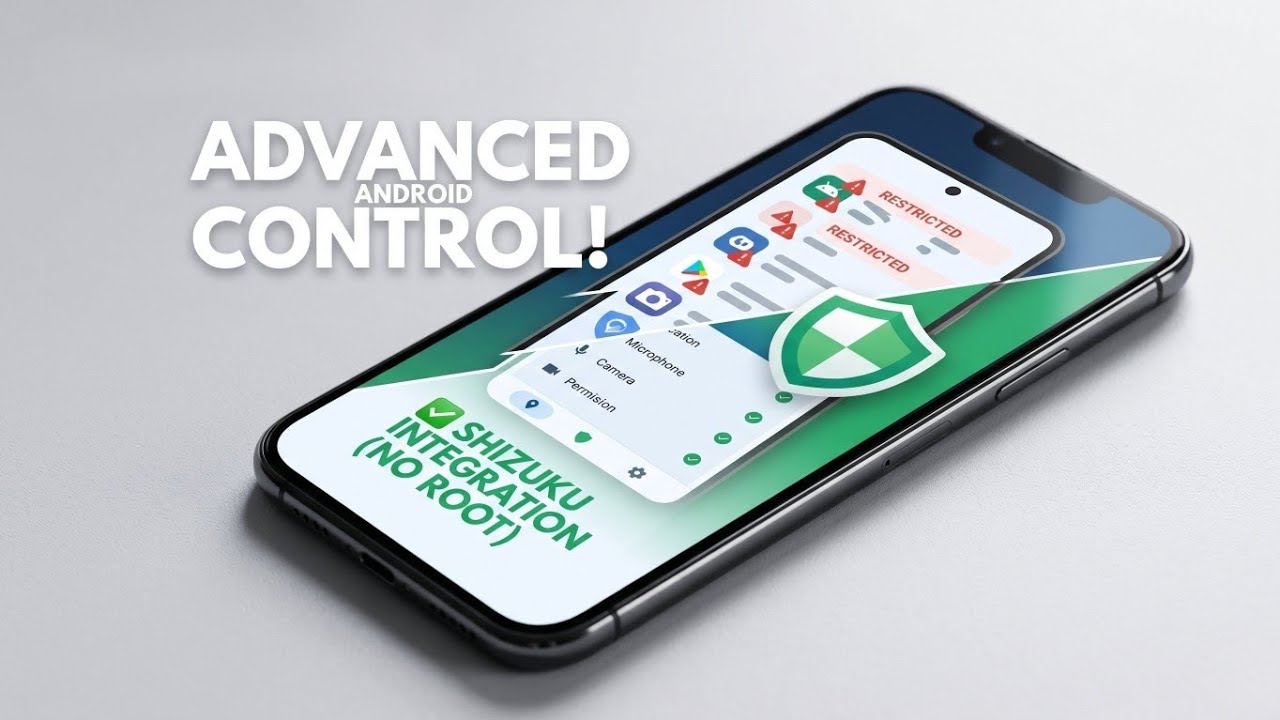
In today’s hyper-connected digital landscape, our smartphones are extensions of ourselves. They hold our most sensitive information, track our daily movements, and listen to our conversations. Yet, despite how personal these devices are, many users often feel like they lack true control over the software running in the background. If you have ever scrolled through your device settings and felt overwhelmed by the sheer number of applications you never actually use, or if you find yourself worrying about which random applications have access to your private data, you are certainly not alone.
Finding the right balance between convenience and security is a constant challenge for modern smartphone users. Fortunately, there is a brilliant solution that puts the power back into your hands. Today, we are taking a comprehensive look at an incredible Android utility application called Buge App Manager. This highly powerful tool is specifically designed for advanced application and permission management, giving you back complete, granular control over your device without compromising its integrity.
A Modern, Intuitive Interface Built on Material Design 3
Utility applications often suffer from cluttered, overly technical interfaces that alienate everyday users. Buge App Manager completely breaks this mold. The very first thing you will notice upon launching the application is its absolutely gorgeous user interface. Built entirely on the principles of Material Design 3, it is exceptionally clean, completely system-themed, and follows the latest Android design guidelines perfectly.
This means that whether you are using a light theme during the day or a dark theme at night, the application adapts seamlessly to your device's native aesthetics. It does not feel like a clunky, third-party add-on; rather, it feels like a premium, integrated part of your operating system. This dedication to design makes navigating through complex system settings incredibly intuitive, bridging the gap between advanced technical control and user-friendly accessibility.
Watch the full tutorial here on my Youtube channel:
The Magic of Shizuku Integration: Advanced Power Without Rooting
For years, Android power users who wanted total control over their system applications and deep permission management had to resort to "rooting" their devices. While rooting offers immense freedom, it also comes with significant drawbacks, including voided warranties, broken banking apps, and potential security vulnerabilities.
This is where Buge App Manager truly shines as a massive game-changer. The core capability of this application lies in its seamless Shizuku integration. By authorizing the app with Shizuku—a service that allows normal applications to use system-level APIs directly through the Android debugging bridge—Buge App Manager can operate with elevated, system-level control.
What does this mean for you? It means you can easily browse, manage, and modify both your standard user-installed applications and deeply embedded system applications with total ease, absolutely no permanent root access required. You get all the benefits of advanced device management while keeping your smartphone secure, stable, and completely within standard operating parameters.
Deep Dive into the Comprehensive Permission Manager
One of the most alarming aspects of modern applications is their tendency to request permissions they simply do not need. Why does a basic calculator app need access to your precise location? Why does a simple offline game need to access your microphone?
Buge App Manager features a comprehensive Permission Manager that allows you to seamlessly view and modify app permissions categorized by type. Instead of digging through individual app settings one by one, you get a bird's-eye view of your entire device. The supported categories cover the most critical privacy vectors, including:
- Microphone and Camera: Ensure nobody is listening or watching without your explicit consent.
- Location Access: Stop applications from tracking your daily movements.
- Notifications: Clean up your status bar by silencing intrusive apps.
- Phone and Contacts: Protect your address book from data-harvesting software.
- Storage: Keep your personal photos and documents locked down.
The application allows you to elegantly filter these permissions by granted or denied status, so you can instantly see exactly what is going on behind the scenes. Furthermore, it supports batch permission operations. If you want to revoke location access from ten different applications, you can do it all at once with just a few taps, saving you a tremendous amount of time and frustration.
Optimizing Your Device’s Security Posture
At the end of the day, digital hygiene is about proactive management. In terms of privacy and security, Buge App Manager makes it incredibly simple to quickly identify which specific apps have access to your most sensitive permissions. By providing these clear, actionable insights, you can actively optimize your device's security posture.
You no longer have to guess what your apps are doing in the background. With the combination of a beautiful Material Design 3 interface, the system-level power of Shizuku, and a robust permission management engine, Buge App Manager is an essential utility for anyone who values their digital privacy. Taking control of your smartphone has never been easier, safer, or more efficient.
Subscribe to my Youtube channel for daily android tips tricks and tutorials: TechyNoob
Discussion (0)
Post a Comment
No comments yet. Be the first to share your thoughts!