
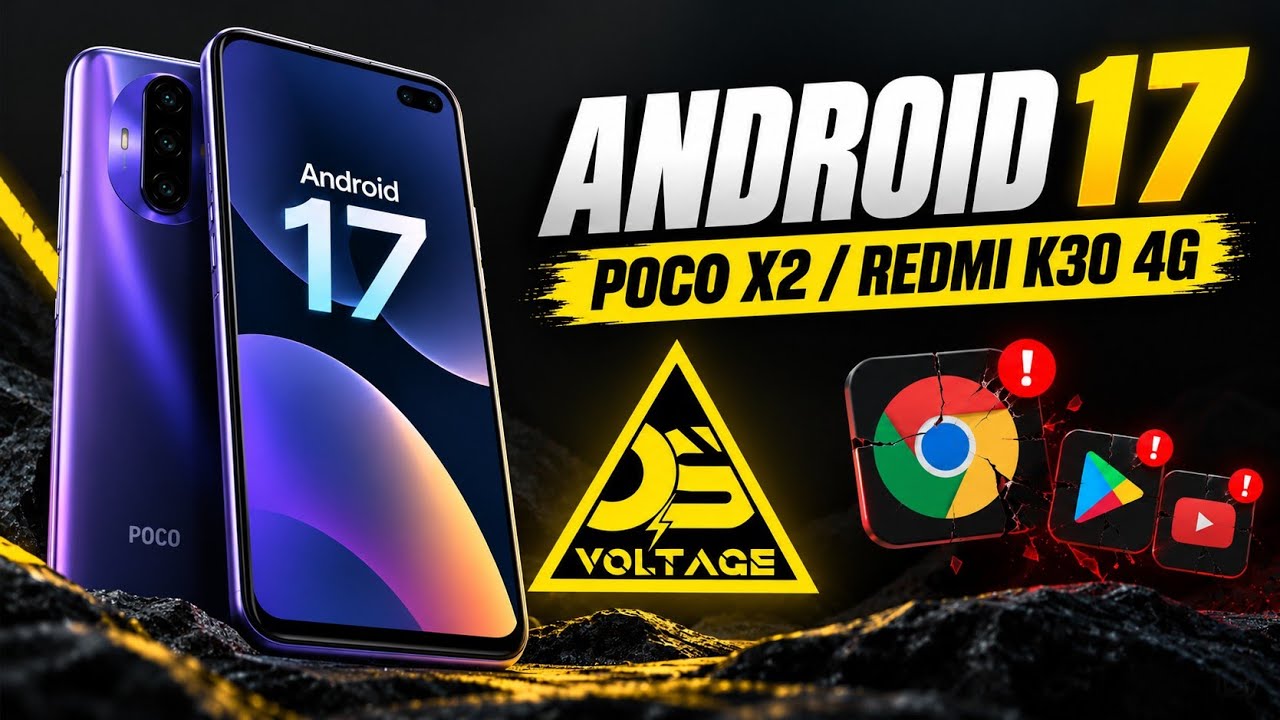
Voltage OS brings an Android 17-based custom ROM experience to the POCO X2/Redmi K30 4G. This review covers privacy-related options, Sandbox G-Apps, customization, display controls, battery behavior, biometrics, benchmark results, and major problems found during testing.
This is a hands-on account of the build shown in the video, not a guarantee that every device or future release will behave identically.
Android 17 and Sandbox G-Apps
One of the main differences in this build is its Sandbox G-Apps approach. The demonstration notes that GrapheneOS speech services, the built-in PDF viewer, Android Auto, Google Play Store, and Google Play Services were not pre-installed. The reviewer manually installed Google Play Store and Google Play Services for testing.
This gives users more choice about which Google components they add, but the experience may differ from a ROM that includes Google apps by default.
Android 17 Interface
The About Phone section identifies the Voltage OS version and Android 17. The Android version screen also displays the Android 17 easter egg. The video highlights how the newer interface gives the older POCO X2/Redmi K30 4G a fresh look.
Private DNS and Network Controls
Under Network & internet, the ROM includes preconfigured Private DNS options and a setting to disable Private DNS automatically when connecting to a VPN.
Additional controls shown include internet connectivity checks, certificate transparency downloads, attestation key provisioning, and Widevine provisioning. These are advanced settings; understand their purpose before changing them.
Watch the Full Video
Power Hub Customization
Status Bar
Options include clock and date styles, battery appearance, a brightness slider in the header, footer settings, a network traffic monitor, and a status-bar action chip.
Lock Screen
Controls shown include Secure UI, media cover art and visualizer options, fingerprint ripple effects and haptics, weather information, and charging information for monitoring charging speed and thermals.
Themes and Quick Settings
The Themes section provides wallpaper styles, color engines, advanced luminance and chroma controls, and notification-shade options such as dual-tone appearance, split shades, and background blur.
Advanced Options
The advanced section includes hardware button mapping, gestures, Play Integrity-related options, game spoofing, app-list hiding, heads-up behavior, screen-on alerts, custom toast messages, partial screenshots, Nirvana mode, a floating rotation button, and freeform windowing options.
Availability may depend on the exact build and device configuration.
Display and Refresh Rate
The display settings allow minimum and maximum refresh rates to be configured. The system can dynamically scale from 30Hz to 120Hz, or an extreme refresh-rate option can force 120Hz across apps. The review also demonstrates double-tap-to-wake and double-tap-to-sleep.
Battery Experience
The reviewer reports good battery behavior, including manageable screen-on time and standby drain despite the test device's battery health being reported at 78%. The review attributes some efficiency to the Sandbox G-Apps arrangement. This is an observation from one device and test period, not a universal guarantee. Results vary with battery condition, usage, signal strength, apps, and configuration.
Face Unlock and Fingerprint
The review reports that face unlock and the side-mounted fingerprint scanner both worked during testing. The fingerprint scanner was described as responsive, with face unlock available as a secondary option. Other builds may differ.
Geekbench 7 Results
The POCO X2/Redmi K30 4G scored:
- Single-core: 664
- Multi-core: 1858
These are the results reported in the video. Scores can vary with temperature, background activity, performance settings, and software version.
SafetyNet and Basic Integrity
The reviewer reports that the build passed the Basic Integrity test with and without root access. This does not guarantee that every banking, payment, streaming, or sensitive app will work. Compatibility can depend on additional checks, certification status, policy changes, and app-specific requirements.
Major Problems Found During Testing
Google Apps and Browser Crashes
After opening Google Chrome, the reviewer found that other Google apps and browsers began crashing repeatedly. Installing older app updates did not resolve the issue. Restarting the phone was described as a temporary workaround.
Noticeable System Lag
The reviewer also experienced noticeable system lag. The review suggests the Sandbox G-Apps implementation may be demanding on this hardware, but that is an observation rather than a confirmed root cause.
Because of these problems, the tested build was not recommended as a daily driver for users who rely on Google apps and consistently smooth performance.
Should You Install Voltage OS Android 17?
Voltage OS offers extensive customization, privacy-oriented options, adjustable refresh rates, and the flexibility to install Google components selectively. The review also reports good battery behavior and working biometrics.
However, Google app/browser crashes and noticeable lag are substantial caveats. If you depend on Chrome or Google apps, consider waiting for fixes or reviewing newer reports before installing. Back up your data and follow the separate installation guide if you decide to test the ROM.
Final Verdict
Voltage OS on Android 17 is an interesting custom ROM experiment for the POCO X2/Redmi K30 4G, especially for users interested in customization and a more selective Google-app setup. In the tested build, recurring Google app crashes and system lag make it difficult to recommend for daily use.
Installation Guide
Download
Poco X2/Redmi K30 4G VoltageOS Android 17
Discussion (0)
Post a Comment
No comments yet. Be the first to share your thoughts!