
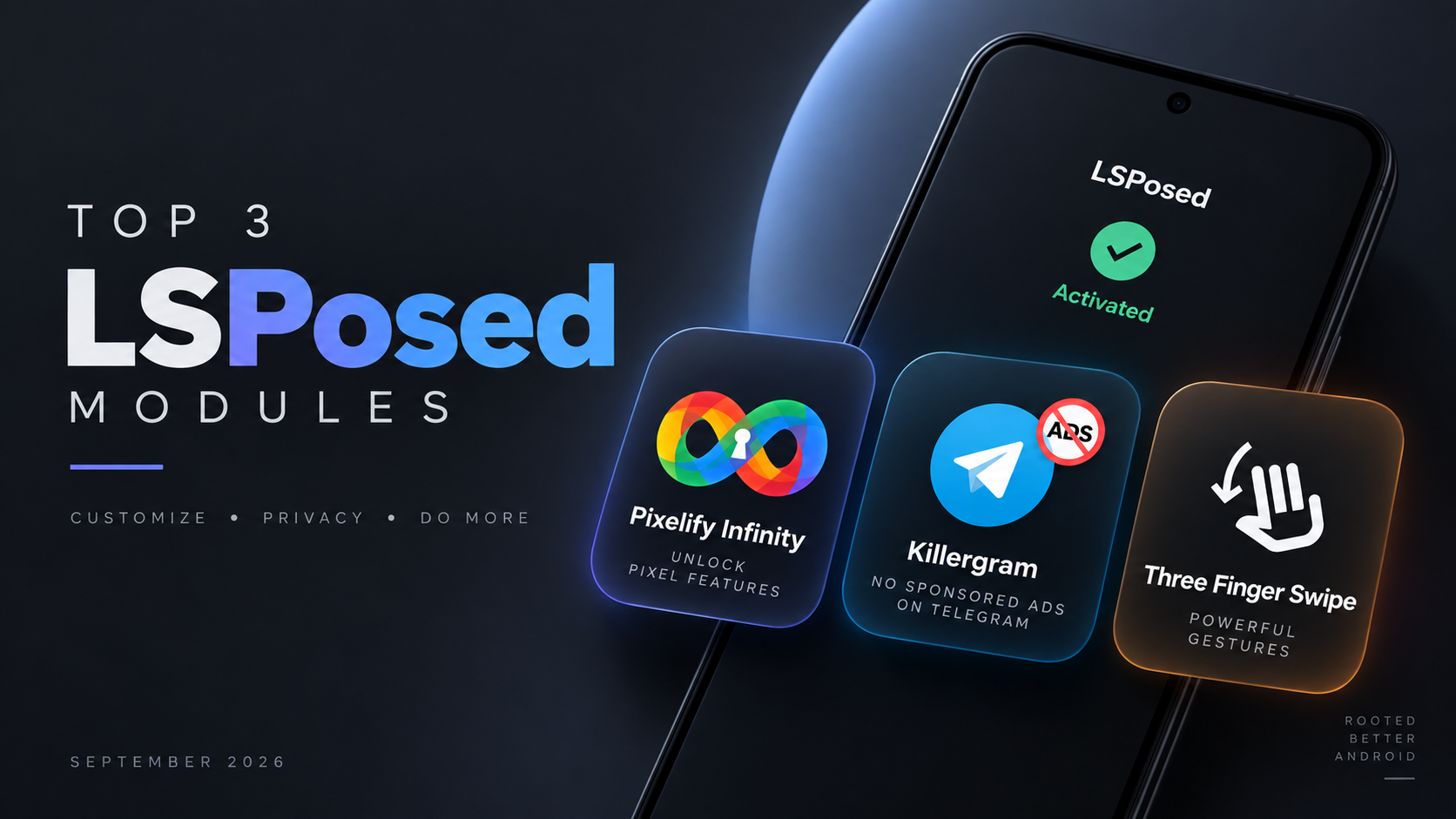
If you enjoy customizing Android beyond what the stock operating system allows, LSPosed remains one of the most useful frameworks for rooted devices. It allows compatible modules to modify specific applications and system behavior without directly editing system APK files.
For September 2026, there are three interesting LSPosed modules worth checking out: Pixelify Infinity, Killergram, and Three Finger Swipe. Each one focuses on a different area of Android customization, from Pixel-style features and Telegram customization to system-wide gesture shortcuts.
Before installing them, make sure your device already has a compatible LSPosed environment working correctly.
Install the Three LSPosed Modules
Start by downloading the APK files for Pixelify Infinity, Killergram, and Three Finger Swipe.
Once the three APKs are available in your Downloads folder, install them one at a time using your preferred file manager. Android may ask you to allow installation from that source if you haven’t enabled it previously.
Install Pixelify Infinity first, followed by Killergram, and then Three Finger Swipe.
After all three applications have been installed, open your LSPosed Manager.
Go to the Modules section and you should see the newly installed modules. Enable Pixelify Infinity, Killergram, and Three Finger Swipe, then configure their appropriate target scopes.
The correct scope is important because LSPosed modules need to hook into the applications or framework components they are designed to modify.
YouTube:
1. Pixelify Infinity
Pixelify Infinity is designed for users who want to experiment with selected Google Pixel device properties and system feature flags.
The module uses the modern libxposed API and has its own package identity. After installation, you can configure it through its interface and select different Pixel device profiles.
The available profiles range from older devices such as the Pixel XL through the Pixel 10 series, with additional experimental identity entries for devices such as the Pixel 10 Pro Fold and Pixel 10a.
One of the interesting parts of Pixelify Infinity is its ability to modify selected device properties and Pixel-related feature flags. You can also access advanced configuration options for individual flags instead of relying solely on a predefined configuration.
The module supports configuration management as well, allowing you to import, export, and share your settings.
Recommended Scope
For stability, Google Photos is the recommended LSPosed scope for Pixelify Infinity. Additional applications can be scoped for experimentation, but they should be considered advanced and potentially unsupported configurations.
It’s also worth remembering that not every feature flag will behave identically across different Android versions and ROMs. Some flags have higher confidence than others, and certain experimental flags may simply have no effect on your particular setup.
That makes Pixelify Infinity more suitable for users who enjoy experimenting with Pixel-related functionality rather than expecting every Pixel-exclusive feature to work on every rooted phone.
2. Killergram
If Telegram’s interface feels cluttered with sponsored content and promotional messages, Killergram takes a completely different approach.
This LSPosed module is designed specifically for Telegram and focuses on cleaning up the messaging experience.
One of its main functions is removing sponsored advertisements and promotional messages from the Telegram feed. This can make the interface feel considerably cleaner when you’re browsing your chats and channels.
Killergram also provides functionality for restricted channels. When Telegram’s restricted-saving option is enabled, the module can allow certain content to be copied or saved locally.
However, there is an important limitation: forwarding restricted messages still depends on Telegram’s server-side restrictions, so the module cannot simply override everything enforced remotely.
Another compatibility point is important before installation. Killergram does not support every Telegram third-party client. For example, it will not hook into Nekogram in the configuration described here.
If you’re using a supported Telegram client, you can enable Killergram through LSPosed and configure its appropriate application scope.
This is a useful distinction because installing the module successfully does not necessarily mean it will work with every Telegram-based application.
3. Three Finger Swipe
The third module is focused on something much simpler but potentially very useful in everyday use: three-finger gestures.
Three Finger Swipe adds customizable gesture controls that can be triggered by swiping with three fingers.
For example, a three-finger swipe-down gesture can be configured to perform actions such as:
- Take a screenshot
- Turn the display off
- Toggle the flashlight
- Change the ringer mode
- Enter split-screen mode
This gives you quick access to frequently used functions without having to reach for physical buttons or navigate through Android’s interface.
The module also provides several controls for fine-tuning gesture detection.
You can adjust the swipe distance, configure edge exclusions, modify the finger landing detection window, and set a trigger cooldown.
Edge exclusions can be particularly useful if you frequently perform gestures near the edges of the display and want to reduce accidental activation.
Screenshot Methods
Three Finger Swipe provides two screenshot approaches: a standard System API method and a lower-level SYSRQ method.
Having multiple methods can improve compatibility across different ROMs and Android configurations.
Most configuration changes can also be applied immediately without restarting the phone. The main exception is changing the screenshot method, which requires a system reboot.
Which Module Should You Try?
Each of these modules serves a different purpose.
Pixelify Infinity is the most interesting option if you’re experimenting with Pixel device identities, properties, and feature flags.
Killergram is aimed specifically at Telegram users who want a cleaner experience and additional control over certain restrictions imposed within the client.
Three Finger Swipe is arguably the simplest daily-use customization because it adds shortcuts that can be triggered with a three-finger gesture.
You don’t necessarily need to install all three. Choose the module that matches what you actually want to change on your device.
Important Things to Remember
These are LSPosed modules, so your device needs a properly configured and compatible LSPosed environment before you can use them.
You should also pay attention to application compatibility and module scopes. A module designed for one application won’t necessarily work with another client simply because they provide similar functionality.
Experimental features can also vary between Android versions, ROMs, and device configurations. If something doesn’t work exactly as expected, disable the module or remove the relevant scope and test again.
For Pixelify Infinity in particular, some feature flags are experimental and may have limited or no effect depending on your configuration.
Final Thoughts
Pixelify Infinity, Killergram, and Three Finger Swipe demonstrate three very different ways LSPosed can extend a rooted Android device.
Whether you want to experiment with Pixel-style system properties, clean up your Telegram experience, or add convenient three-finger shortcuts, these modules provide useful customization options without requiring you to manually modify system files.
As always with root modifications, make sure you understand what a module changes before enabling it, keep a recovery option available, and test new modules individually if you’re troubleshooting compatibility.
Downloads: Pixelify Infinity, Killergram, and Three Finger Swipe
Credits: https://github.com/Xposed-Modules-Repo/io.github.samson910022.pixelifyphotos
https://github.com/shatyuka/Killergram
https://github.com/hxreborn/three-finger-swipe
YouTube:
Discussion (0)
Post a Comment
No comments yet. Be the first to share your thoughts!