
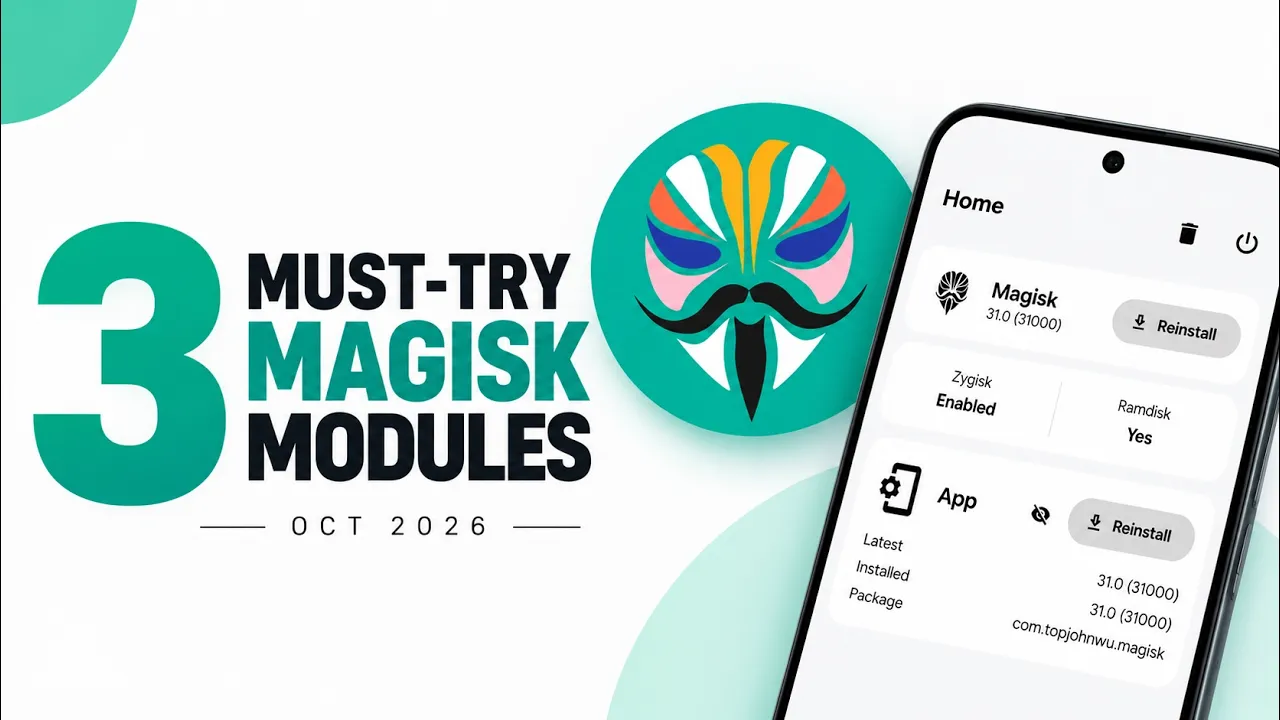
Rooted Android users can change far more than the appearance of their phone. In this October 2026 roundup, the supplied video demonstrates three Magisk modules with different purposes: Xtreme Battery Saver for event-driven power management, iOS 26.4 Emoji for a system-wide emoji font replacement, and Wireless ADB Controller for enabling wireless ADB through a graphical interface.
The three modules are installed from ZIP files through Magisk and checked after a reboot. The video reports that all three are active in the presenter's setup. The script does not include individual download URLs for these modules, so this article does not invent them; add verified release links before publishing.
The Three Modules at a Glance
- Xtreme Battery Saver: designed to switch power profiles in response to screen events, including moving into deep sleep when the screen turns off and returning to a performance profile when the screen turns on.
- iOS 26.4 Emoji: systemlessly replaces the stock emoji font with an iOS-style emoji set.
- Wireless ADB Controller: provides a way to toggle wireless ADB through a graphical interface and connect to a device using its IP address and port.
1. Xtreme Battery Saver
What it does
The video describes Xtreme Battery Saver as a module for extending battery life through dynamic, event-driven controls and aggressive power optimization. After installation and reboot, the presenter checks the notification panel for the module's status. The screen-off demonstration shows the power profile switching to deep sleep, then switching back automatically when the screen turns on.
This behaviour is intended to reduce power use while the device is idle without requiring manual profile changes. Actual battery gains depend on the phone, ROM, kernel, background apps and module configuration. The script does not provide measured battery-life figures, so results should not be treated as a guaranteed percentage improvement.
Installation notes
- Use a ZIP release compatible with your Android setup and Magisk version.
- Install the module through Magisk's Modules section using Install from storage.
- Reboot when installation is complete, then check that the module is listed as active.
- Check the notification panel and screen-off/screen-on behaviour as shown in the video.
- If battery drain or performance problems occur, disable the module in Magisk and reboot before further troubleshooting.
2. iOS 26.4 Emoji
What it does
The iOS 26.4 Emoji module is shown systemlessly replacing the phone's stock emoji font. The presenter opens a text field and checks the keyboard to confirm that the emoji appearance has changed. Because the replacement is applied through the module mechanism, it does not require manually editing the system partition.
Emoji rendering can vary across apps because an app may bundle its own emoji assets or render characters differently. The visual result shown in the video is from the presenter's device, not a guarantee that every app will display the same artwork.
Installation notes
- Download a trusted ZIP that matches the module you intend to install; the supplied script does not provide a specific download URL.
- Flash the ZIP from Magisk's Modules section.
- Reboot the phone and test emoji in more than one text field or app.
- If emoji appear incorrectly or an app does not change, check compatibility information and disable the module if needed.
3. Wireless ADB Controller
What it does
Wireless ADB Controller is presented as a utility for switching wireless Android Debug Bridge (ADB) access on or off from a graphical interface. The video explains that the presenter uses KernelSU Web UI for this part when running Magisk, while KernelSU users have the interface built in. The module is shown enabling wireless ADB without manually navigating to standard Developer Options.
To demonstrate the connection, the presenter uses an ADB connect command with the target phone's IP address and custom port. Wireless ADB is a powerful developer feature: keep it disabled when not needed, use trusted networks, and do not share pairing details with untrusted people.
Installation and setup notes
- Flash the Wireless ADB Controller ZIP from Magisk's Modules section.
- Reboot after all modules have been installed.
- For the Magisk setup shown, install/open the KernelSU Web UI application as described in the video; KernelSU users have the Web UI built in according to the script.
- Use the module's interface to toggle wireless ADB on or off.
- To connect, use an ADB client and the device's current IP address and port, following the relevant Android wireless-debugging connection procedure.
- Disable wireless ADB when finished, especially on public or shared networks.
How to Install All Three Modules
1. Prepare the ZIP files. Place the Xtreme Battery Saver, iOS 26.4 Emoji and Wireless ADB Controller ZIP files in an accessible folder. Verify sources because the script does not include their download URLs.
2. Open Magisk. Launch Magisk and enter the Modules section.
3. Install Xtreme Battery Saver. Choose Install from storage, select its ZIP and wait for installation to complete.
4. Install iOS 26.4 Emoji. Return to the module installation screen and flash the emoji ZIP.
5. Install Wireless ADB Controller. Flash the third ZIP using the same process.
6. Reboot once all three are installed. The video installs all three modules before rebooting.
7. Verify active status. Open Magisk and check that all three modules are active. If one is missing or disabled, review its installation output and compatibility.
8. Test each module separately. Check battery status and screen-off behaviour, test emoji rendering in a text field, and use the Wireless ADB interface only when needed.
Compatibility, Safety and Troubleshooting
- Root and module compatibility: behaviour can differ across Android versions, ROMs and root-manager releases. Check current module information before flashing.
- Battery performance: the video does not include controlled battery measurements. Test your own device and disable the module if it causes lag, heat or unexpected behaviour.
- Emoji rendering: some apps bundle their own emoji fonts, so a system-wide font replacement may not look identical everywhere.
- Wireless ADB security: wireless debugging exposes a remote development interface. Use trusted networks and disable it when finished.
- Recovery: if the phone becomes unstable, disable the relevant module in Magisk and reboot. Keep a backup and know how to recover your device before installing system-modifying modules.
Conclusion
These three modules target different needs: idle power management, emoji customization and easier wireless ADB access. The video demonstrates them installed together and active after reboot. Choose only the modules that suit your device and workflow, test each feature carefully, and verify compatibility before installing. The individual download links were not included in the supplied script, so add verified sources before publishing.

Discussion (0)
Post a Comment
No comments yet. Be the first to share your thoughts!