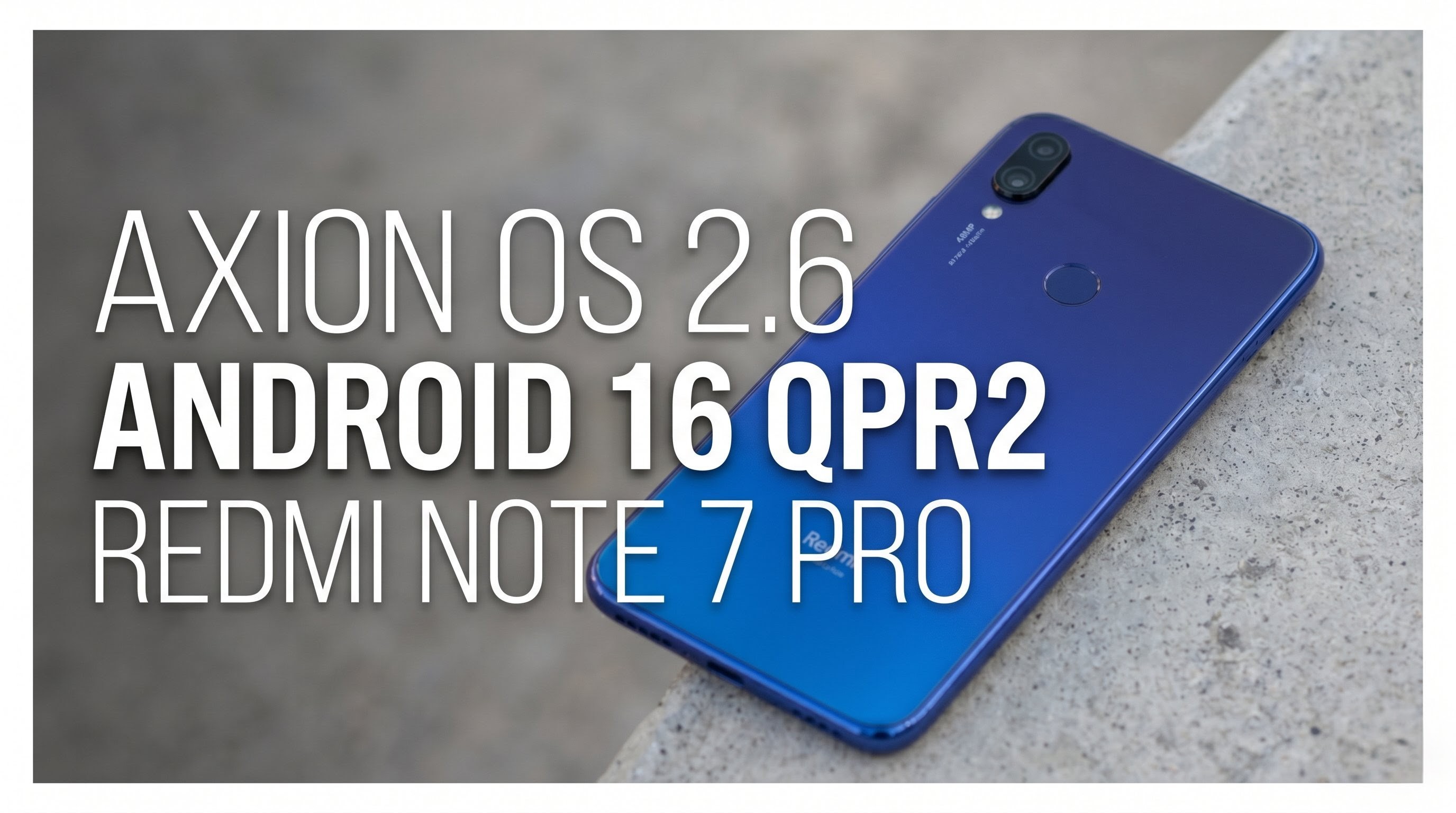
Welcome back to Techynoob! Today, we are diving deep into an exciting software upgrade for a device that absolutely refuses to become obsolete: the legendary Redmi Note 7 Pro. It is always fascinating to see older hardware keep up with modern software trends, and the developers behind the Axion OS project have delivered something truly special. We are taking a comprehensive look at the brand-new Axion OS version 2.6, which brings the highly anticipated Android 16 QPR2 experience right to the palms of our hands.
Before we explore the rich features of this operating system, it is crucial to establish a ground rule for installation: a clean flash is strictly required. Transitioning to such a major Android version leap means that dirty flashing over older builds will likely result in system instability. Taking the time to properly back up your data and perform a fresh installation will guarantee the smoothest possible experience.
System Overview and Performance Realities
Right out of the gate, heading into the system settings confirms the impressive reality: the device is officially running Axion OS 2.6 based on Android 16 QPR2. Furthermore, it includes the latest April security patch, ensuring your daily driver remains secure against recent vulnerabilities.
However, it is important to be completely transparent about performance. My specific Redmi Note 7 Pro is the 4GB RAM variant. In previous iterations, like Axion OS 2.5, the system was incredibly fluid. With the jump to the heavier Android 16 ecosystem, there is noticeable lag during regular usage. The newer features demand more memory than 4GB can comfortably provide. If you happen to be rocking the 6GB RAM variant of this phone, your mileage will likely be much better.
Home Screen Experience and Connectivity
The home screen experience is powered by the built-in Pulse Launcher, which is incredibly fluid and packed with thoughtful additions. For users who prefer a minimalist aesthetic, the launcher settings offer a simple toggle to disable the bottom Google search bar. A standout feature of Pulse Launcher is the integrated AppLock. Instead of relying on third-party applications filled with advertisements, you can secure your private apps directly through the native launcher interface.
On the connectivity front, the developers have included pre-configured DNS settings right out of the box. This makes setting up secure routing or ad-blocking incredibly straightforward without needing to memorize and manually enter custom DNS addresses.
The Personalize Hub: Endless Customization
The absolute crown jewel of Axion OS is the Personalize settings hub. This is a massive, categorized menu that allows you to tailor almost every aspect of the user interface.
Starting with the Lock Screen, users can enable elegant Edge Lighting that illuminates the borders of the display upon receiving notifications. There is also a dedicated Pulse Visualizer that reacts to your media playback, alongside options to display full album artwork.
Under the UI and Theme sections, the customization deepens. You can apply pre-built themes, tweak your status bar layout, and change system-wide icon shapes. A very modern addition is the Dynamic Bar—a smart status bar chip designed to display live events seamlessly, mirroring the premium interface styling of newer flagship devices.
Audio and gesture controls are equally robust. The Per-App Volume feature allows you to independently control audio levels for different applications, while Multi-Audio Focus ensures multiple apps can play sound simultaneously without pausing one another. For gestures, you have access to quick shake actions to trigger the flashlight, alongside the classic three-finger swipe for screenshots.
Gaming, Multitasking, and Display Tuning
For mobile gamers and power users, the Essentials menu houses GameSpace, a dedicated hub to optimize background tasks for smoother gameplay. The system also includes advanced configuration menus for users who need to manage specific device parameters and system integrity settings.
Performance can be further managed by toggling between dedicated High Performance and Balanced modes, and you can even manually dictate the CPU cluster frequencies. Multitasking is handled beautifully via a customizable sidebar for quick app access, and advanced PC Mode settings for adjusting screen resolutions. Display colors can be deeply tuned using the AxBravia Engine, which offers Vivid, Natural, and Cinema profiles to make your screen pop. Standard quality-of-life features like double-tap to wake and sleep are present and highly responsive.
Watch full tutorial here on my Youtube channel:
Battery Life and Synthetic Benchmarks
Considering the age of the Redmi Note 7 Pro's hardware, battery optimization on this build is surprisingly reliable. Under a balanced workload—such as browsing the web, scrolling through social media feeds, and watching videos—the battery comfortably lasts through a standard day.
For the data enthusiasts at Techynoob, I ran the device through Geekbench to see how the Snapdragon 675 handles Android 16. The device achieved a single-core score of 681 and a multi-core score of 1638. While these are modest numbers by today's standards, they prove the developers have optimized the code incredibly well to squeeze every drop of capability out of this chipset.
Important Certification Notes
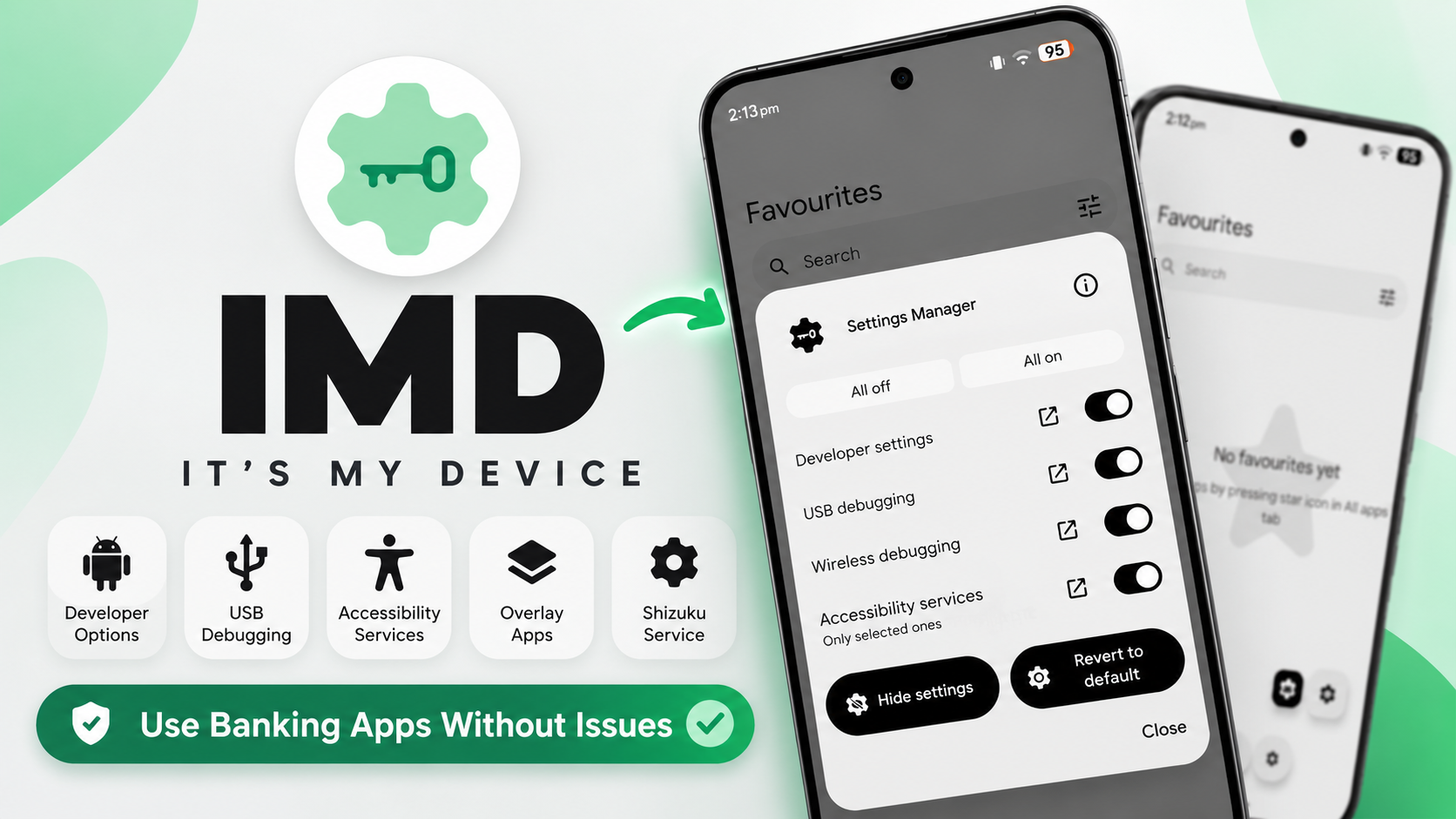
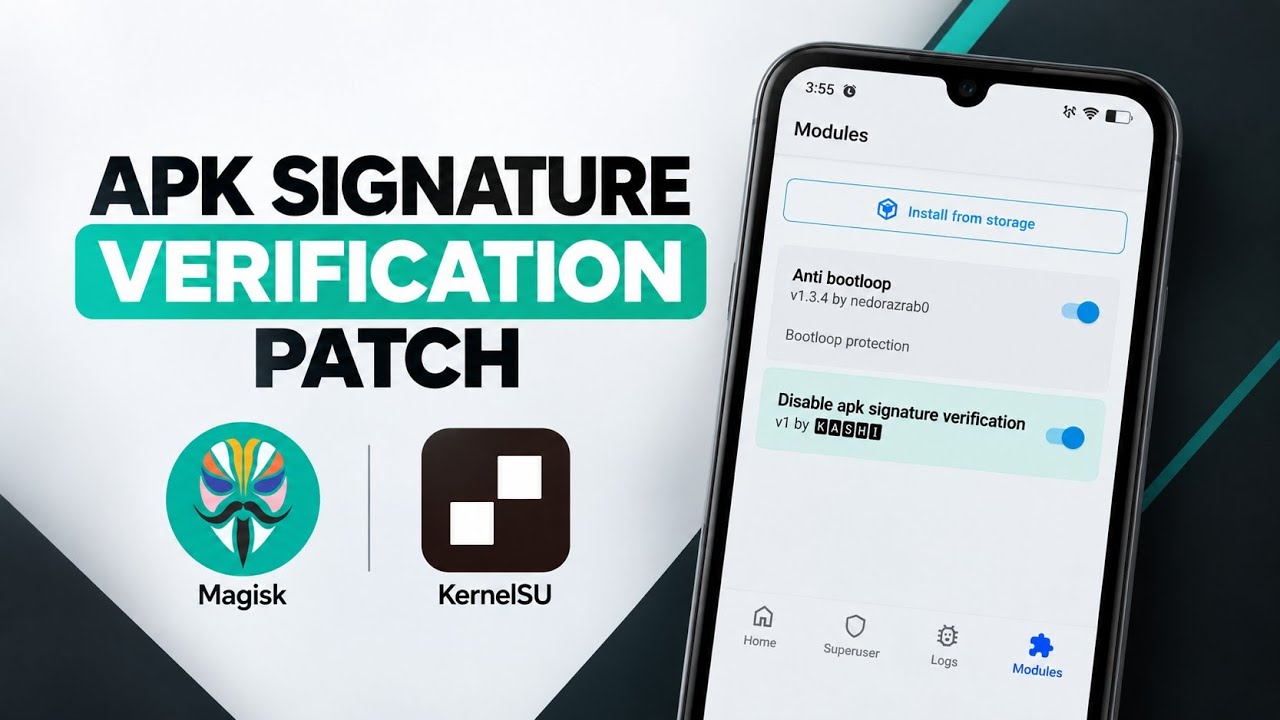
There is one vital detail to consider before making this your primary operating system. Out of the box, the system does not pass standard Google Play device certification. Consequently, it will not natively pass basic system integrity checks. Users who rely heavily on secure financial applications will need to utilize advanced system-level configurations (such as rooting with Magisk or KernelSU and installing specific modules) to meet these certification requirements.
Final Thoughts
The Axion OS 2.6 update is a monumental achievement for the Redmi Note 7 Pro community. It breathes fresh, modern life into an aging classic. While the 4GB RAM variant does show its age under the weight of Android 16, the sheer volume of features, customization, and up-to-date security make this a ROM worth exploring.
Thank you for reading this comprehensive breakdown here on Techynoob! Let me know your thoughts in the comments below, especially if you have tested this on the 6GB variant. Stay tuned for more deep dives into the world of custom Android software!
Subscribe to my Youtube channel for daily android tips tricks and tutorials: TechyNoob
Discussion (0)
Post a Comment
No comments yet. Be the first to share your thoughts!